docs.healthdata.be
How to follow up a ticket
Last updated: 2025-11-19 17:09
To follow up a ticket, go to your profile page and click on "Requests".

You will see the following page with all the requests you submitted.
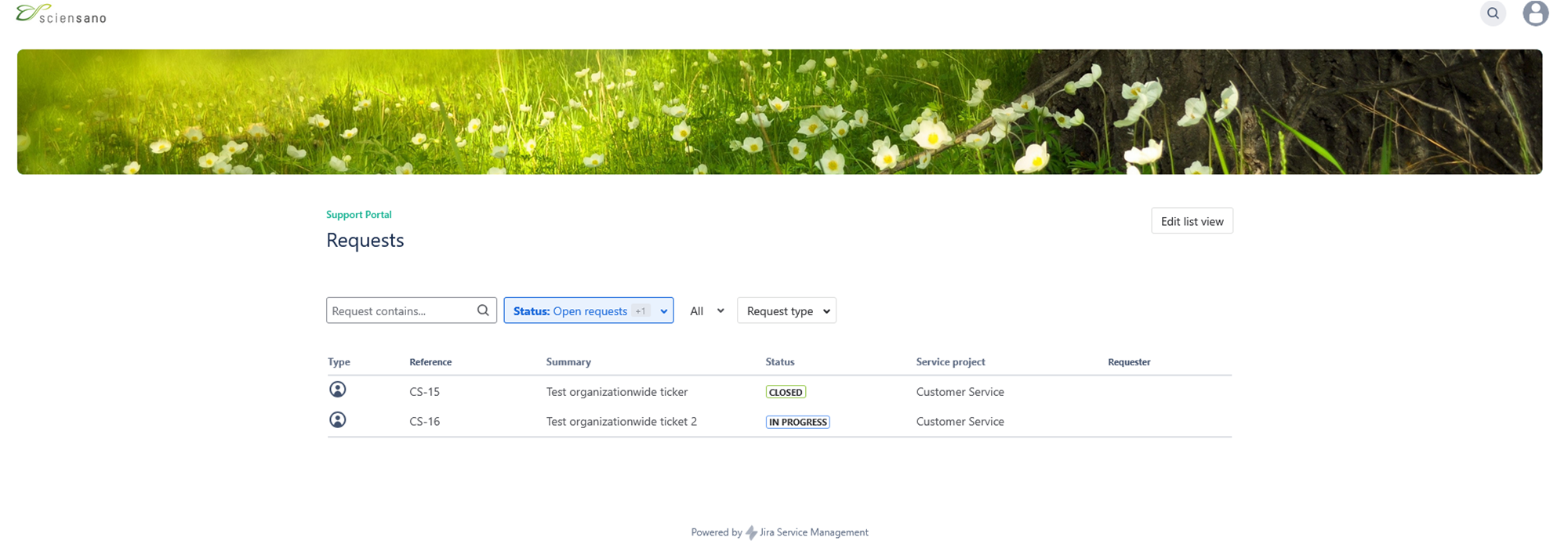
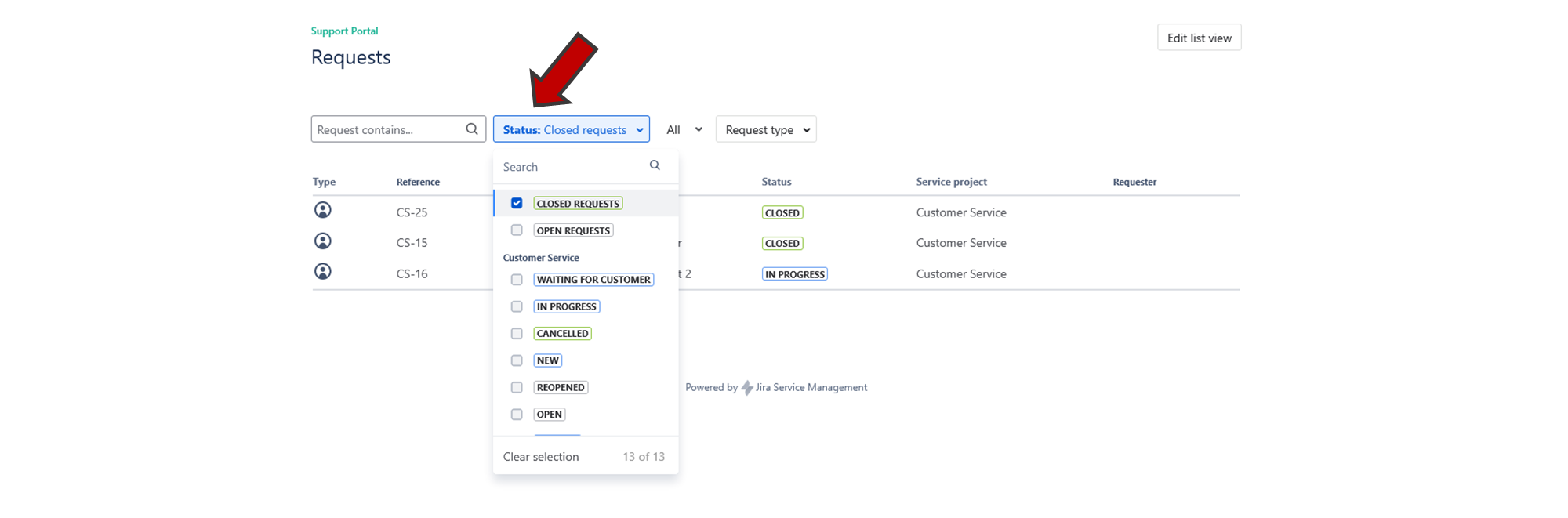
You can filter you requests by clicking on the "Status" button.
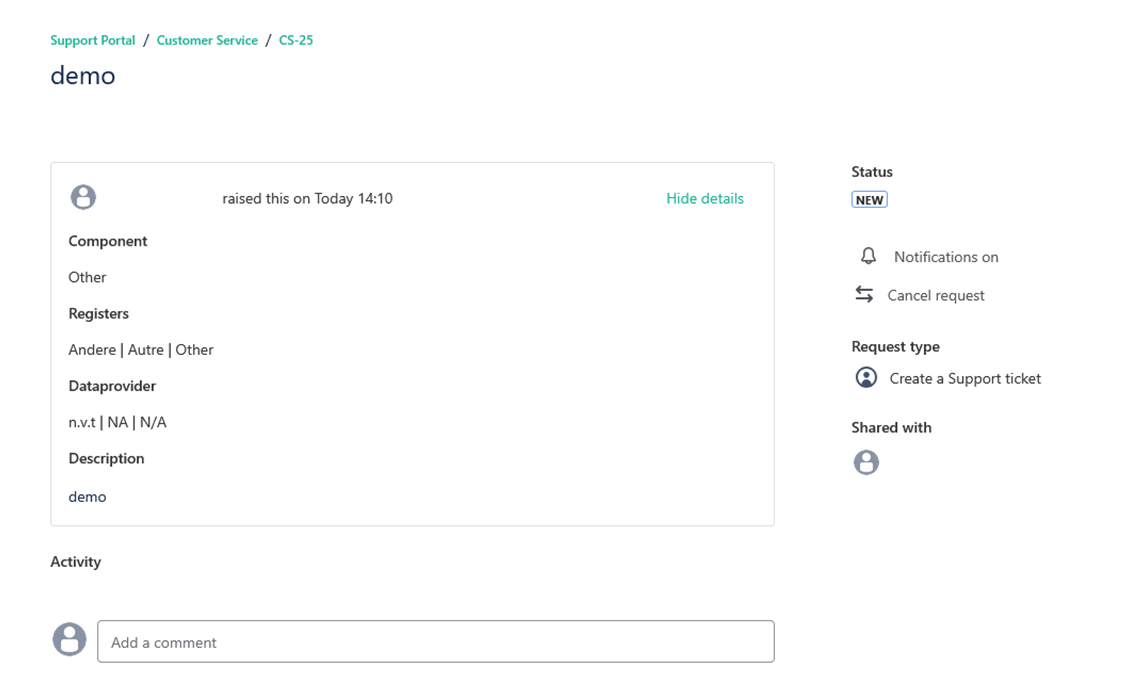
If you click on one of your request, you will get an overview of the request you submitted.