 docs.healthdata.be
(new) Request access as a General Practitioner to healthstat.be for a specific project in EAM 3.0
There are three ways for a General Practitioner to get access to the reports and visualizations of data in healthstat.be. On the following subpages we will have a closer look to each one of them, so you can select the option that fits your needs or way of working.
All three options have the first step in common, which is described below.
To navigate to the homepage of HD Entity Access Management (EAM) 3.0 system you enter the URL https://eam-v3.healthdata.be in your internet browser.
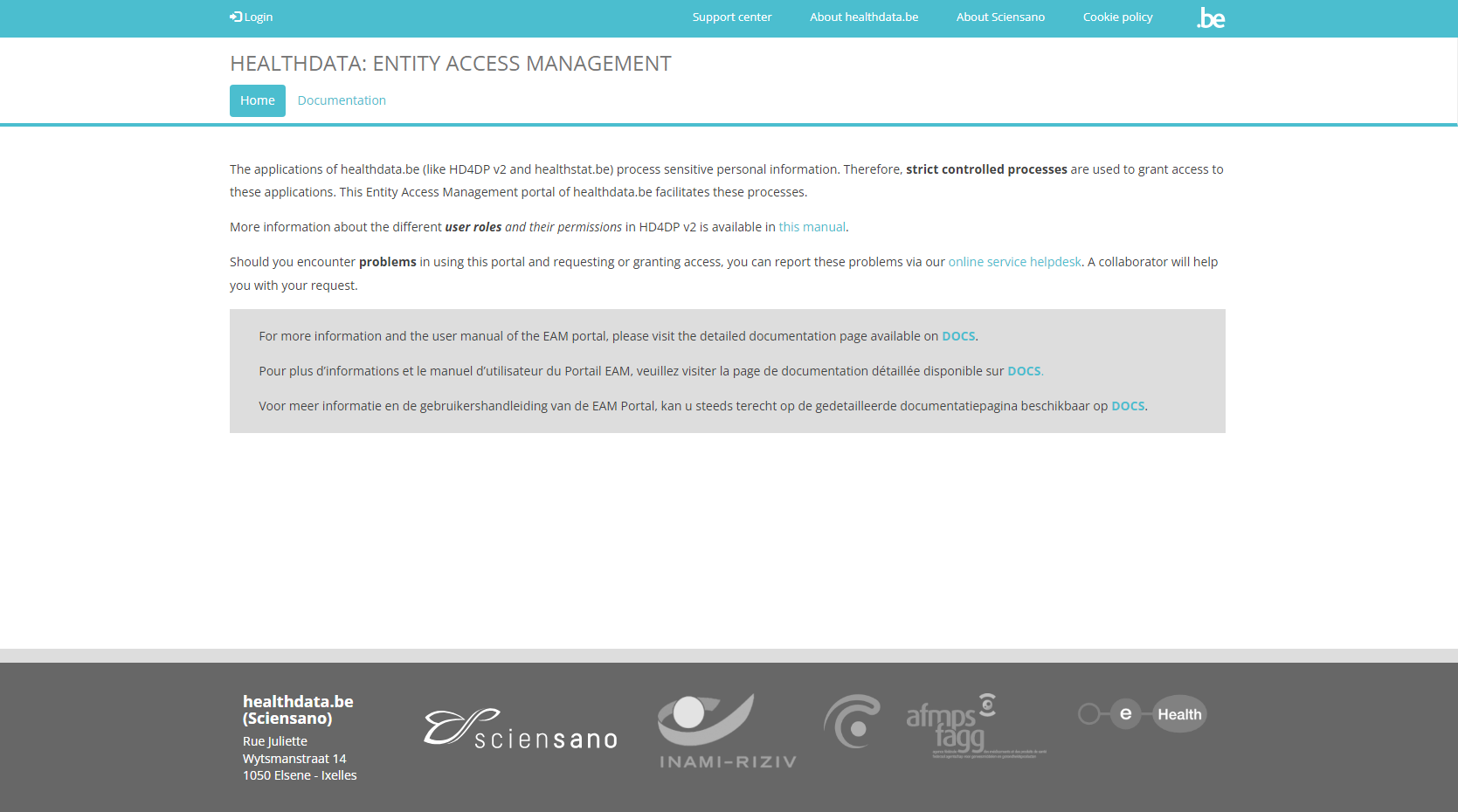
To request access to the HD healthstat.be application via EAM 3.0, follow the procedure described below.
Select Login at the top left of the screen and then click on the red Log in with eID button.
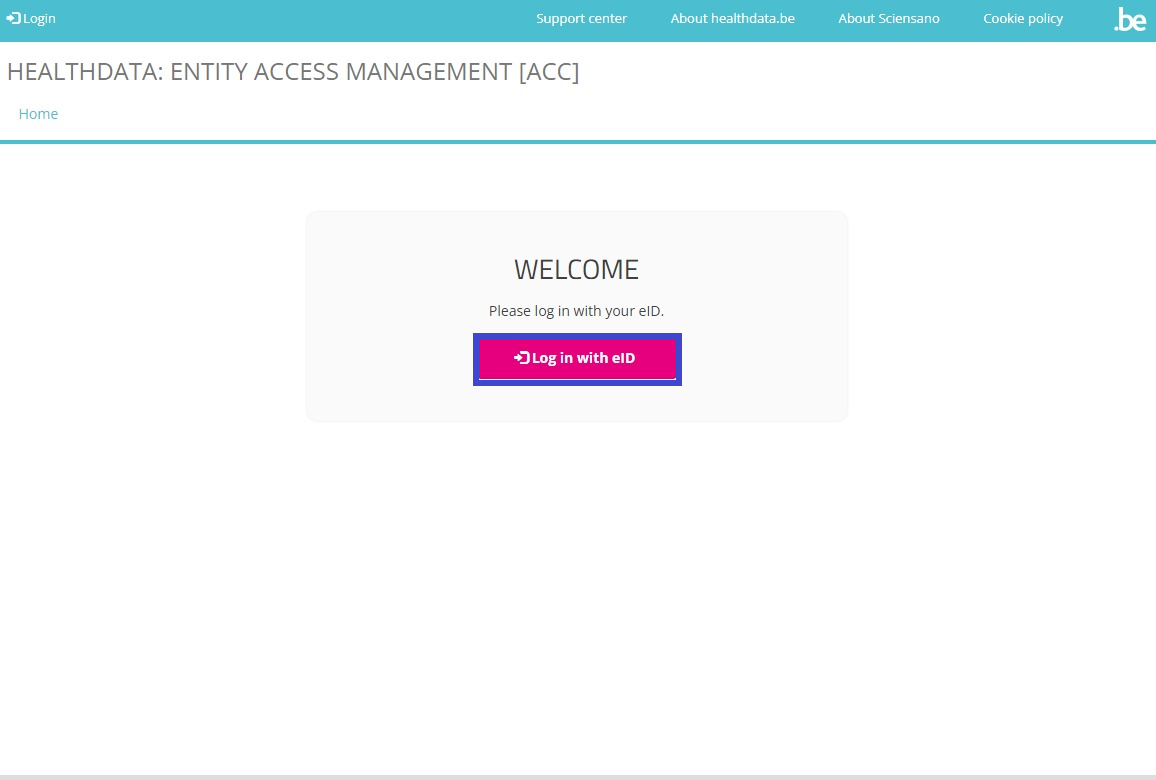
Clicking on this button leads you to the government's Federal Authentication Service (FAS), where you can log in with multiple digital keys with eID or digital identity.

If you choose to connect with ItsMe, you can enter your cell phone number.
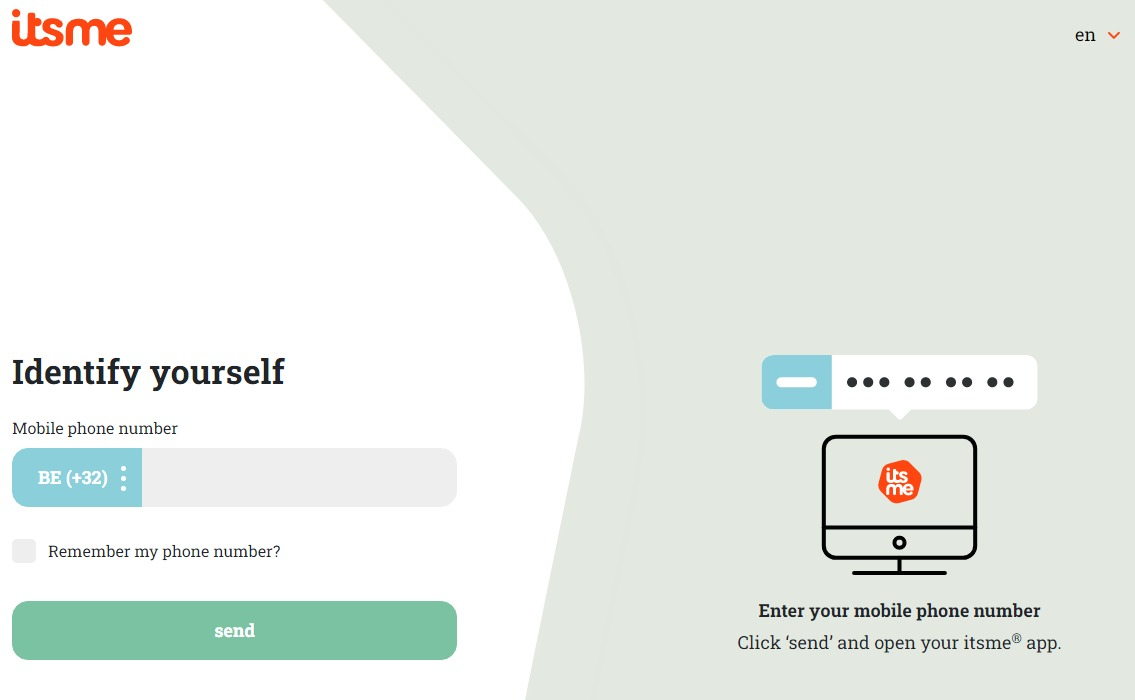
Follow the instructions on your mobile device via the ItsMe application.

Once you have run through the ItsMe login procedure, you want to select the green confirmation button (available in FR and NL) in the screen below to access the Sciensano environment.

After selection of the confirmation button, you are logged in to the EAM portal as indicated by the My profile and Log out options that appear at the top left of your screen.