 docs.healthdata.be
In the new Entity Access Management system EAM there are three options for a General Practitioner to get access to projects in healthstat.be. Follow the links at the bottom of this page to have explore each one of them. Select the option that fits your needs or way of working.
All three options have the first step in common, which is described below. The options are then continued on the respective pages.
To navigate to the homepage of HD Entity Access Management (EAM) system you enter the URL https://eam.healthdata.be in your internet browser.
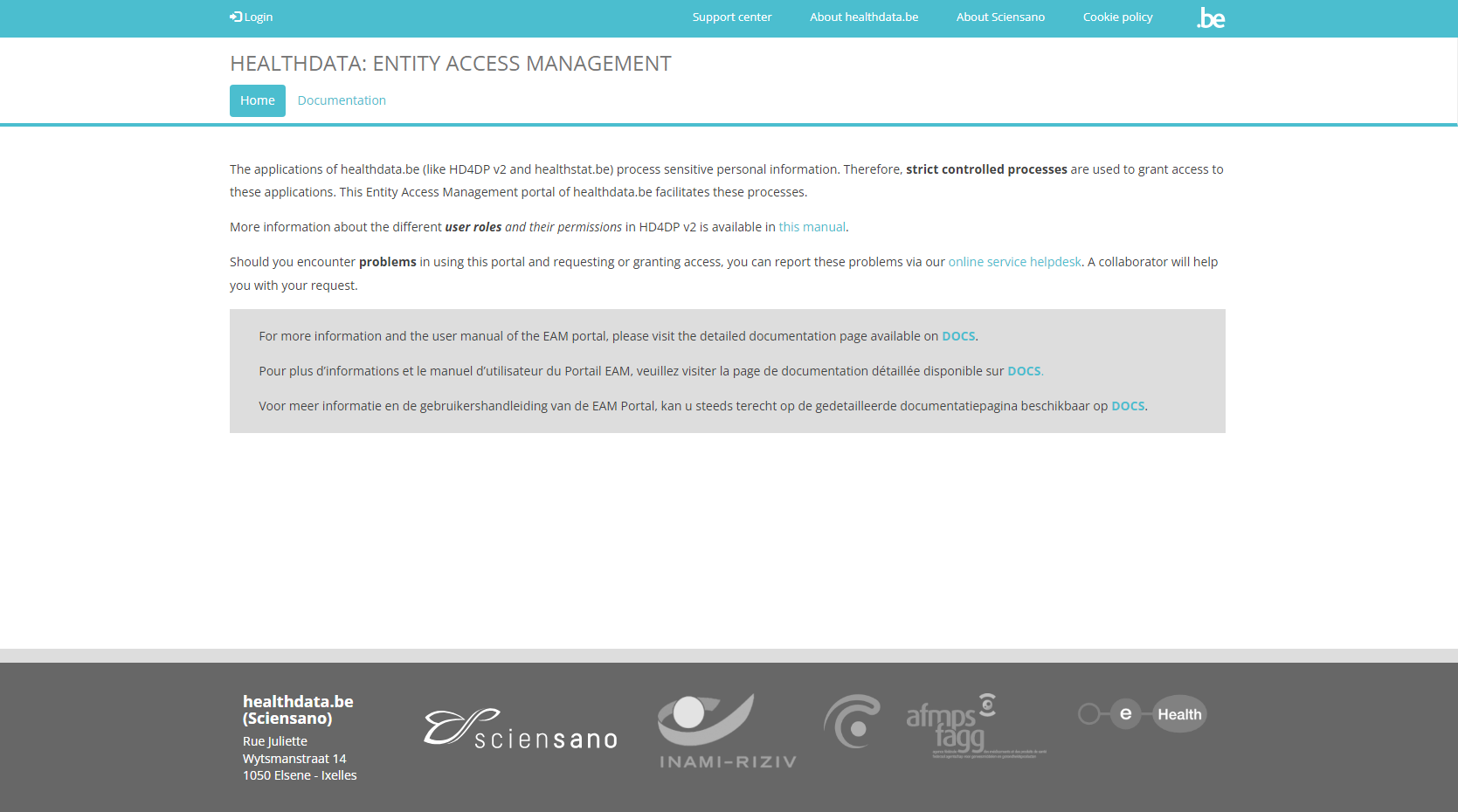
Select Login at the top left of the screen and then click on the red Log in with eID button.
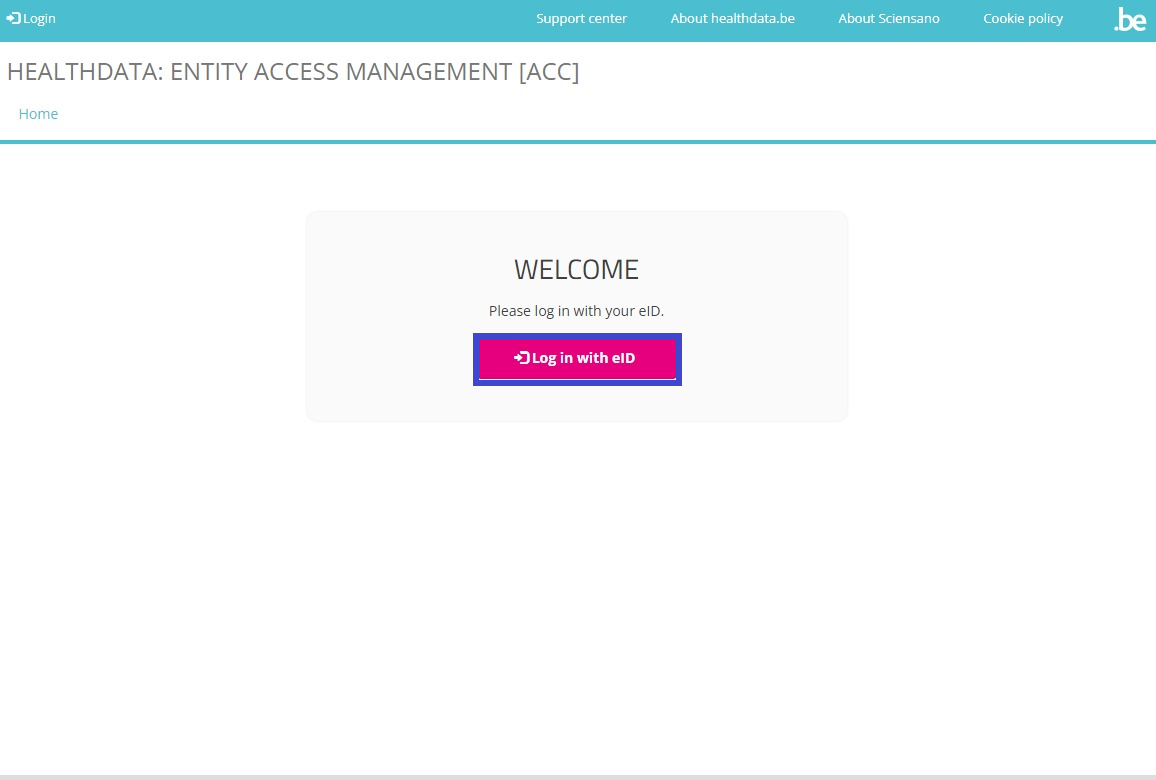
You are directed to the government's Federal Authentication Service (FAS), where you can log in with multiple digital keys with eID or digital identity.

If you have chosen to connect with ItsMe, you need to enter your cell phone number.
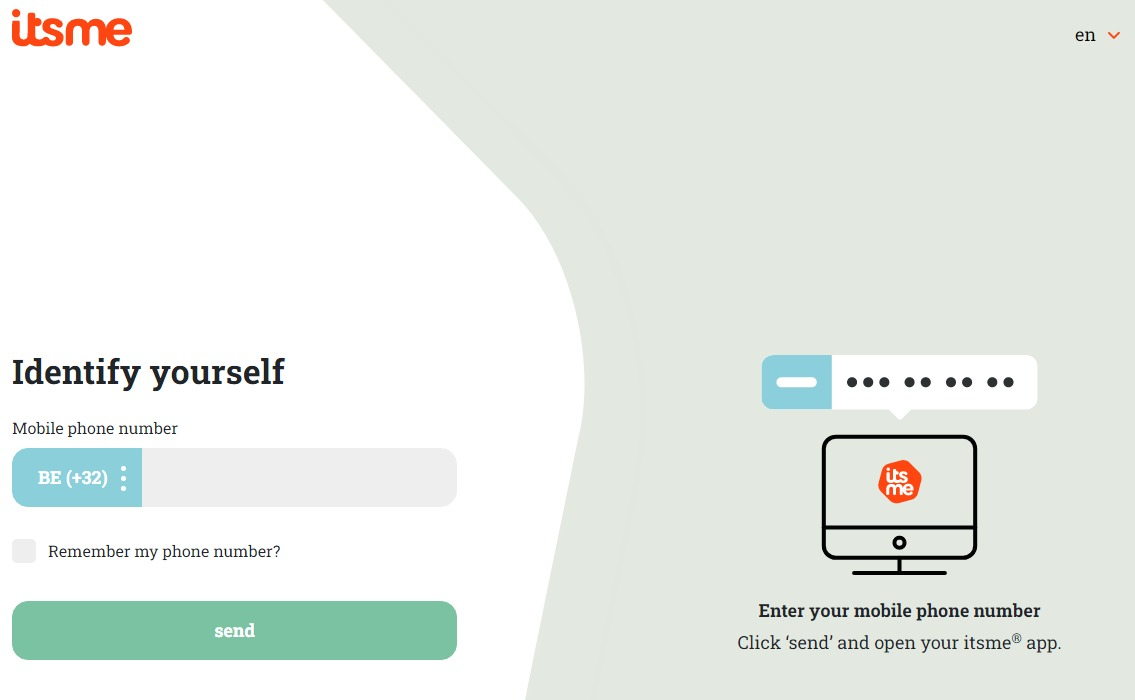
Follow the instructions on your mobile device via the ItsMe application.

Once the itsme login procedure has been completed, you select the green profile validation button ("Profiel bevestigen" or "Confirmer le profil") to log in into the HD EAM system (see image below).
| NL | FR |
 |  |
You have landed on the portal page of the healthdata.be Entity Access Management system EAM showing the data you have shared by eID, itsme or another digital key, similar to the screen below:
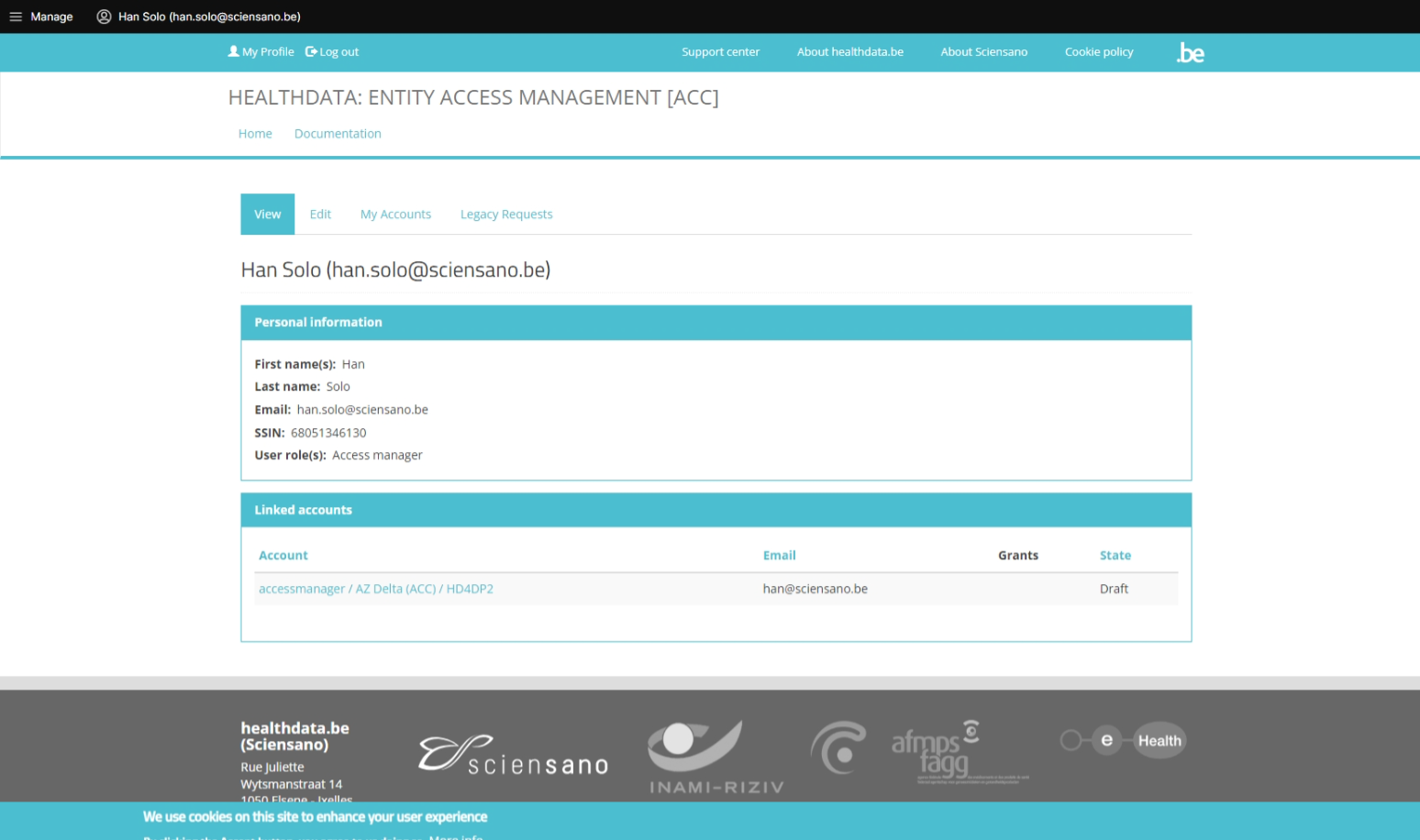
Chose one of the three options below to continue your request for access to healthstat.be: