 docs.healthdata.be
Add and manage certificates
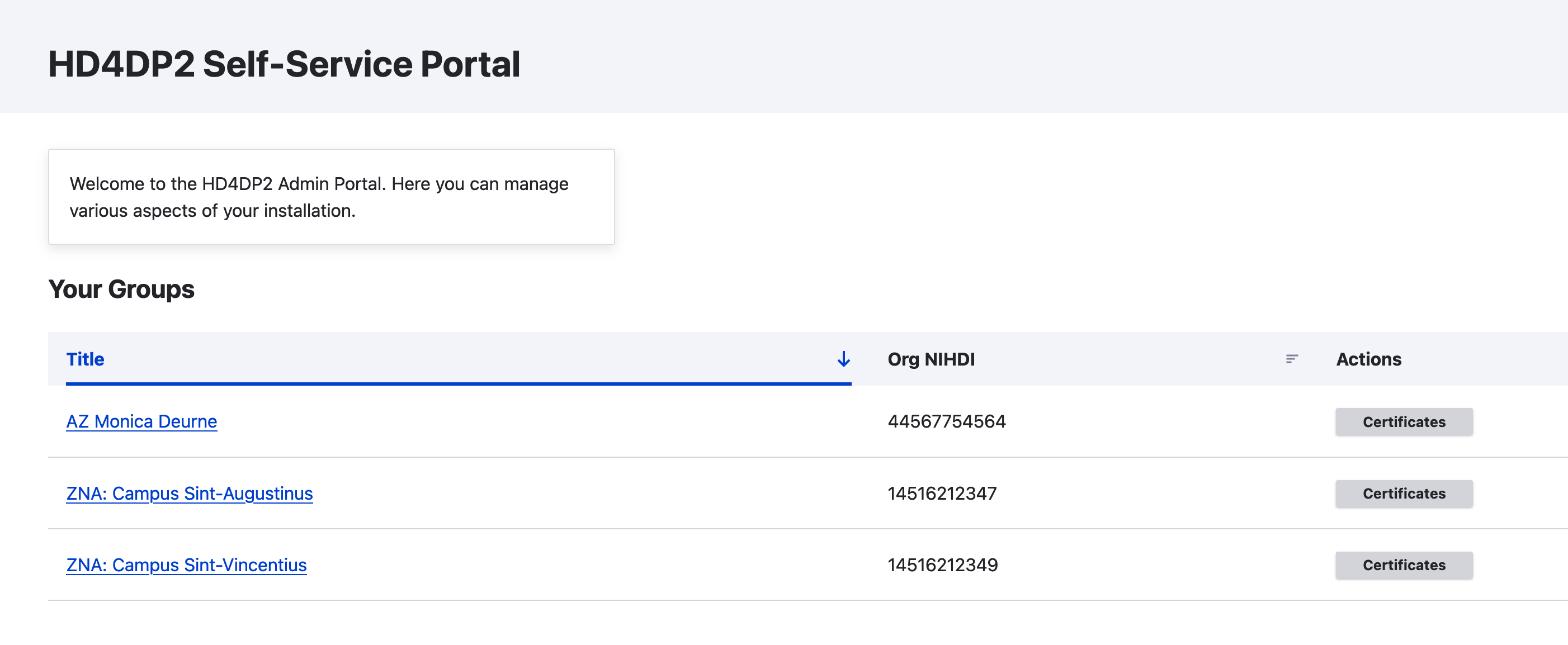
A user whom has been given the role of Certificate Editor can add a new p12 certificate to an organization. If you have a user with that specific role, you can easily get to the overview per organization on the homepage.
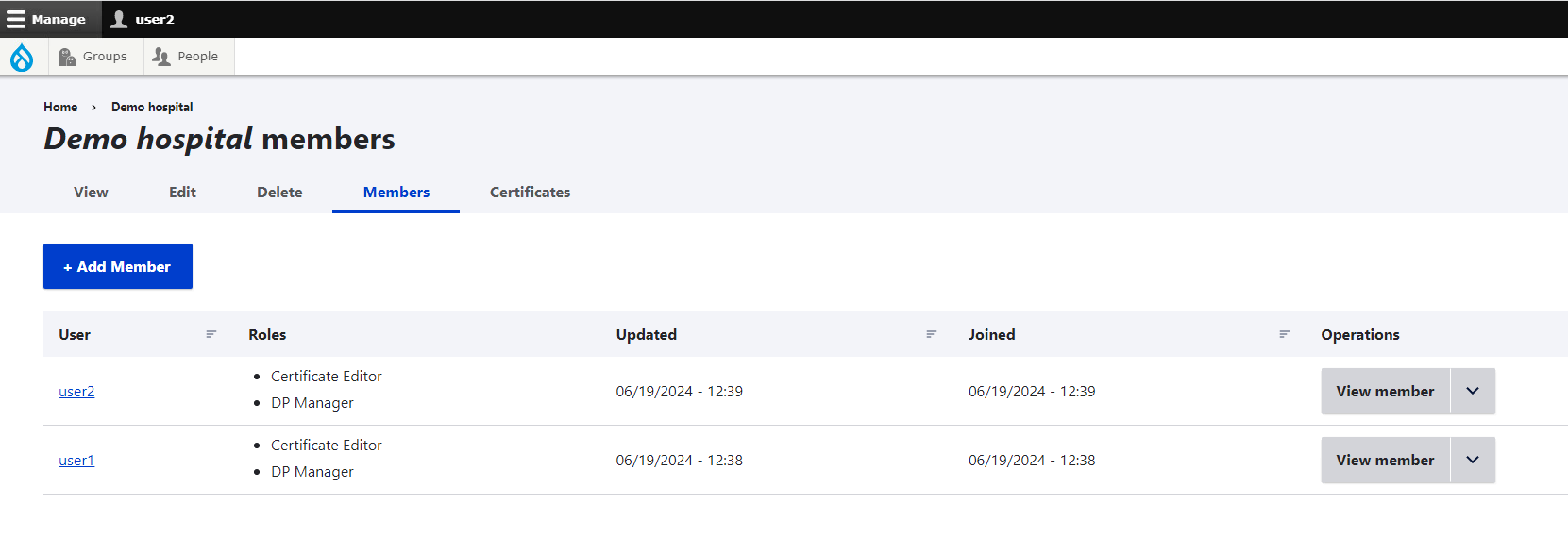
Go to the Certificates tab to add a certificate.

Clicking on the Add Certificate button leads you to the following screen where you need to upload the p12 certificate file and the relevant password.
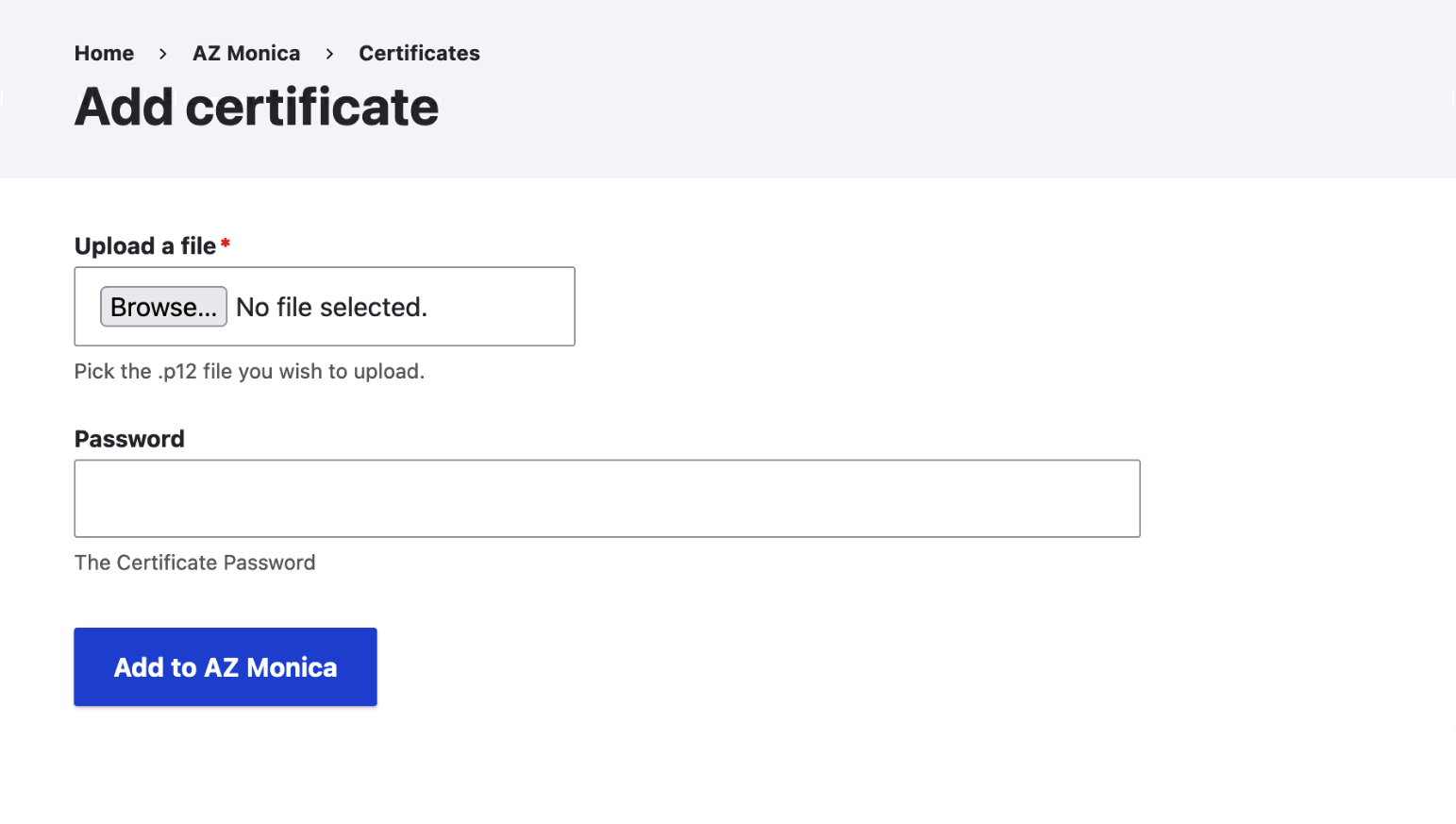
This form will also validate the certificates. Check if there are two keys inside and that the password matches. Previous versions will automatically become unpublished.
Click on one of the Certificates buttons to view the history of the certificate of this org, and also add a new one directly.
View the log of one certificate upload
The processing of the p12 file will occasionally send status updates. These can be tracked on the certificates overview, this view will always show the latest status update. When you click the status it will show the log of all previous log messages