 docs.healthdata.be
To send a correction of a submitted registration you need to submit the complete record again.
The Add corrections function (and button) to a registration form has been discontinued. It is no longer available, neither via the overview table, nor via the preview page of a registration.
Submitting the complete record again
Corrections are provided through a new submission. In doing so, the most recent version of a record which is received by healthdata.be will be considered to be the correct one.
Whether a record qualifies or not is determined by a so-called business key. This is a unique set of values of specific fields per record, such as a combination of the patient ID and the hospitalization date, or the niss code and the sample ID. The business key is created when submitting the original record, and so helps to identify the most recent record received in the healthdata.be database in case of resubmission.
Attention: In case any of the fields that builds the business key needs to be corrected, the record which will be resubmitted will have a different business key. Consequently, both records will be considered as correct ones, since there is no identical business key.
Unfortunately, we cannot immediately remove your incorrect registration. We are looking for a solution to do so eventually.
There are two options to resubmit a record:
Option 1: Submission via S2S API / CSV Upload
The correction of the values is performed directly in the json or csv file. To resubmit the complete record via the back-end, please refer to the applicable technical documentation pages. The examples shown in the links below are for Pacemaker Primo-Implantation:
- For submitting the complete record as a .json file via S2S API, go here.
- For submitting the complete record as a .csv file via CSV Upload, go here.
Option 2: Submission via the HD4DP 2.0 application
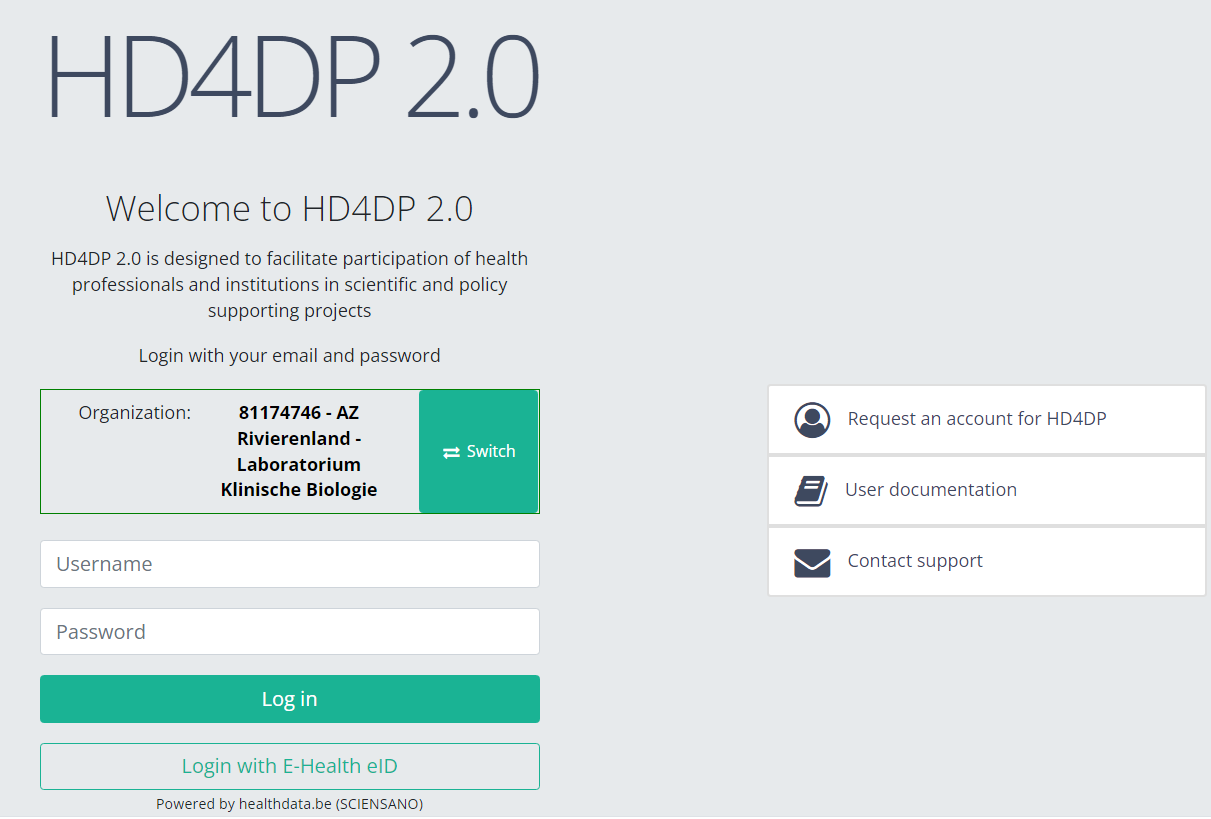
First, you need to access the HD4DP v2 web application, navigate to the study program and select the desired study project in the left dark blue menu. Then, fill out the complete registration form again manually with the correct values. Resubmit the completed registration form.
The previously submitted record will become irrelevant based on the business key.
This documentation is being updated regularly. We try to provide as correct, complete and clear as possible information on these pages. Nevertheless, if you see anything in the documentation that is not correct, does not match your experience or requires further clarification, please create support ticket via our portal (https://healthdatabe.atlassian.net/servicedesk/customer/portals) or send us an e-mail via support.healthdata@sciensano.be to report this documentation issue. Please, do not forget to mention the URL or web address of the page with the documentation issue. We will then adjust the documentation as soon as possible. Thank you!