 docs.healthdata.be
BTDIR User Manual
To access the platform you need to enter the following URL in your internet browser: https://lime.healthdata.be.
You will be redirected to the government's Federal Authentication Service (FAS), where you can log in with multiple digital keys with eID or digital identity.

If you choose to connect via itsme, you will need to enter your cell phone number.
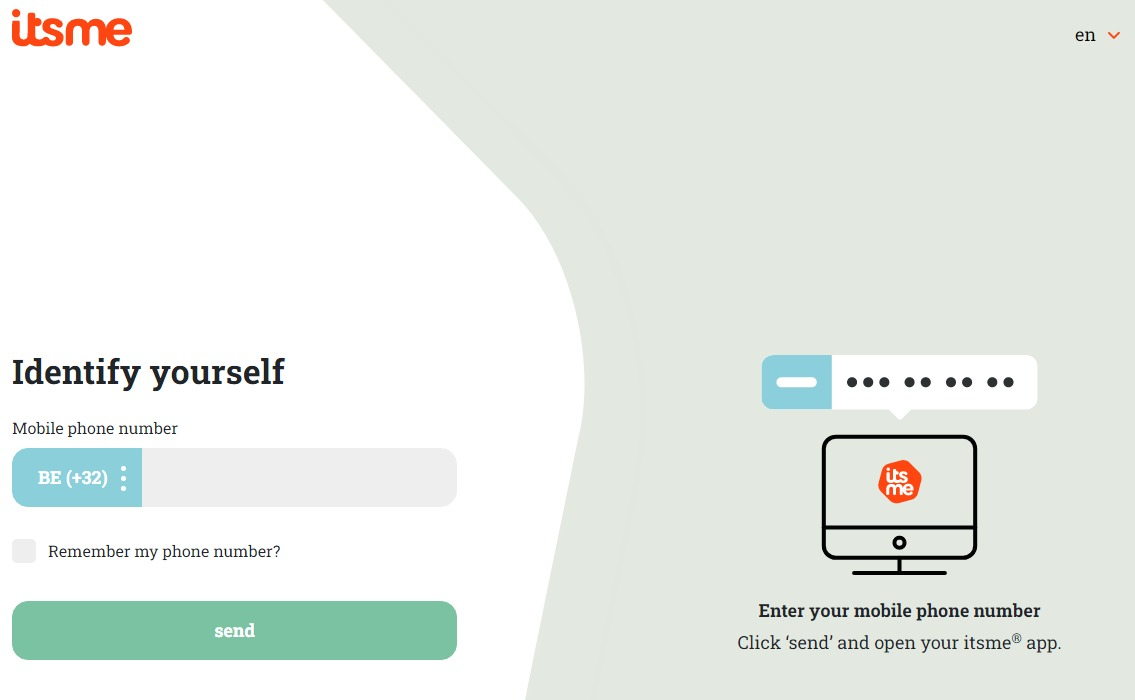
Follow the instructions on your mobile device via the ItsMe application.

Once you have gone through the itsme login procedure, you need to select the green confirmation button (available in FR and NL) in the screen below to access the Sciensano environment.
| NL | FR |
 |  |
Select the green confirmation button ("Profiel bevestigen" or "Confirmer le profil") to log in.
You will land on the LimeSurvey page where you need to select the desired questionnaire.

You will be asked to enter a token in order to open the questionnaire. Choose the language in which you want to complete the questionnaire and click on Next (Continuer / Ga verder).

The questionnaire appears on your screen. (see image further below).Complete the questionnaire by selecting the applicable answers.

When you need to interrupt completing the questionnaire, you can finish it later (1). Retrieve it at a point of time that suits you (2).

When the questionnaire is completed and you are satisfied with the answers, you can send it by clicking on Send (Envoyer / Verzenden).
