docs.healthdata.be
Submit a request for information about HD
To request information about the healthdata.be platform, you first need to log in to the HD Service and Support portal: https://sciensano.service-now.com/sp.
After the log in step, you will arrive at the main page of the portal.
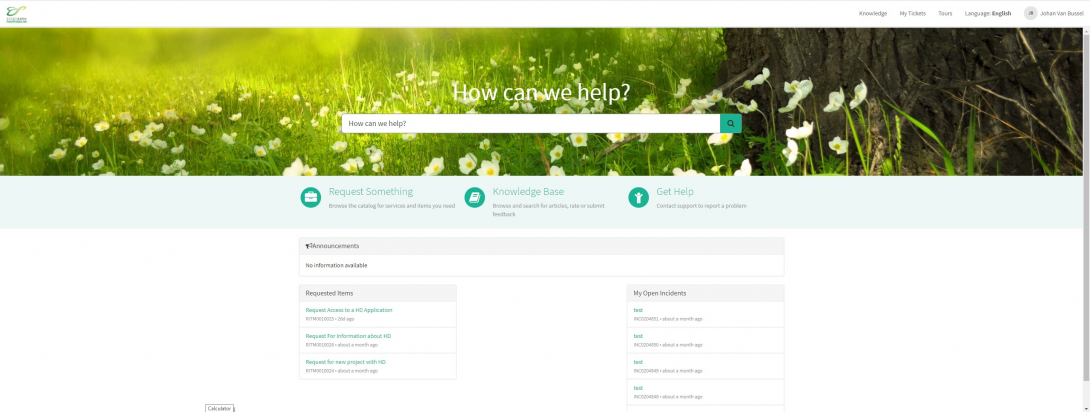
On the main page, you have to select "Request Something"

A new page with the titles of the different types of requests will appear.
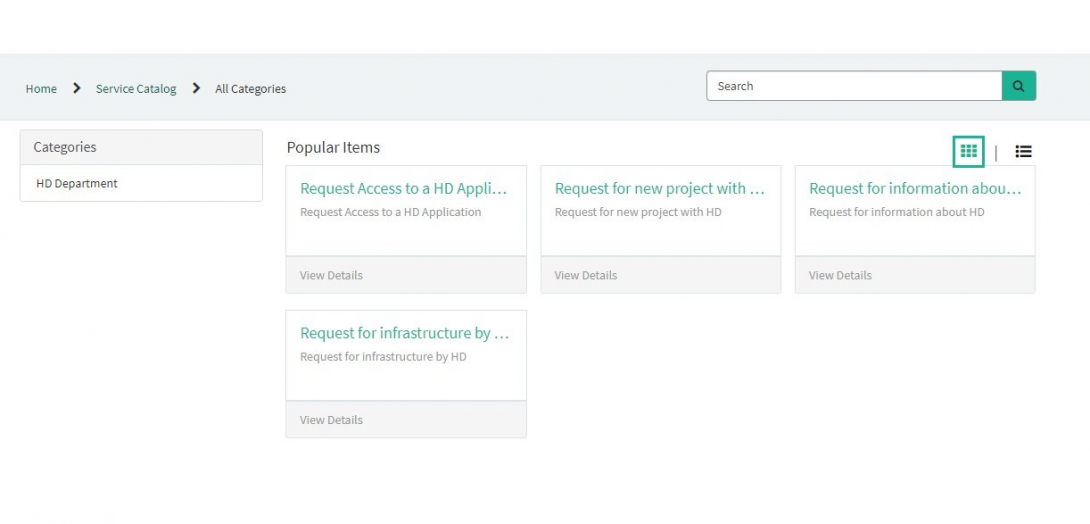
Select the box "Request for information about HD".

A new page with the titles of the Request for information about HD will appear.

You can now document your request by providing following information:
Please describe clearly and briefly (1 sentence) the subject of your request for information.

Please describe in detail the request for information.

If available, please upload additional documents relevant for this request for information.
On the right side of the form, the required information elements of the request form are listed. When these fields are completed, these field names will disappear in the "required information" box.

Only if all required fields are completed , a form can be submitted, by pressing the green "Submit" button.
If not all required fields were completed, a warning message will appear on top of the form.

Also, the missing required fields will be highlighted in green.

When the request form was successfully submitted, an overview of your submission will appear in an new screen.
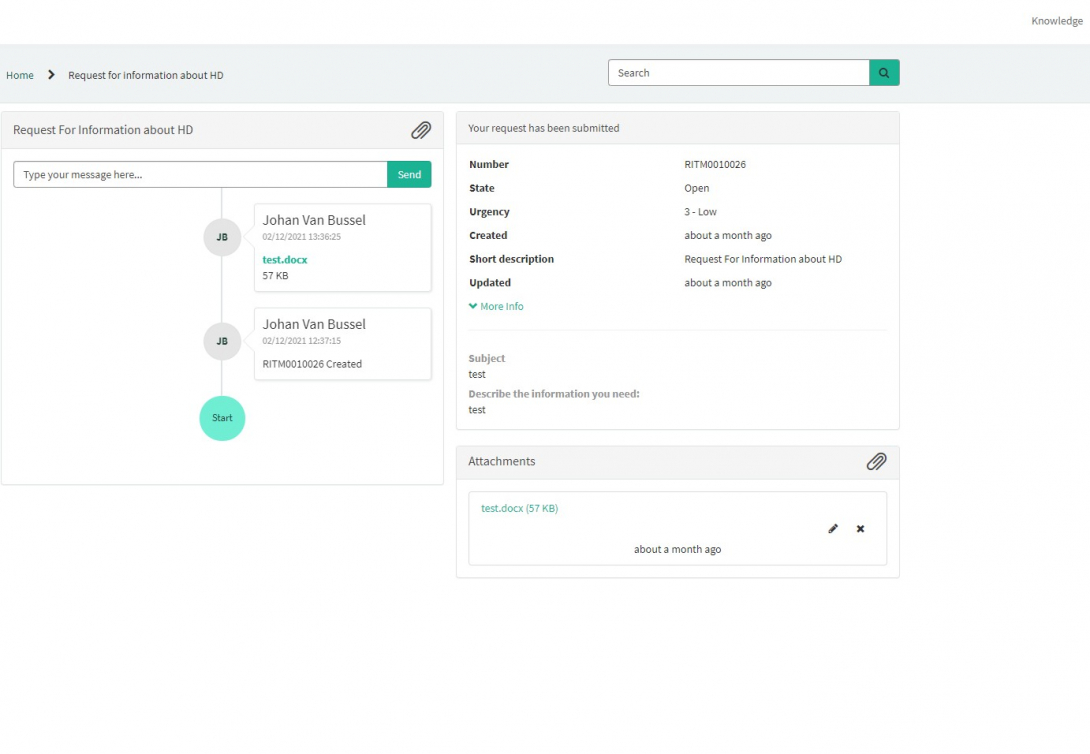
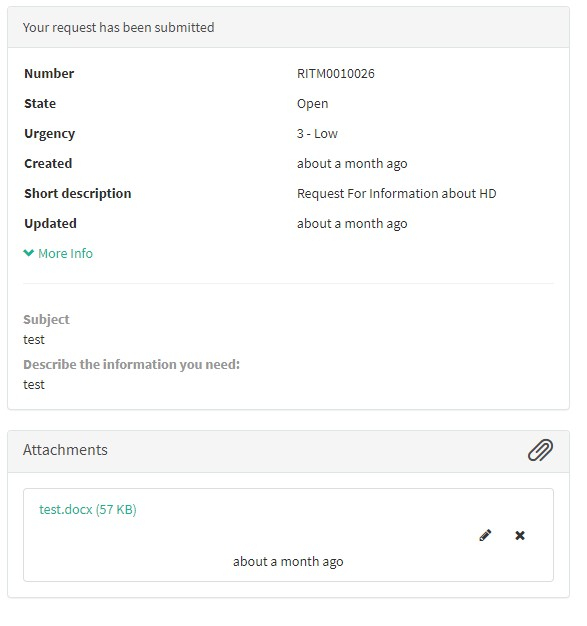
On the right of the screen, you will find the details , including the Request number.
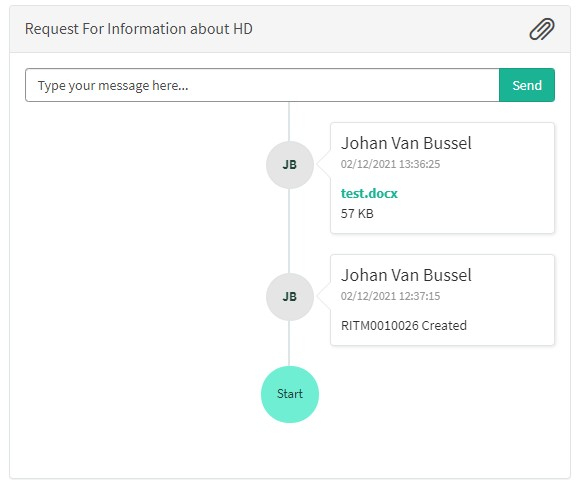
On the left of the screen, you will find a timeline of the handling your request, starting with your creation.