docs.healthdata.be
The progress bar
Last updated: 2024-12-04 18:13
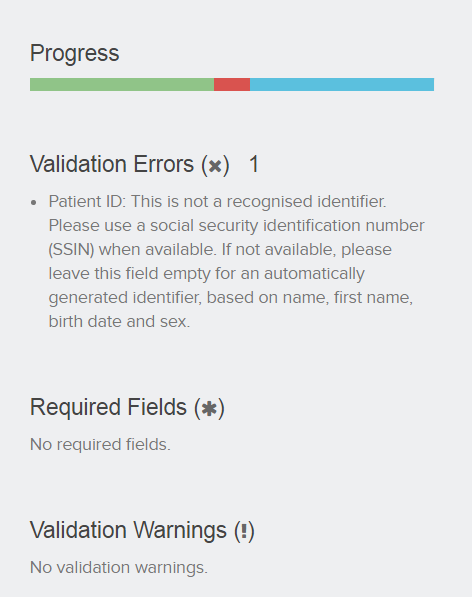
The progress bar shows the progress of the registration, which can be divided into three sections, listing the number of errors, remarks and correct fields in a registration. Each section has its own color and meaning.
- Red: mandatory fields and fields containing an error. These need to be solved before the registration can be submitted.
- Blue: Empty optional fields. The registration can be submitted with empty optional fields.
- Green: correctly filled fields.
Hover over the progress bar to display the number of fields per section.

The progress bar can be found in:
- the view list of a register;
- the detailed view of a record.
View list

Detailed view