docs.healthdata.be
Delete registrations
Last updated: 2024-12-11 12:43
Only registrations with status Open or Corrections needed can be deleted.
The following steps are required to delete the registration:
- Select the record and version for which you wish to delete a registration
(The documentation below includes generic sample screens designed solely to illustrate what the process entails, irrespective of the registry involved.)

- Select the registration(s) you wish to delete
- Select the Actions button and select the Delete registrations option

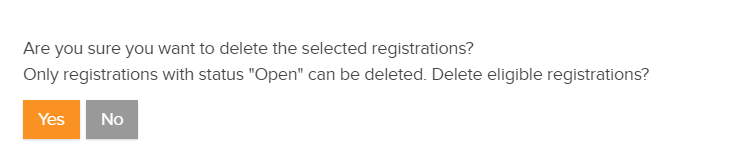
- Select Yes to confirm