 docs.healthdata.be
Create and submit
Last updated: 2021-11-03 17:29
The Data Collection view leads a user to the existing registers. A user can start collecting data from this view.
Creating and submitting a registration consists of 4 steps:
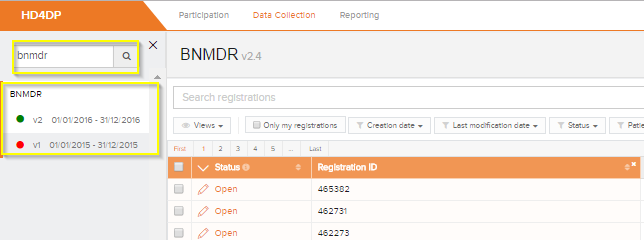
- Select the register for creating a registration
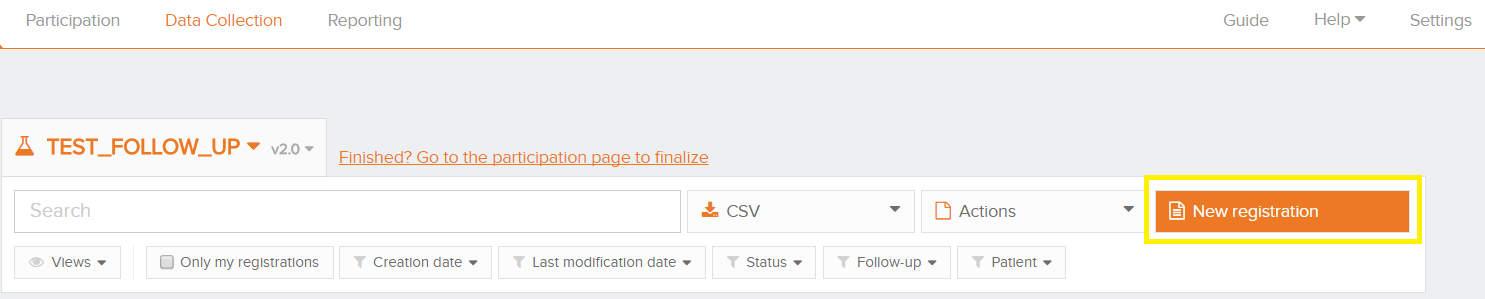
- Click on ‘New registration’ button
- Fill in the registration form and save or submit the registration

- Save the registration temporarily if needed. The status of the record will be 'Open' for saved registrations

- Submit the registration if no validation errors present. The status of the registration will change to 'Sending'

- When the record has been processed, the status will change to 'Submitted'
