docs.healthdata.be
Send a correction registration
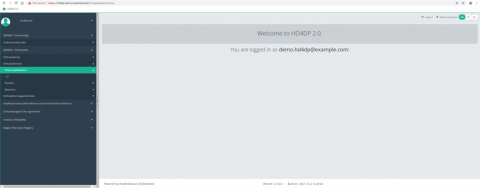
Suppose we want to send a correction registration of "Primo-implantation" registration of the study project Orthopride Hip. In that case, we need to navigate to the study program QERMID Orthopedics and then to the study project Orthopride Hip. There we need to select "Primo-implantation" in the dark blue left menu.
Important: a correction registration can be added only if the status of the registration is submitted.
A correction registration can be added in two ways. The first way is via the overview table and second way in the preview page of a registration.
- Send a correction via Overview table
When the registration was submitted, the correction registration can be added via the overview table:
When you select a version of this study section, you will see the summary table in the main part of your screen. This table contains, among other things: Registration ID, Progress, Author, Co-author, Unique ID, Business Key, Registration Code, National Registry ID of the patient…
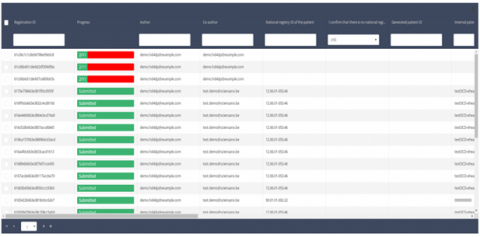
Use the filters in the table header to find the registration that need a correction. For example, you can use the "Status" (set to "Submitted") filter to get only submitted registrations.