 docs.healthdata.be
Export CSV files
Last updated: 2025-05-07 12:04
On this page we describe how the CSV files export functionality works in the Self-Service Portal application.
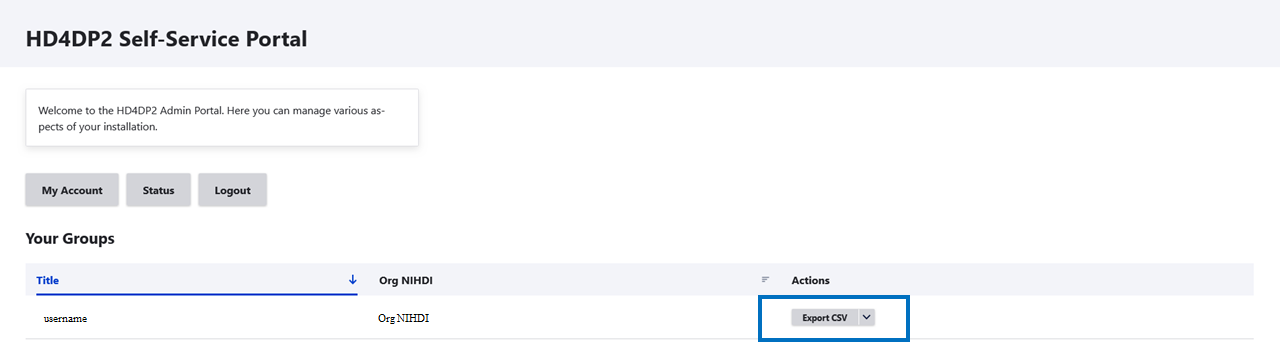
Once you are logged in you will see an export CSV button on the home page.
You would need to select the Project, the DCD and the Version of the CSV you want to export.
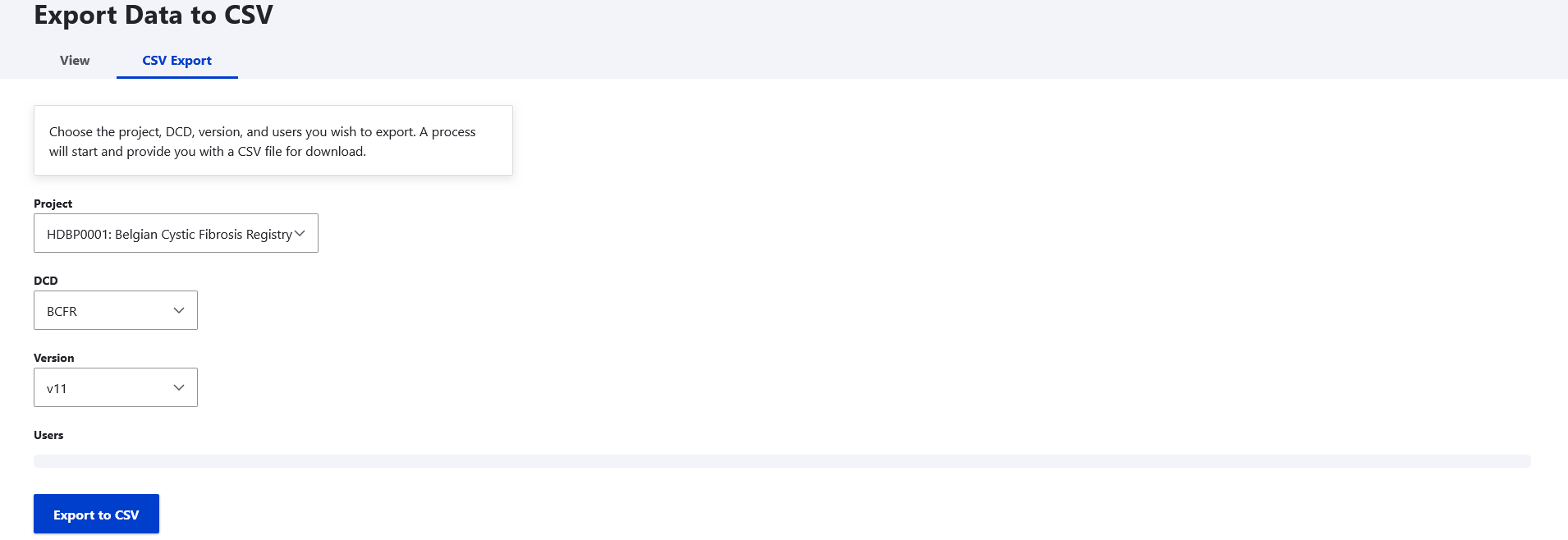
Click on 'Export to CSV'.