docs.healthdata.be
Remove members
Last updated: 2024-07-22 14:29
On the homepage, you’ll get an overview of all organizations. Click on the name of one of them to see the details.

Go to the Edit tab in order to remove a member.
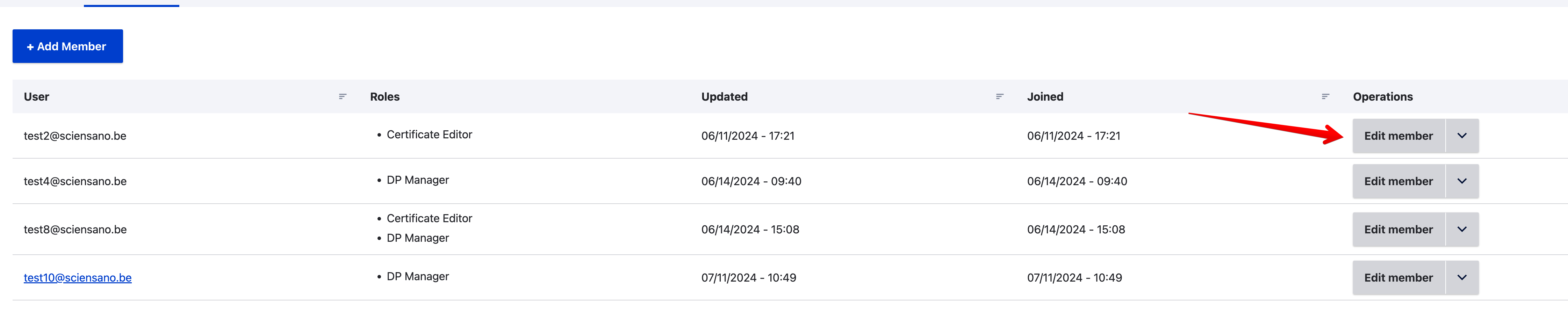
Click on the Edit member selection button on the line of the member you want to remove.
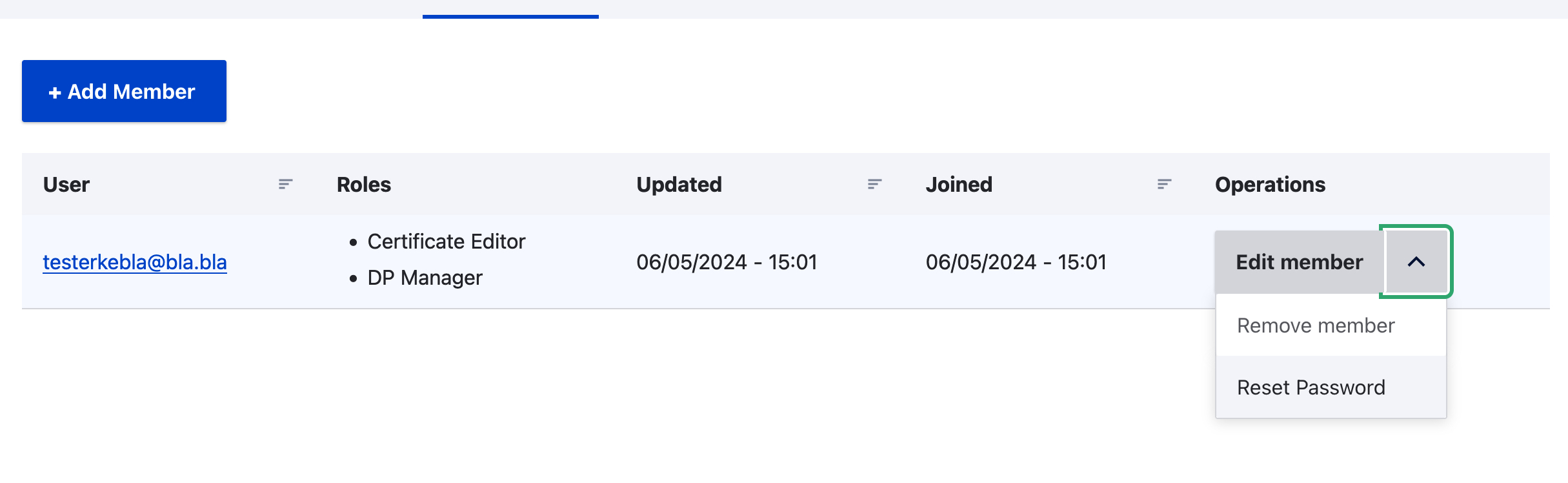
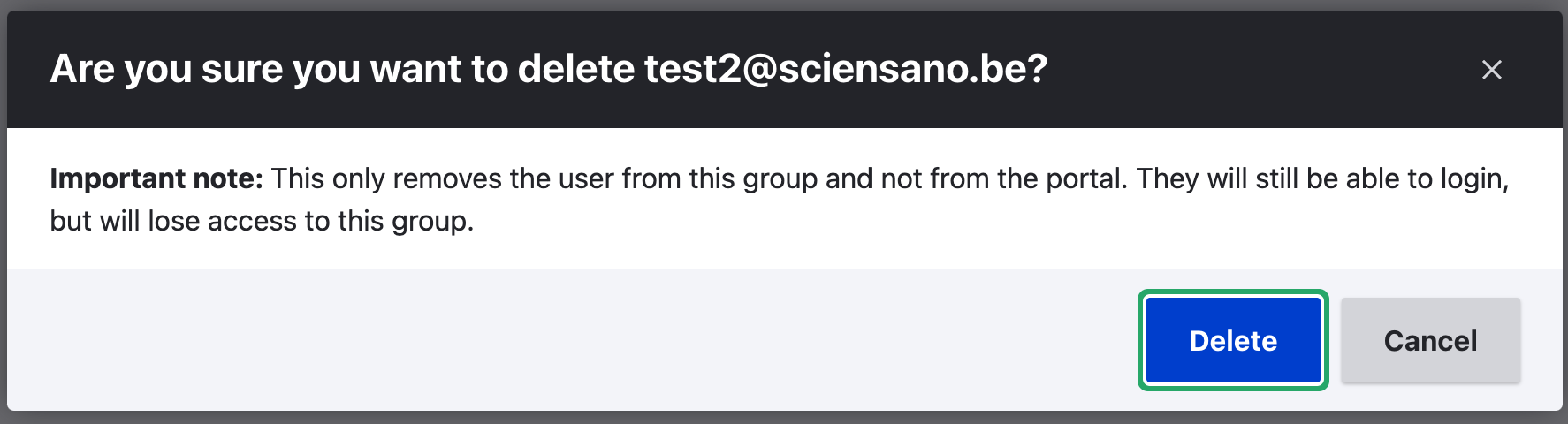
After having selected the Remove member operation, the following window pops up.
Click on Delete.