docs.healthdata.be
Viewing all General Practitioners and their EAM accounts with grants
Laatst bijgewerkt: 2024-04-19 22:51
How to view all EAM accounts of all General Practitioners within the own organization for healthstat.be using the EAM interface?
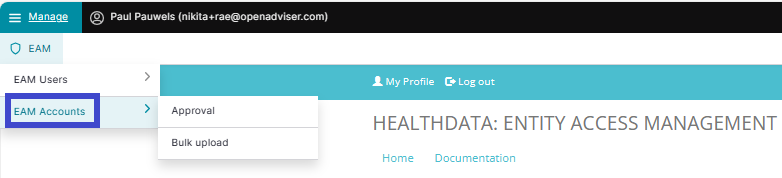
Click on Manage to the top left of the screen, so that EAM appears. When hovering over this menu item, the subitems EAM Users and EAM Accounts become visible. Select EAM Accounts.
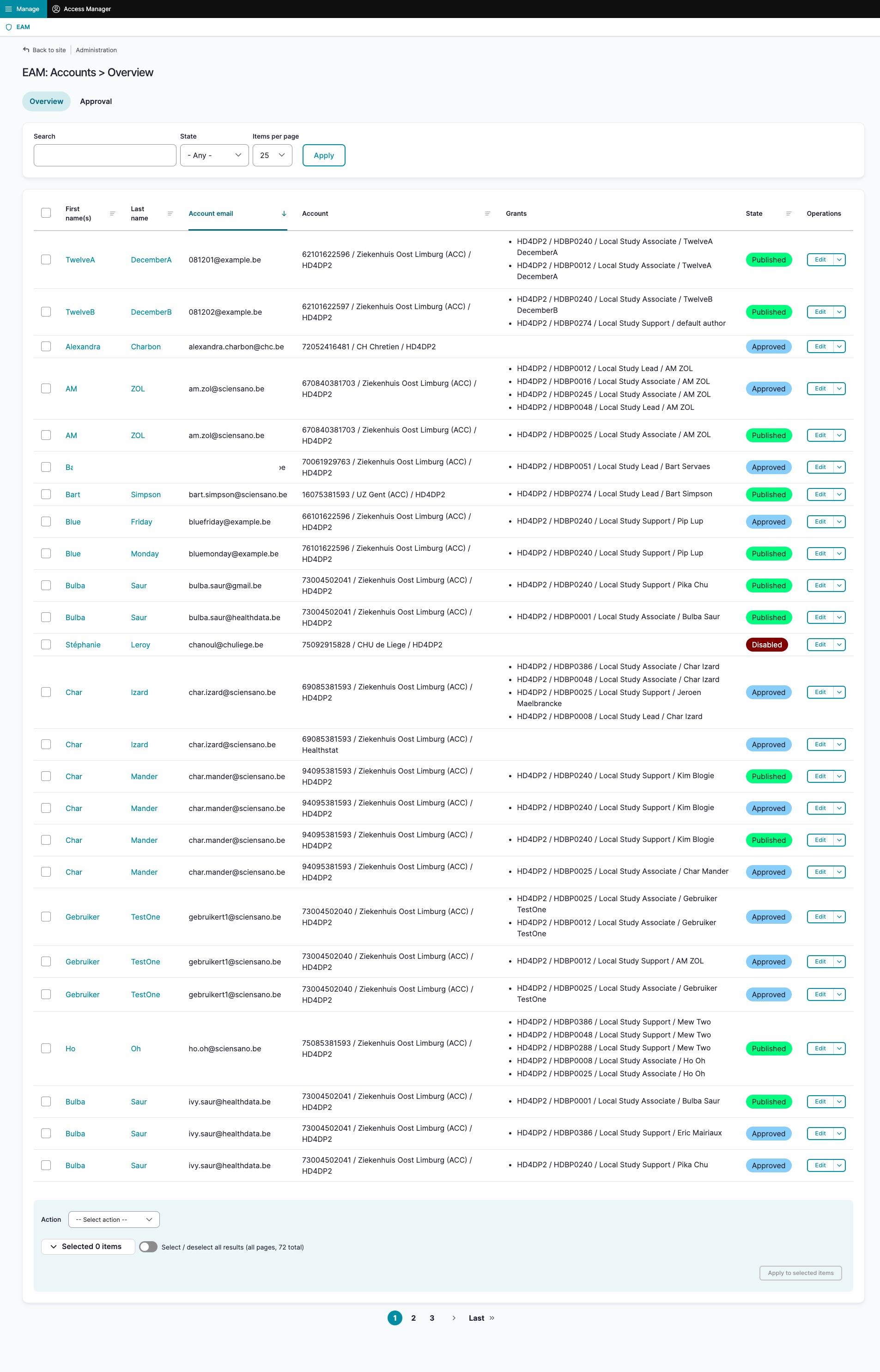
The page shown gives an overview of all accounts of all users within the organization(s) for the different applications, including the grants.