 docs.healthdata.be
Submit a Knee registration "Primo-implantation"
A "Primo-implantation" registration can be submitted at the end of the creation process using the study form.
When the registration using the study form was completed, saved and there are no more validation errors, the registration can be submitted via the overview table. This method can be useful to submit multiple registrations in the same action.
To submit a "Primo-implantation" registration for the study project Orthopride Knee using the overview table, select "Primo-implantation" in the dark blue left menu.
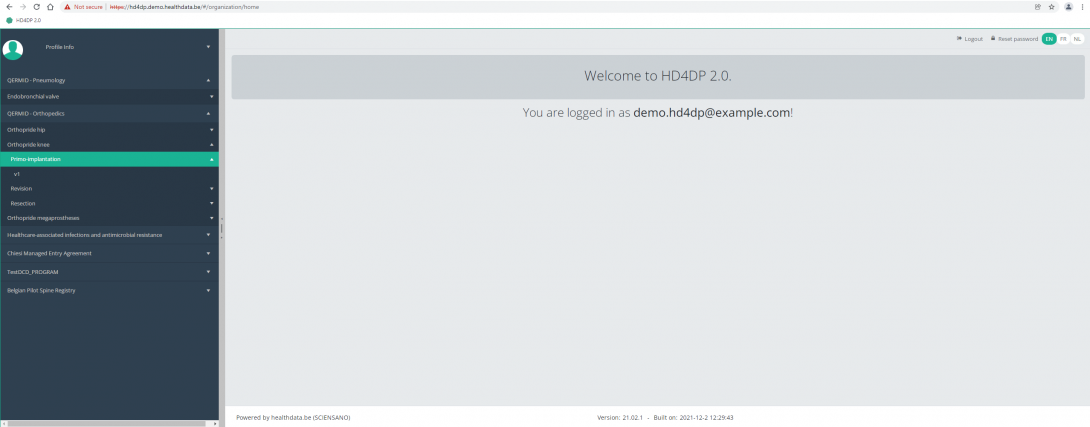
When you select a version of this study section , you will see the overview table in the main part of your screen. The table contains, among others, the following items: Registration ID, Progress, Author, Co-author, Unique ID, Business key, Registration code, National registry ID of the patient...
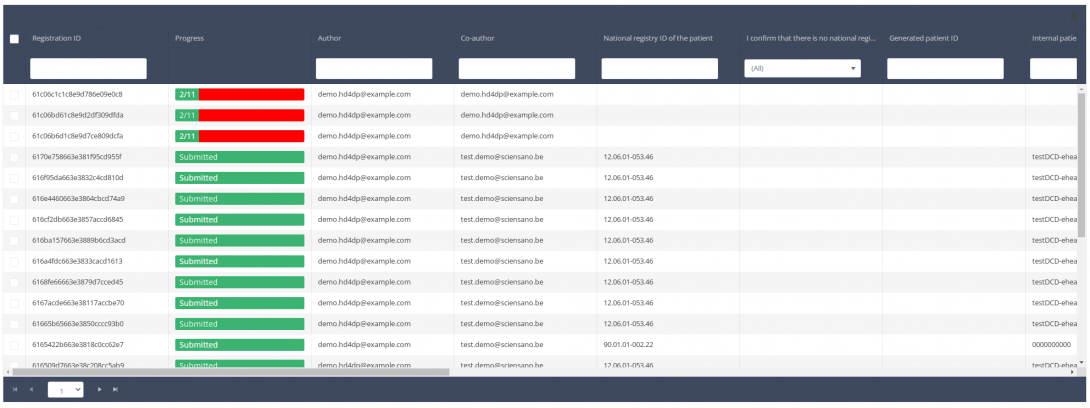
Use the filters in the header of the table to find the registration that you want to delete. You can use the filters status and progress bar
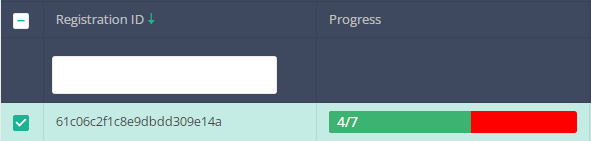
If you have found the registration you want to delete, you need to select the registration by ticking the checkbox at the beginning of the row in the overview table.
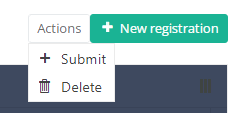
Then you should press the "Actions" button on the top right of the overview table.

Two options are provided now: "Submit" and "Delete". Press now "Submit".
After you pressed "Submit", a popup message will appear asking you to confirm the submission of the selected registration(s). If you are confident about this action, press "Confirm". If not, press "Cancel".
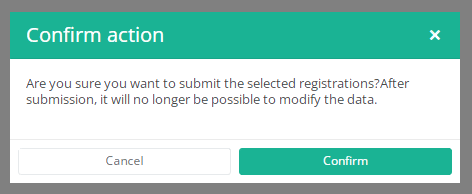
If you submit the registration, you cannot change its content anymore. Submitted registrations also cannot be deleted anymore.
The submitted registration remains present in the overview table, but its status has changed from "Open" to "Submitted".
If you only want to see "Open" registrations, you can adapt the filter on the "Status" item in the overview table.