docs.healthdata.be
Submit registrations in bulk
Laatst bijgewerkt: 2021-11-03 17:35
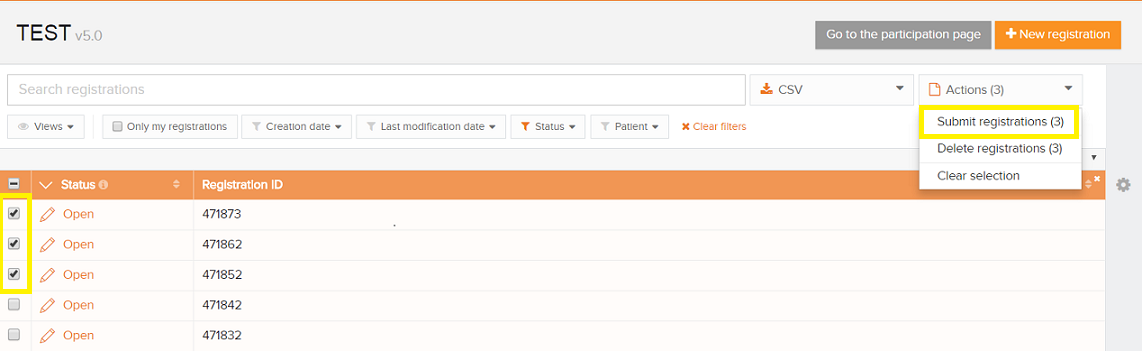
- The registrations that need to be submitted, have to be checked to proceed the registration in bulk
- Click on the button 'Actions' and select 'Submit registrations'. The number of selected records is displayed between brackets
- Confirm the submission on the window that appears

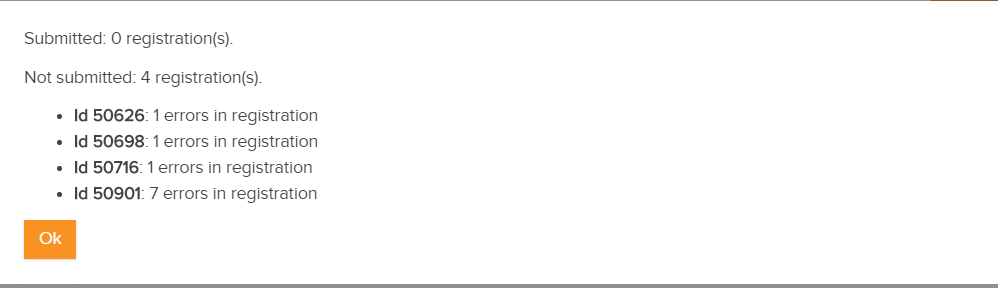
- A summary of the registrations that are submitted and failed is shown. The records that contain errors will not be submitted