 docs.healthdata.be
How to approve a user request in HD4DP
Laatst bijgewerkt: 2021-11-03 16:20
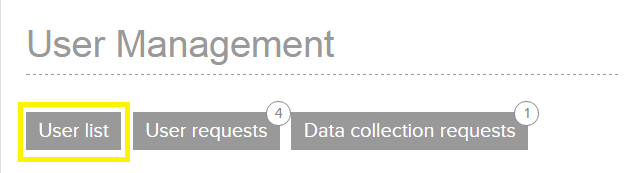
- Login as admin and select ‘User requests’
- You will see an overview of all the requests:
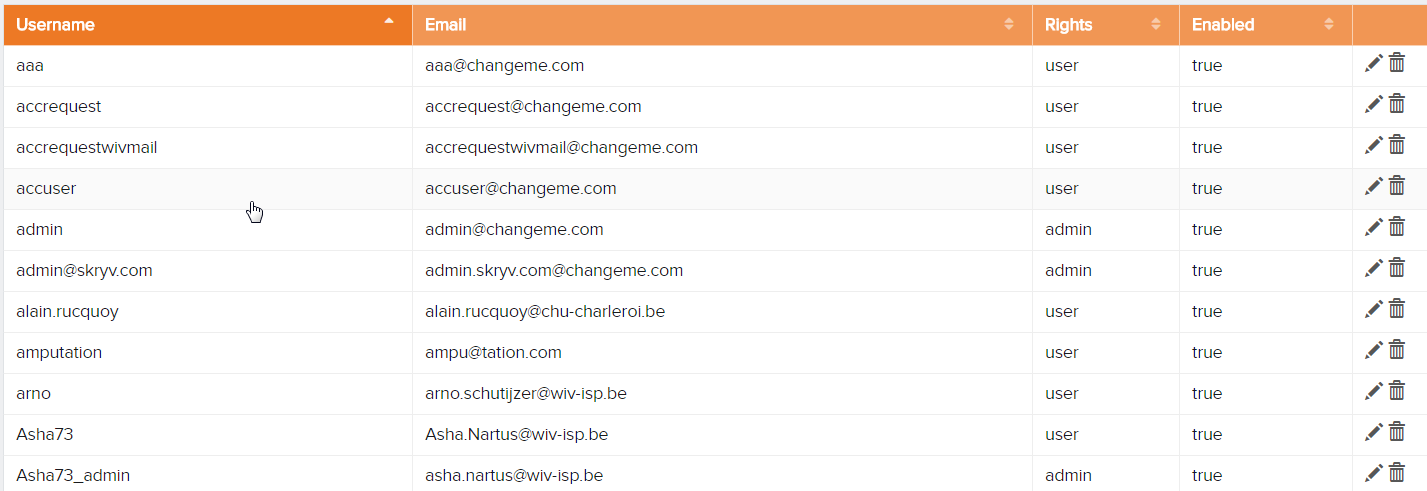
- Select the request that you want to approve.
- Check the data in the request
- Simply click 'Approve' and the user account is active

- The user will receive an email that his or her account is accepted. This e-mail provides the necessary information to login i.e. username, password.