docs.healthdata.be
Remove members
Laatst bijgewerkt: 2024-07-22 14:24
On the homepage, you’ll get an overview of all organizations. Click on the name of one of them to see the details.

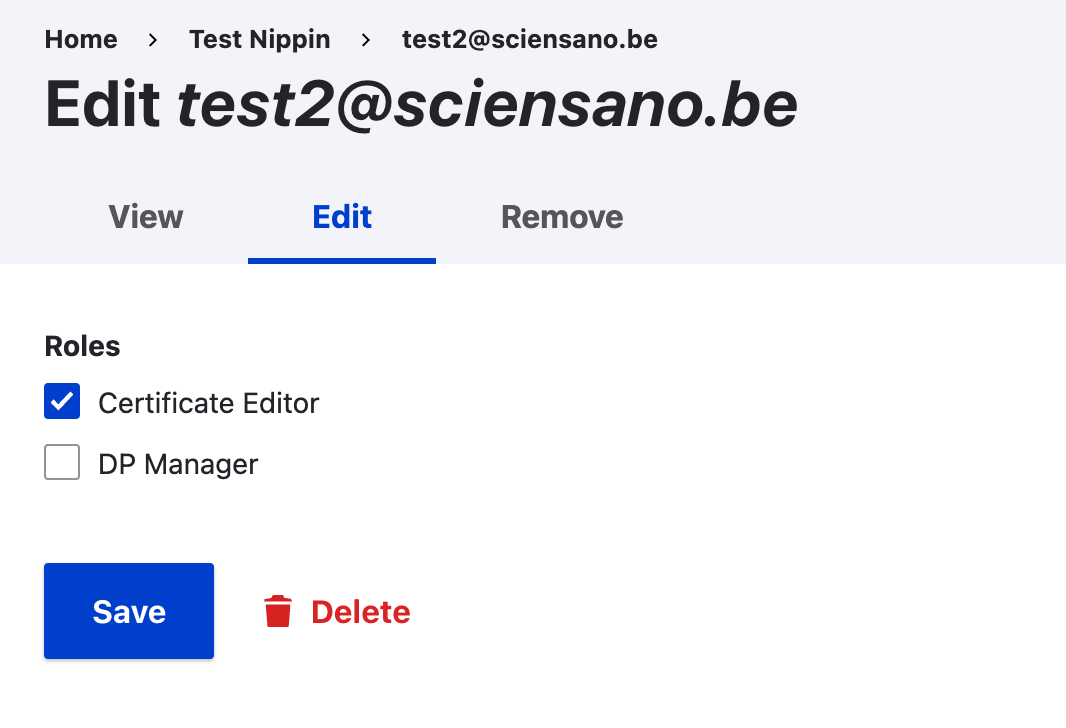
Go to the Edit tab in order to remove a member.
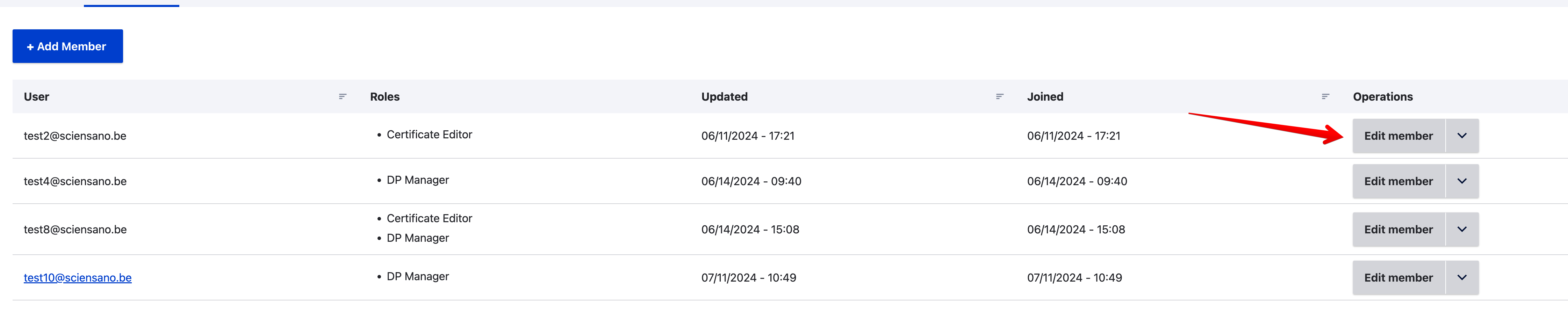
Click on the Edit member selection button on the line of the member you want to remove.
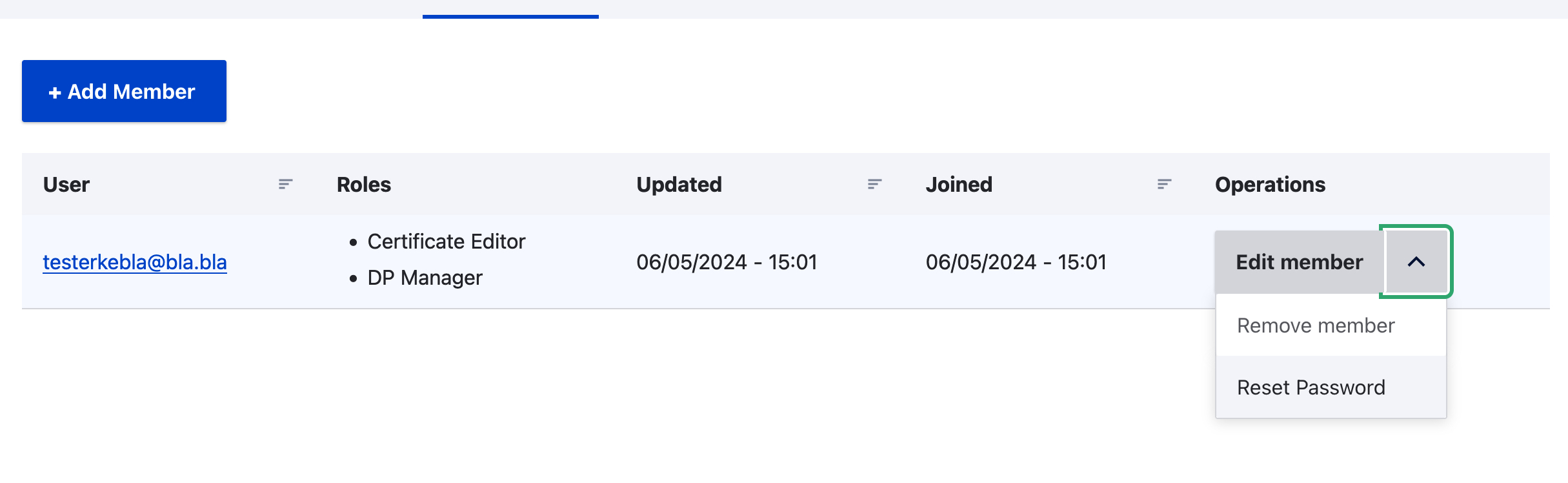
Select Remove member.