docs.healthdata.be
Access to the Self-Service Portal
Laatst bijgewerkt: 2024-08-12 12:35
How to log in
Go to [https://<hd4dp_url>/ssp]https://<hd4dp_url>/ssp on your local server.
- User Manager login
For the first login the User Manager needs to use the credentials received by e-mail from the healthdata.be service desk.
- Other members login (DP Managers, Certificate Editors)
The login process of new members is explained here. Existing members log in with their username and the self-chosen password.
Log in with the credentials that have been sent by e-mail.
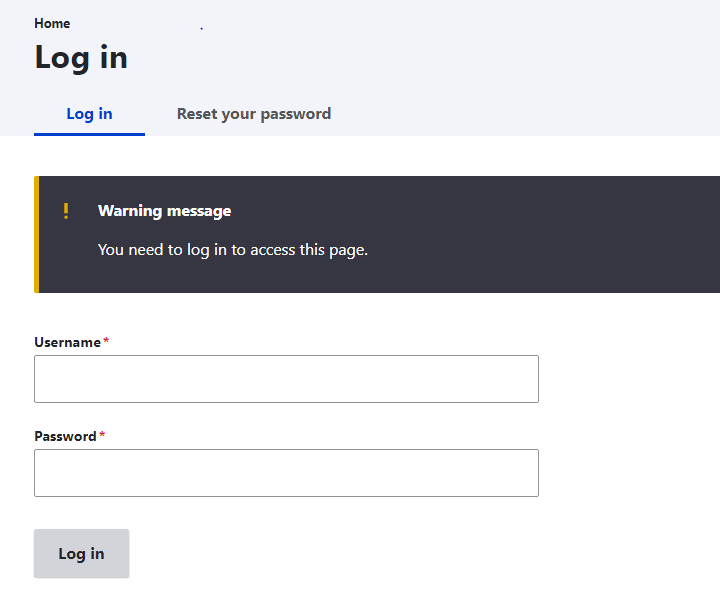
The following screen will open:
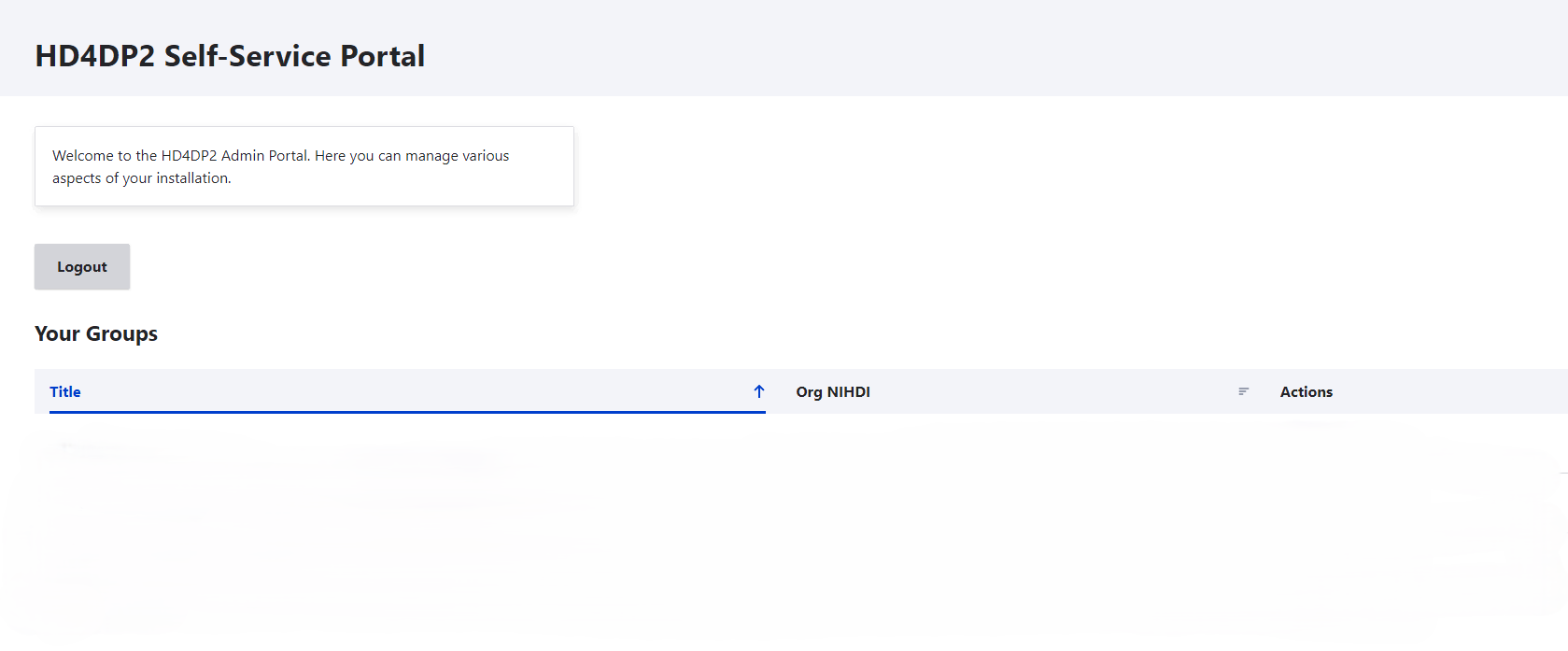
After clicking on the Log in button, you will be directed to the HD4DP2 Self-Service Portal.
Initial setup
Upon installation the HD4DP2 Self-Service Portal will be completely empty, but in a few steps you can set up the required groups, members and roles to get it working.