docs.healthdata.be
Access to the Self-Service Portal
Laatst bijgewerkt: 2024-08-12 11:20
How to log in
Go to [https://<hd4dp_url>/ssp]https://<hd4dp_url>/ssp on your local server.
For the first login the User Manager receives their first credentials from the healthdata.be service desk.
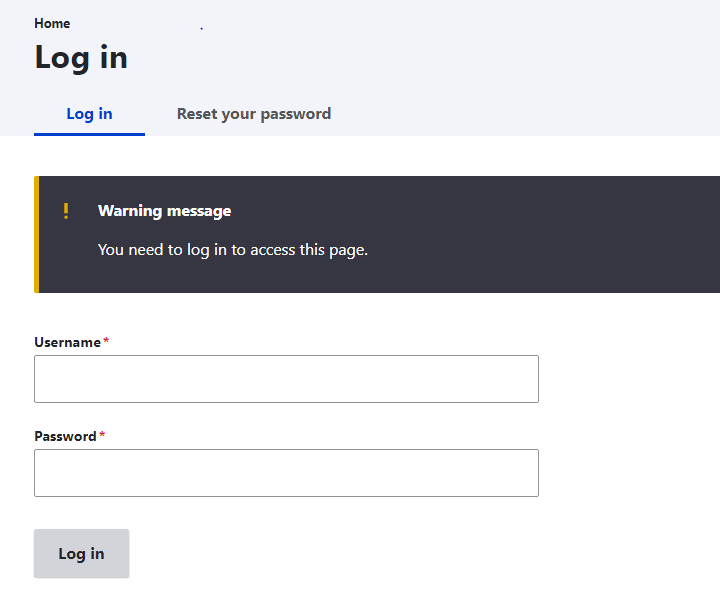
Log in with the credentials that have been sent by e-mail.
The following screen will open:
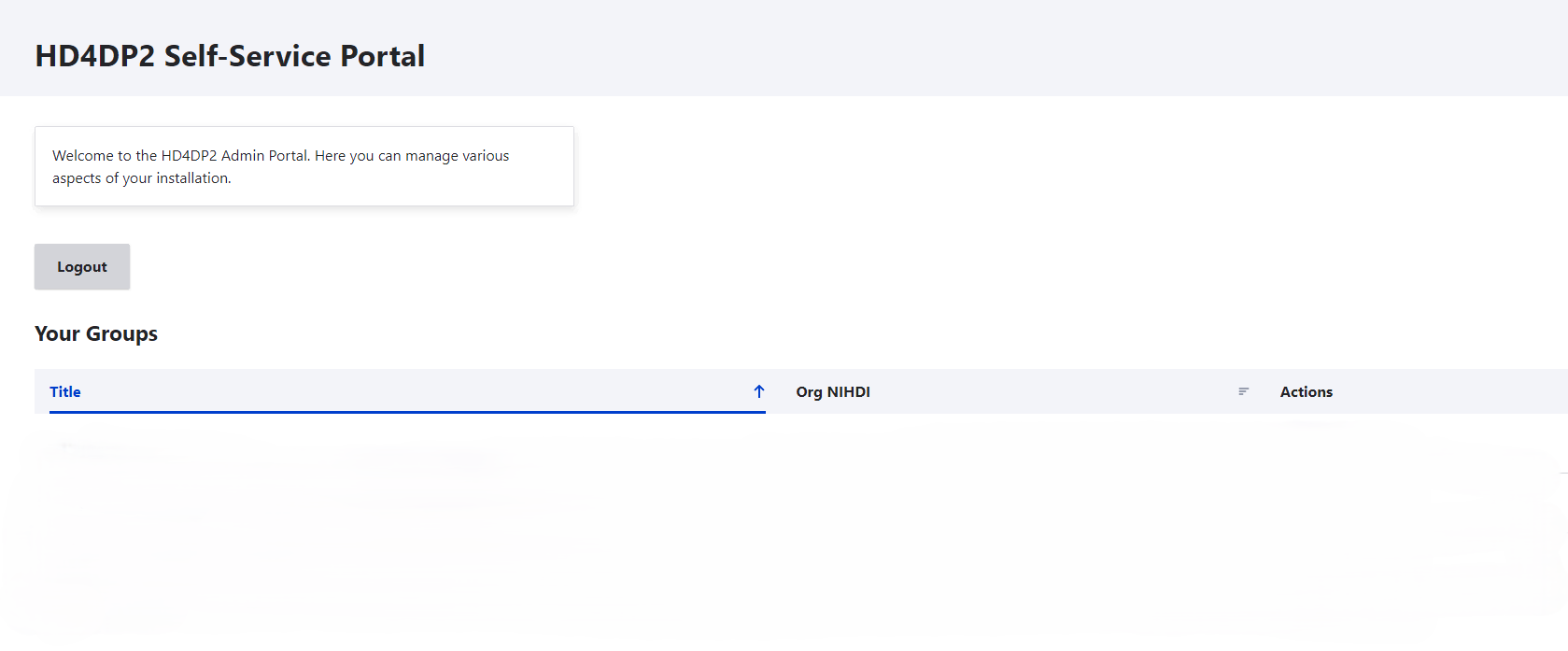
After clicking on the Log in button, you will be directed to the HD4DP2 Self-Service Portal.
Initial setup
Upon installation the HD4DP2 Self-Service Portal will be completely empty, but in a few steps you can set up the required groups, members and roles to get it working.