 docs.healthdata.be
Soumettre une demande d'information sur HD4RES v2
To request information about the HD4RES v2 component of the healthdata.be platform, you first need to log in to the HD Service and Support portal: https://sciensano.service-now.com/sp.
After te login step, you will arrive at the main page of the portal.
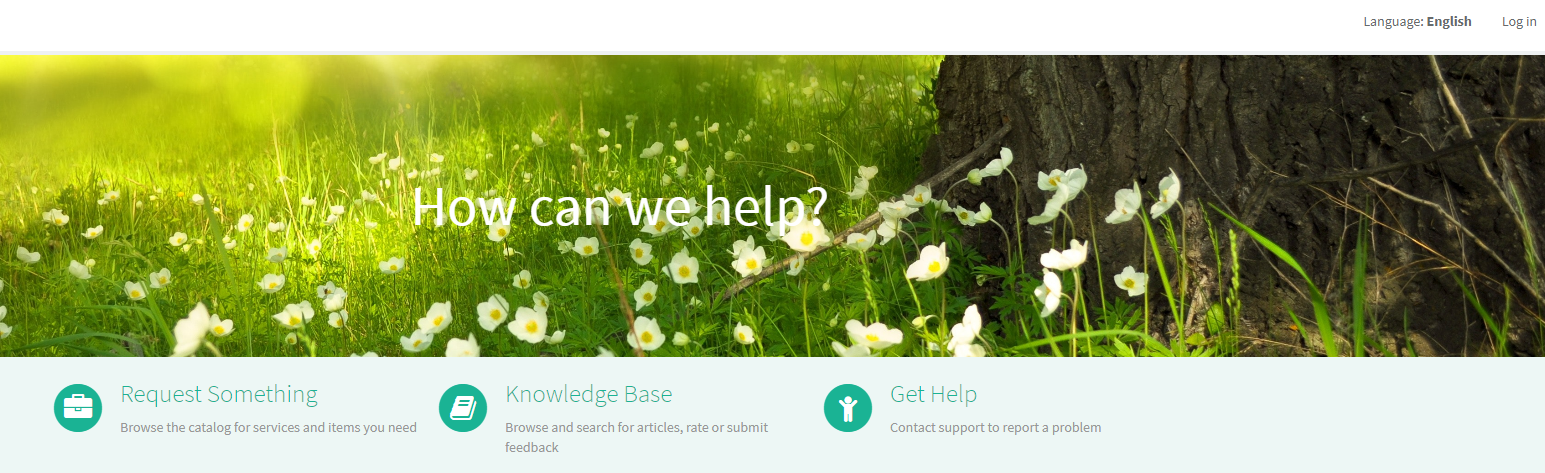
On the main page select "Request something".

A new page with the different types of request will appear.

Select the box "Request for information about HD".

A new page with the titles of the Request for information about HD will appear.
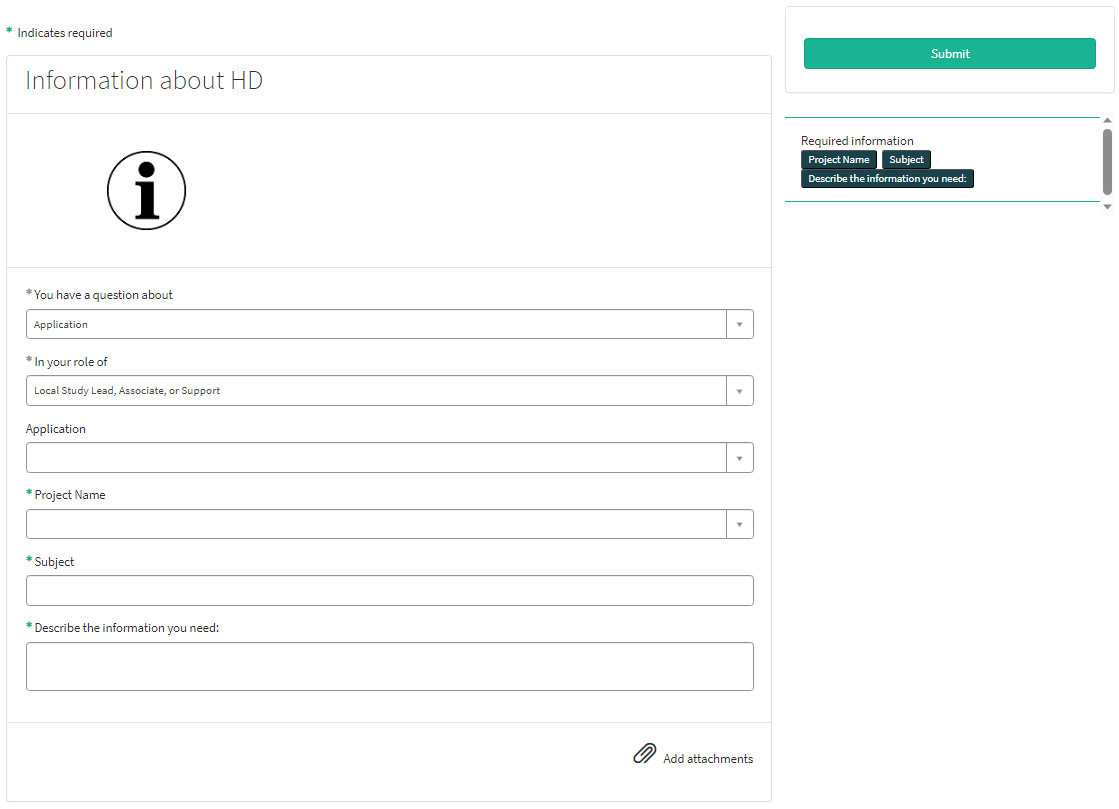
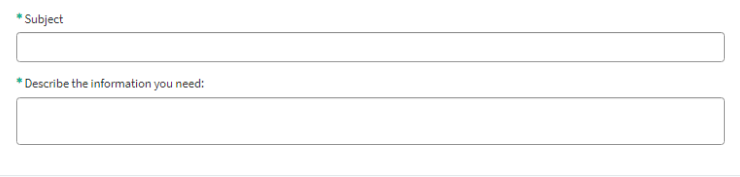
You can now document your request by providing following information:
Provide a short and clear description of your request for information (1 sentence).

Provide a detailed description of your request for information.

If available, please upload additional documents relevant for this request for information about HD.
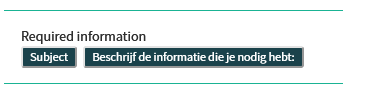
On the right side of the form, the required information elements of the request form are listed. When these fields are completed, these field names will disappear in the "required information" box.
Only after all required fields have been completed, a form can be submitted by selecting the green Submit button.

If not all required fields were completed a warning message will appear on top of the form.

Also the missing required fields will be highlighting in green.
When the request form was successfully submitted, an overview of your request will appear in a new screen.

On the right of the screen, you will find the details , including the Request number

On the left of the screen, you will find a timeline of the handling your request, starting with your creation.

Pour demander des informations sur la composante HD4RES v2 de la plate-forme healthdata.be, vous devez d'abord vous connecter au portail Services et Support de HD: https://sciensano.service-now.com/sp.
Après l'étape de connexion, vous arriverez sur la page principale du portail.

Sur la page principale, vous devez sélectionner « Demander quelque chose ».

Une nouvelle page avec les titres des différents types de demandes apparaîtra.

Cochez la case « Demande d'informations sur HD ».

Une nouvelle page contenant les titres des Demande d'informations sur HD apparaîtra.

Vous pouvez maintenant documenter votre demande en fournissant les informations suivantes :
Veuillez décrire clairement et brièvement (1 phrase) l'objet de votre demande d'informations.

Veuillez décrire en détail la demande d'informations.

Si disponible, veuillez télécharger des documents supplémentaires pertinents pour cette demande d'information.
Sur le côté droit du formulaire, les éléments d'information requis du Formulaire de demande sont énumérés. Lorsque ces champs sont remplis, leurs noms disparaissent de la case « required information » (informations obligatoires).

Le formulaire ne peut être soumis que si tous les champs obligatoires sont remplis, en appuyant sur le bouton vert « Soumettre ».

Si tous les champs obligatoires n'ont pas été remplis, un message d'avertissement apparaîtra en haut du formulaire.
En outre, les champs obligatoires manquants seront mis en évidence en vert.

Lorsque le formulaire de demande a été soumis avec succès, un aperçu de votre demande apparaît dans un nouvel écran.
À droite de l'écran, vous trouverez les détails, y compris le Numéro de la demande.
À gauche de l'écran, vous trouverez une chronologie du traitement de votre demande, en commençant par votre création.