 docs.healthdata.be
Supprimer un enregistrement Fémur total "Revision"
A "Revision" registration can be deleted as long as the registration has not yet been submitted. If the status of a registration is "Open" , the registration can still be deleted.
To delete a "Revision" registration for the study project Orthopride total femur, select "Revision" in the dark blue left menu.
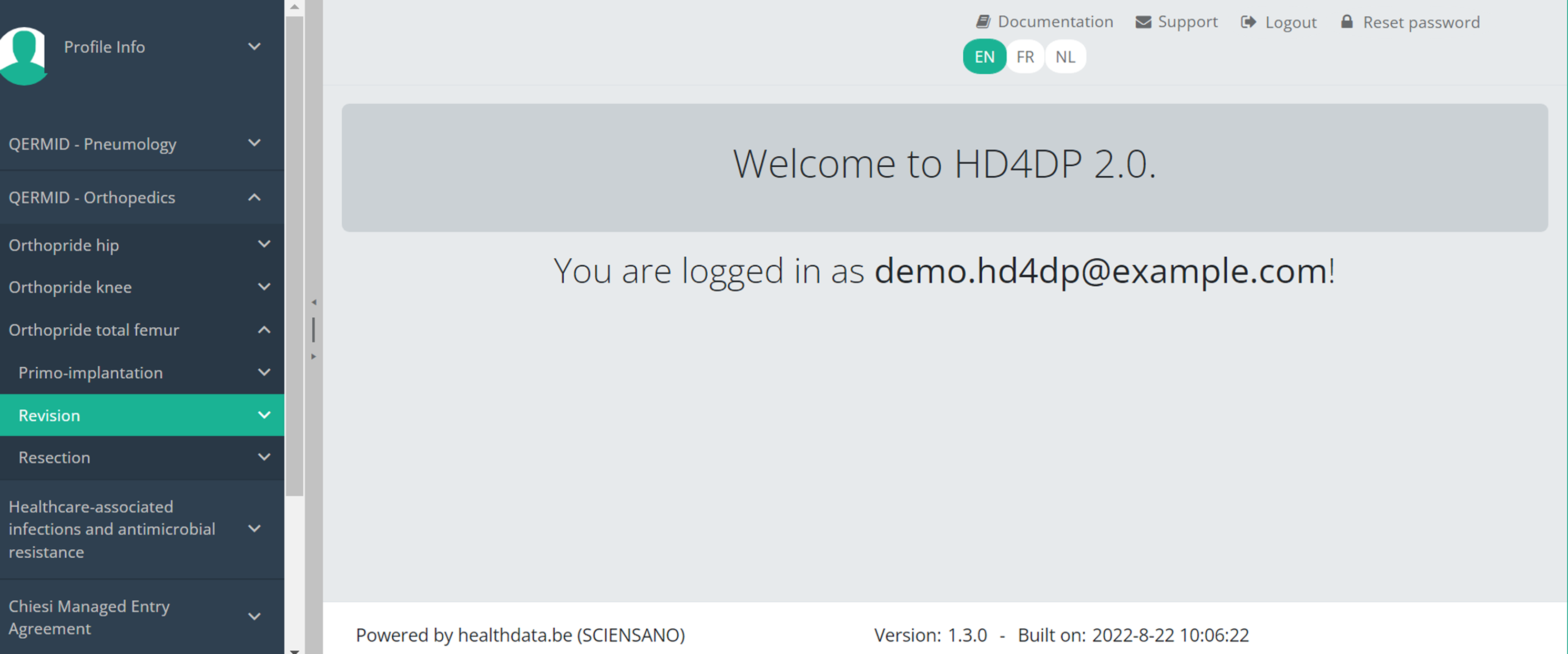
When you select a version of this course of study, you will see the summary table in the main body of your screen. The table includes the following items: Registration ID, Progress, Author, Co-author, Unique ID, Business Key, Registration Code, National registry number of the patient...

Use the filters in the header of the table to find the registration you want to delete.
Once you have found the registration you want to delete, you must select the registration by checking the checkbox at the beginning of the row in the summary table.

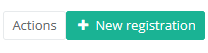
Then you need to press the "Actions" button at the top right of the summary table.
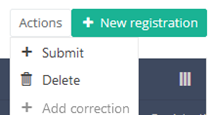
There are now two options, "Submit" and "Delete". Now press "Delete".
After you press "Delete," a pop-up message will appear asking you to confirm the deletion of the selected registration(s). If you are sure about this action, press "Confirm." If not, press "Cancel."
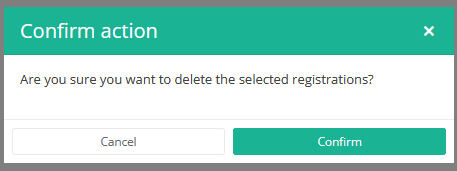
If you delete the registration, you cannot change its status or content.
The deleted registration will not be removed from the summary table. It remains present, but the status has changed from "Open" to "Deleted".
If you want to see only Open and Sent registrations, you can adjust the filter on the "Status" item in the summary table.
A registration can be deleted as long as the registration has not yet been submitted. If the status of a registration is "Open", the registration can still be deleted.
Cette page a été traduite à l'aide d'une machine de traduction automatique dans le but de fournir le contenu plus rapidement dans votre langue. Un traducteur humain n'a pas encore révisé cette page. Par conséquent, cette page peut encore contenir des erreurs grammaticales et autres erreurs linguistiques. Si vous voyez quelque chose dans la documentation qui n'a pas été traduit correctement, veuillez nous contacter à support.healthdata@sciensano.be (n'oubliez pas d'inclure l'adresse Web de la page). Nous ajusterons ensuite la traduction. Merci!Cette documentation est encore en construction. Nous essayons de présenter les informations aussi correctes, complètes et aussi claires que possible. Cependant, si vous voyez un élément dans la documentation qui est incorrect, ne correspond pas à votre expérience ou nécessite des éclaircissements supplémentaires, veuillez créer ticket support via notre portail (https://healthdatabe.atlassian.net/servicedesk/customer/portals) ou nous envoyer un e-mail à support.healthdata@sciensano.be pour signaler ce problème de documentation. N'oubliez pas d'inclure l'URL ou l'adresse Web de la page avec le problème de documentation. Nous ajusterons ensuite la documentation. Merci!