docs.healthdata.be
Change the settings
Dernière mise à jour: 2021-11-03 16:13
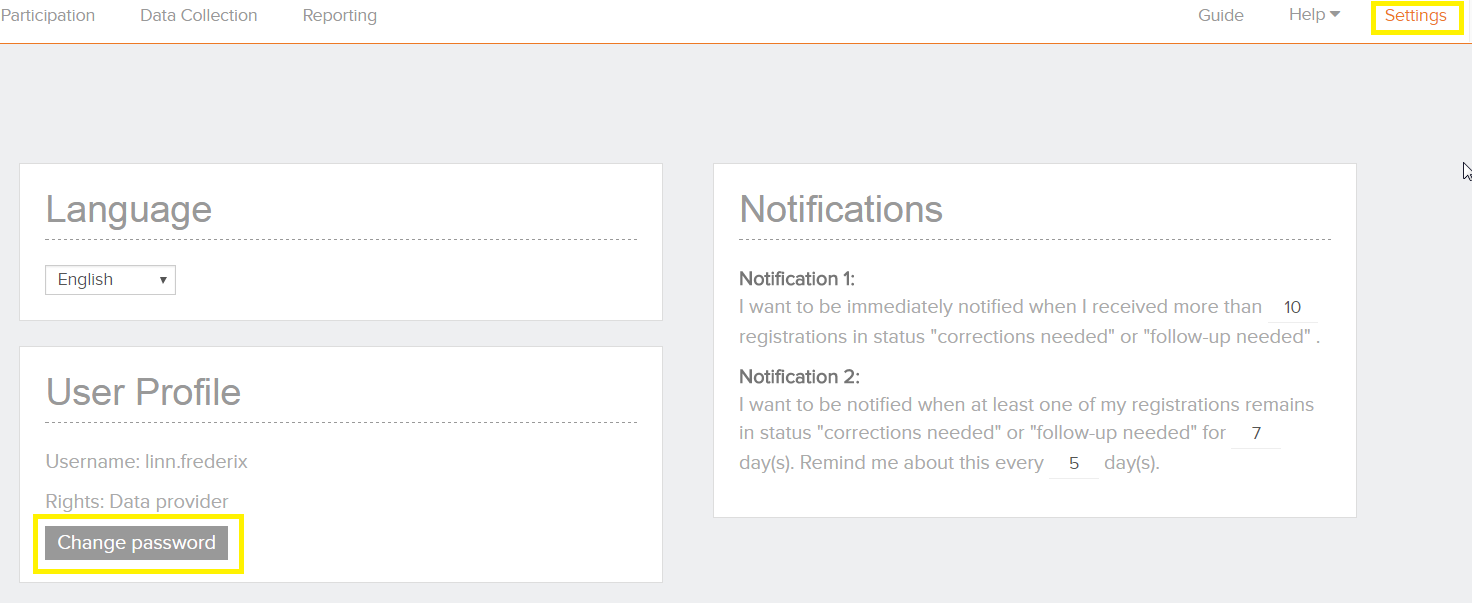
Change your password
The password of a user account can be changed in the account settings by the user:
- Select ‘Settings’ on the top right corner
- Select 'Change password'
- Change the password in the popup window that will appear
- Enter the "Save" button.

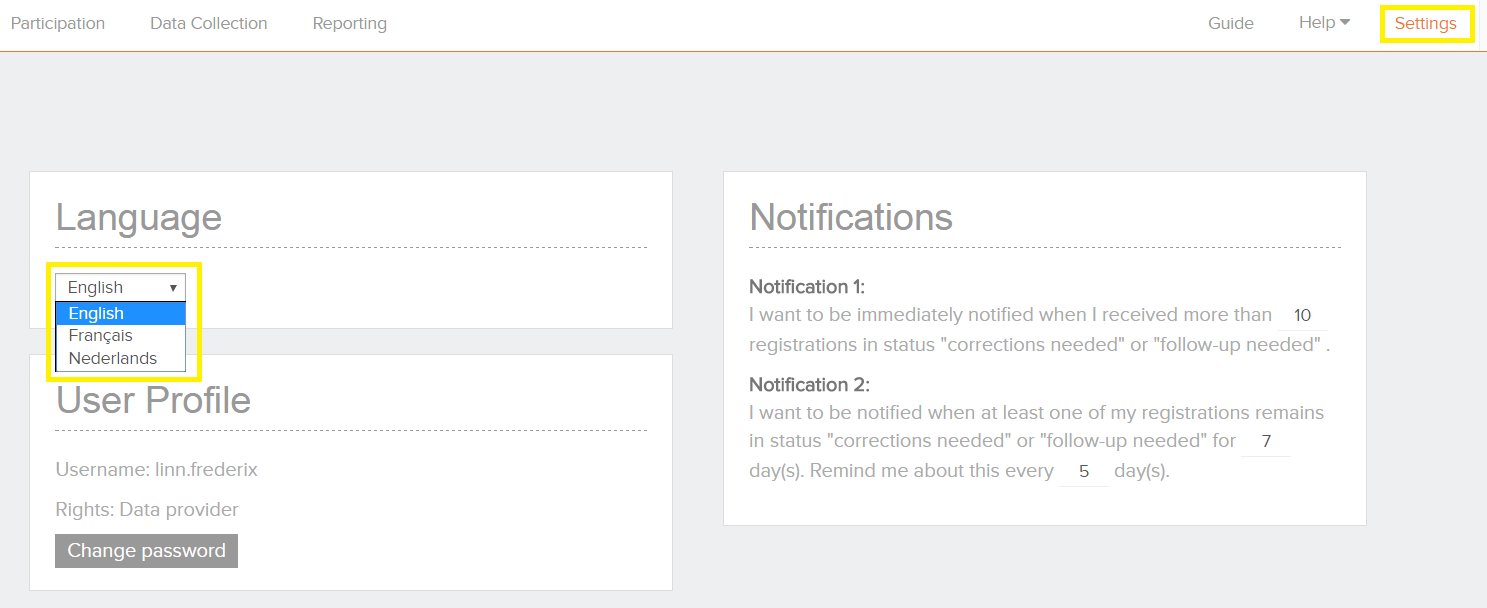
Change language
The language settings can be changed for HD4DP:
- Log in with your account and password
- Select ‘Settings’ on the top-right corner
- Select the preferred language under the language section:
- English
- French
- Dutch
- Click on "Change password"