 docs.healthdata.be
Export of NIPPIN reports
On this page we describe how the NIPPIN reports can be exported in the Self-Service Portal application.
Once you are logged in, you can select the healthcare organization on the home page.

Subsequently you can either export the submitted data by clicking the “CSV export” button or review the NIPPIN reports by clicking the “NIPPIN” button”.

A list of the registries for which a request of report can be selected. This list is composed of registries for which a reimbursement is foreseen. An overview of the list is described here

By clicking on one of these registries, a list of records for which a CSV file was generated will appear. This list contains the validated MyCarenet messages as generated every night.
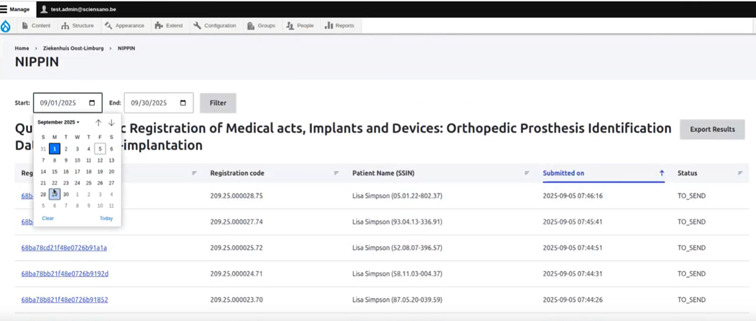
A specific period of the reported NIPPIN files can be requested by selecting the appropriate start and end date.
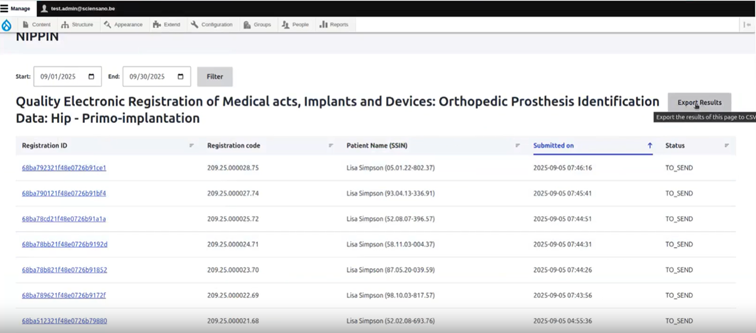
Finally the request is initiated by clicking the “export Result” button.
The requested files will be available in the download folder.
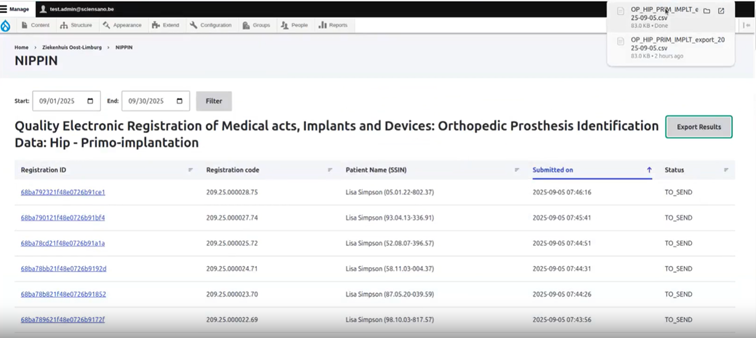
Below is an example of the requested file

