 docs.healthdata.be
Add and edit member roles
Dernière mise à jour: 2024-07-22 16:43
Roles are added to members during the process of them being added to an Organization. You will find the documentation here. In order to edit member roles, you follow below procedure.
Go to Home and then Groups to have an overview of all Organizations (Groups).
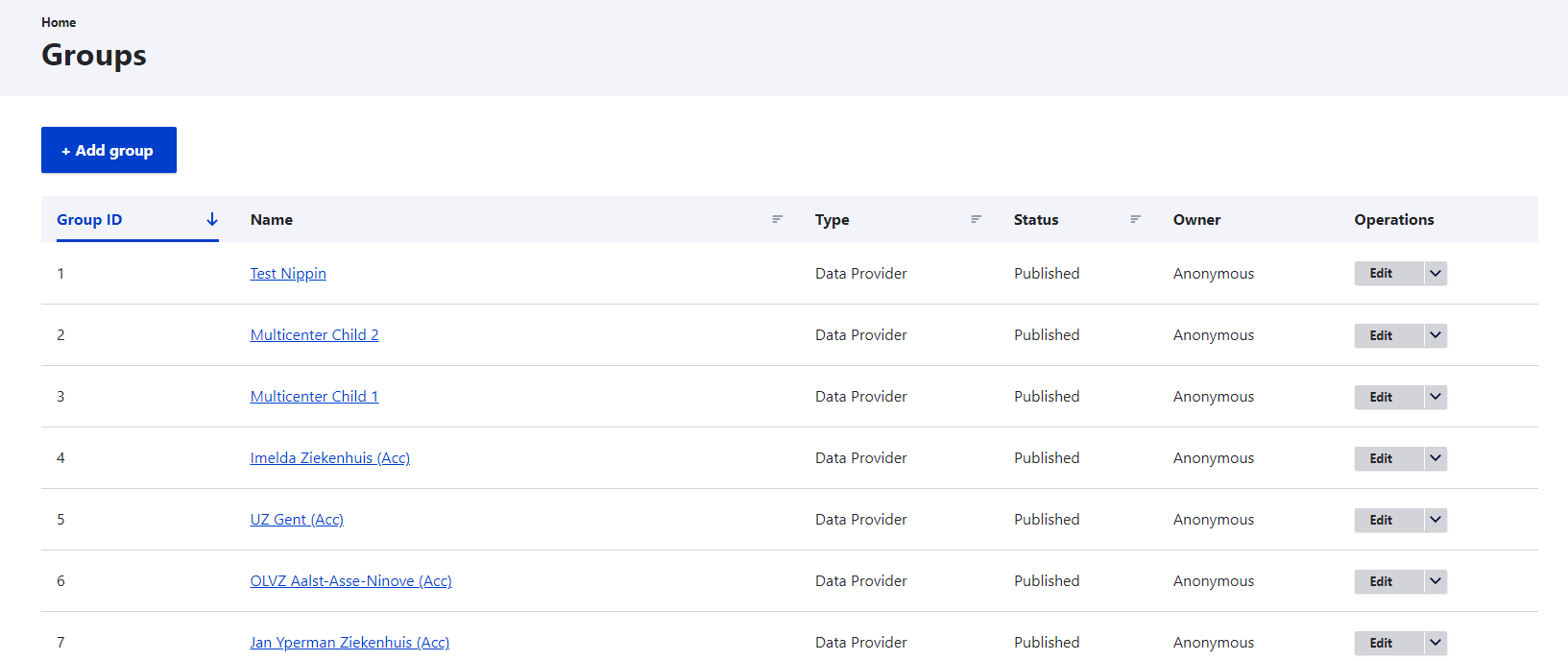
Select an Organization of which you want to edit member roles by clicking on it in the Name column.
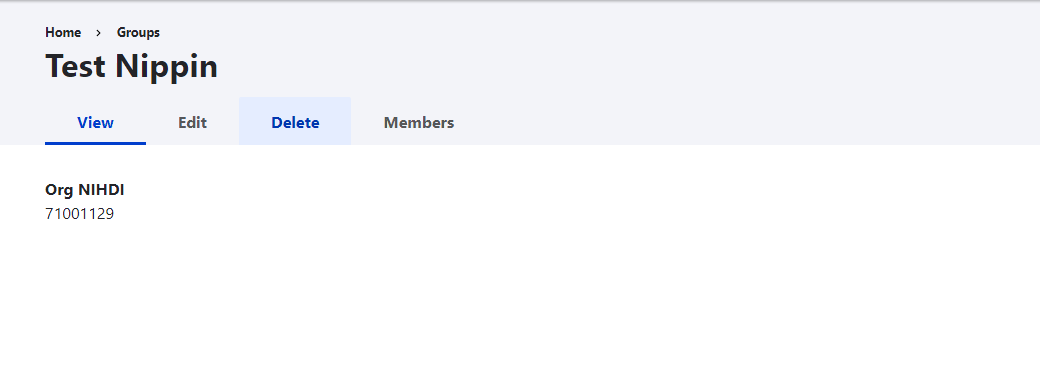
Click on the Edit member selection button at the line of the member you want to remove. The toggle options appear.