 docs.healthdata.be
Remove members
Dernière mise à jour: 2024-08-19 17:37
On this page we describe how to remove a member from an Organization. This member will however still exist in the portal and can be retrieved when adding to another organization.
In order to have an overview of all Organizations (Groups), click on Manage, then on the "Groups" tab.

Select an Organization in the list from which you want to remove members.

Go to the Members tab to discover the list of members for this Organization.

Go to the line of the member you want to remove and click on the down-arrow of the Edit member selection button at the relevant line. The toggle options appear.

Select Remove member. The following window pops up.
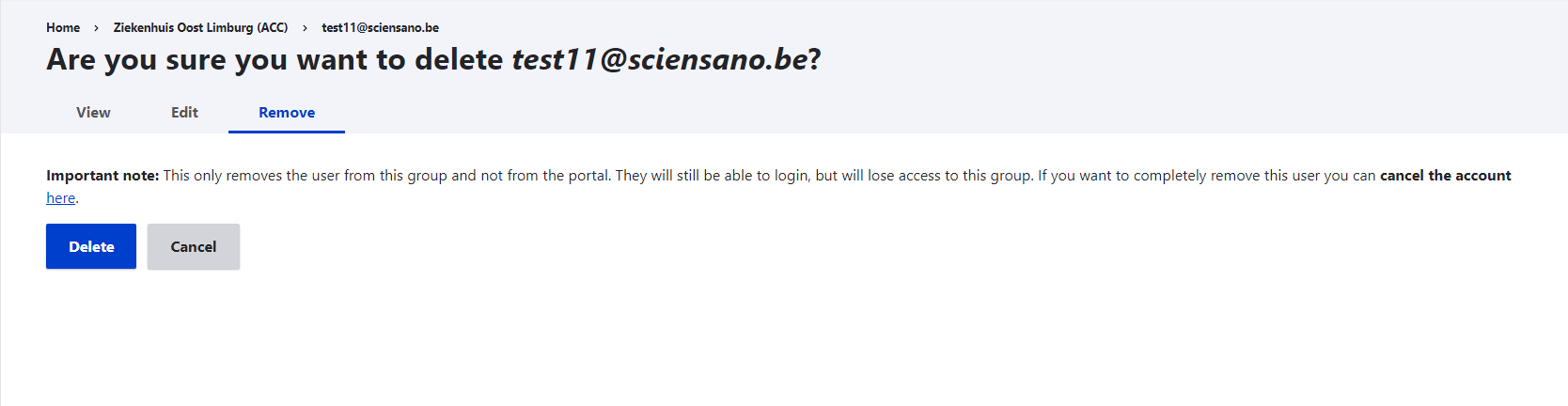
Confirm the action by clicking on Delete.