 docs.healthdata.be
Add members
Go to the home page to have an overview of all Organizations (Groups).
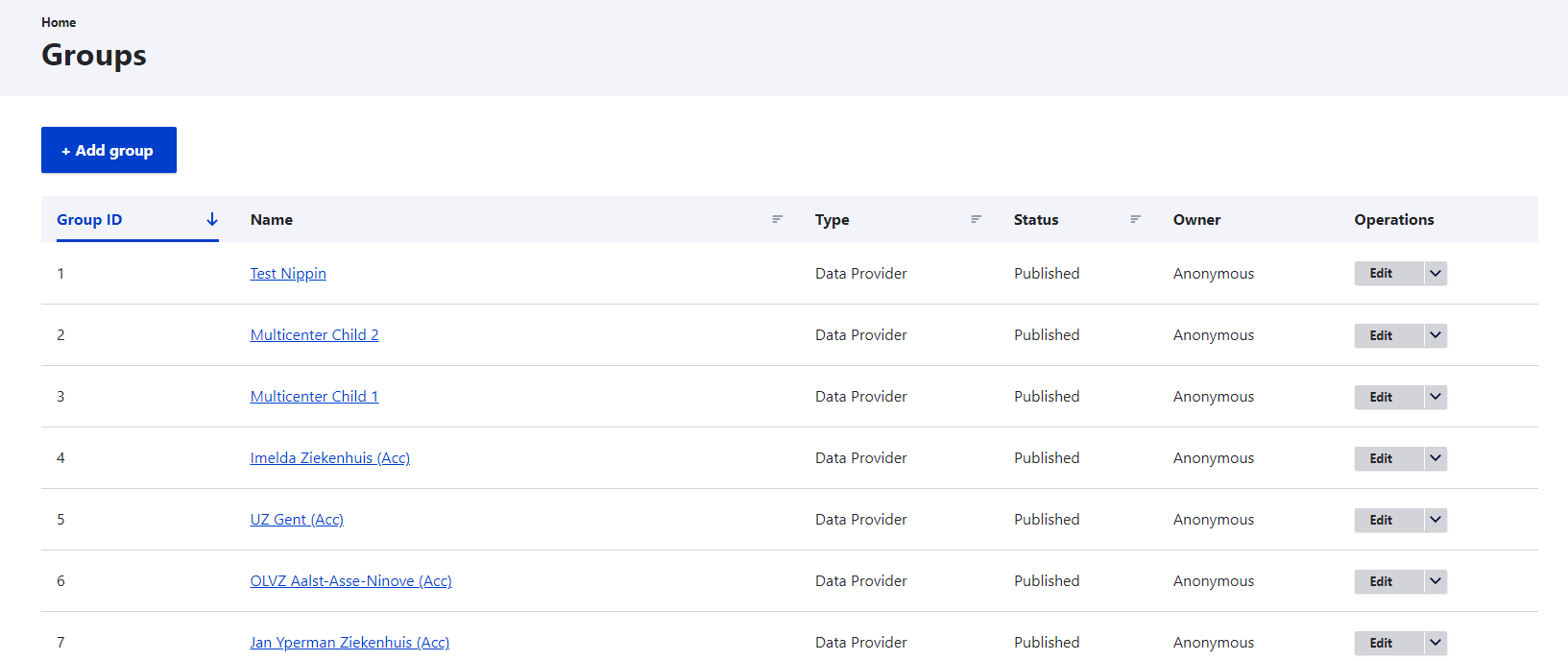
Select an Organization to which you want to add members by clicking on it in the Name column.
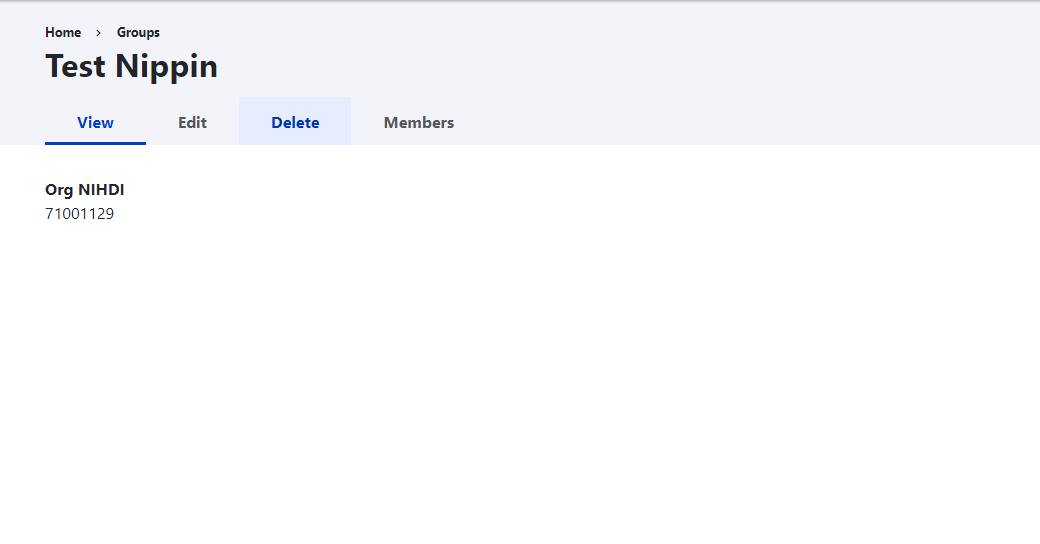
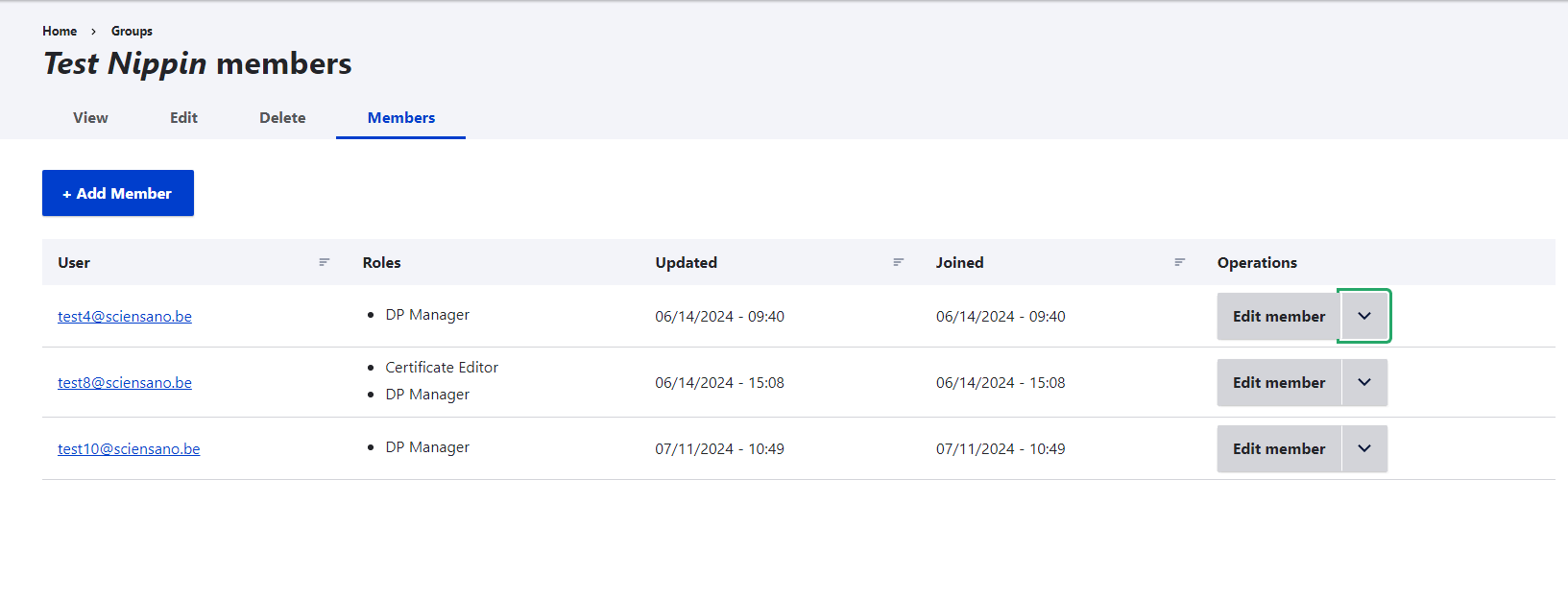
Go to the Members tab to discover the Add Member button, and click on it to add a new or existing member to the organization. Adding an existing member means that the member is known to the system (e.g. member of another Organization), but not added to this list.
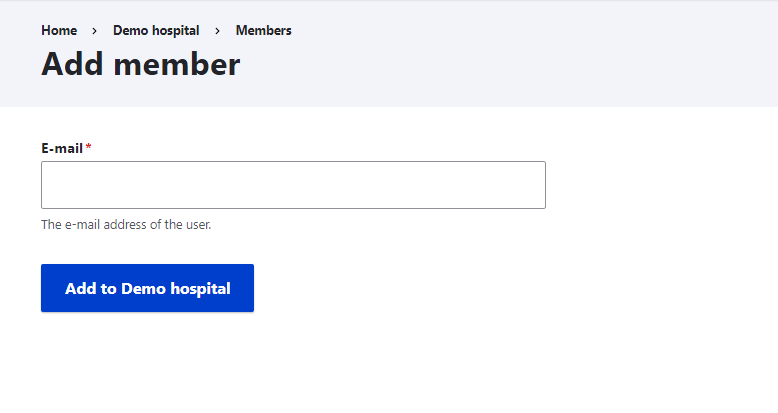
You will be directed to a simple form where you can enter the member's email address.
If the member already exists you’ll be shown a form with roles, but without a password field. Check the role you want this member to perform within the organization.

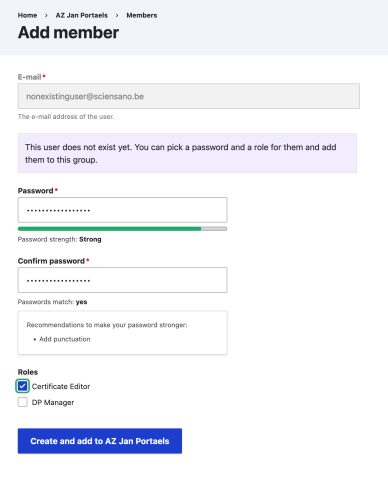
If the member does not exist yet, you’ll also have to provide a one time password for this member. Check the role you want this member to perform within the organization.
After the creation of the new member you’ll be redirected to the members overview again and can add another member easily.