 docs.healthdata.be
Create organizations
Dernière mise à jour: 2024-08-12 12:57
Appoint the User Manager
The initial User Manager for an organization with HD4DP installed needs to be created upfront in coordination with the healthdata.be service desk. It is then the task of the User Manager to create the required organizations (Groups) and members, and to define roles.
Create organizations for the installation
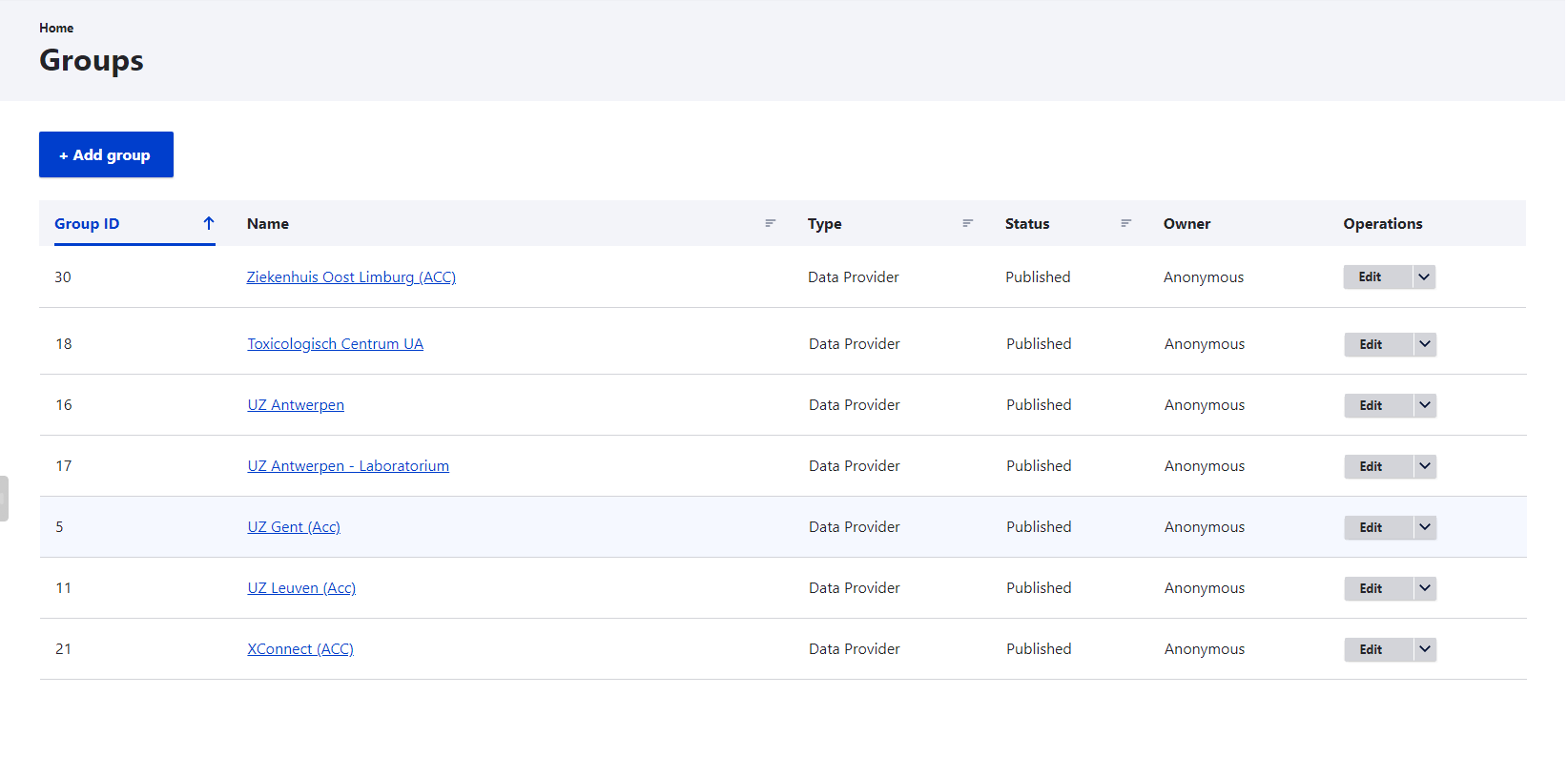
In order to create Organizations, go to the "Groups" tab and then click on "Add groups".
In the Add Data Provider screen, the Title and Org Nihdi fields are required. The Revision log message field is optional.

Click on the Create Data Provider button to create the organization. Once all organizations are created, the User Manager can add members to them.