 docs.healthdata.be
Create organizations
Dernière mise à jour: 2024-06-25 15:56
Create a new User Manager.
Every installation needs at least 1 user manager. The User Manager for the organization has been automatically created upfront.
Create organizations for the installation
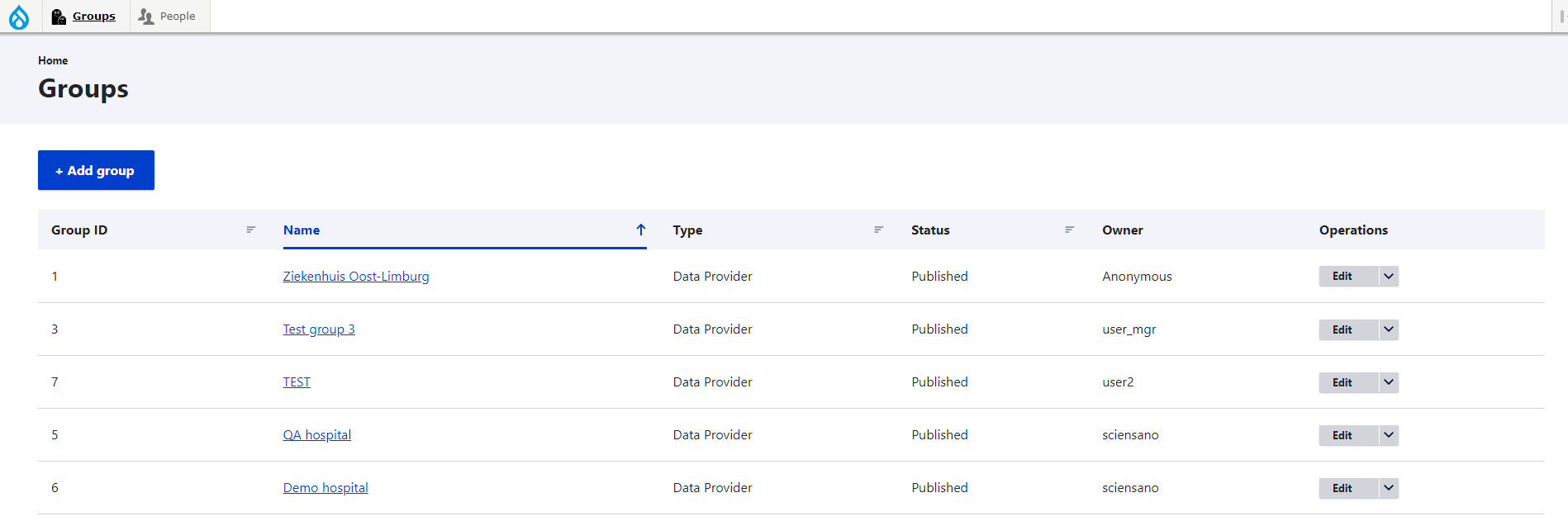
To create Organizations you visit Groups and then you click on Add groups.
The Title and Org Nihdi fields are required. The Revision log message field is optional.

Click on the Create Data Provider button to create the organization. Once all organizations are created, you can add members to them.