 docs.healthdata.be
Introduction
To support the development and validation of data transfers using S2S API or CSV upload, a central Online Acceptance (OACC) environment has been made available for the IT services or IT partners of data providers. This environment is meant to replace the locally installed acceptance environments at the side of the data providers. In the OACC Environment you can test and validate the three types of data transfer:
Visit the S2S API and CSV Upload documentation for a general description of the respective data transfer methods.
In order to keep the OACC environment light, it is rebuilt once a week (each Saturday). The data are stored locally and will not be sent to healthdata.be infrastructure. The testing is limited to the upload to the HD4DP v2 application.
Additional field information about the codes and the formats used for the Author group, NISS code, status, Country and Postal Code, "Date" - "Date:Time", Repeatable fields and Multiple choice fields is to be found here.
Application URLs and port
- Front-End Application URL: https://hd4dp.acceptance.healthdata.be
- SFTP host name: sftp.acceptance.healthdata.be and port 2220
- S2S API: https://hd4dp.acceptance.healthdata.be/proxy/api/dcd/payload/submit?organization-id=00&dcd-id=00&version=1
Credentials for accessing the Online Acceptance (OACC) environment
Upon requesting credentials to access the OACC environment, you will receive 3 different types of credentials:
⦁ credentials to log in to the front end of the online acceptance environment
⦁ credentials to use the API (-> authorization tab in Postman)
⦁ credentials for the SFTP server you use to test the CSV Upload
If your organization is not available for selection in the drop-down list, we advise you to request your credentials through our service portal at https://sciensano.service-now.com/sp via the Request something tab and subsequently the Request for Information box.
Navigate to the Online Acceptance (OACC) environment
The OACC environment can be found on https://hd4dp.acceptance.healthdata.be, which is a publically accessible URL.
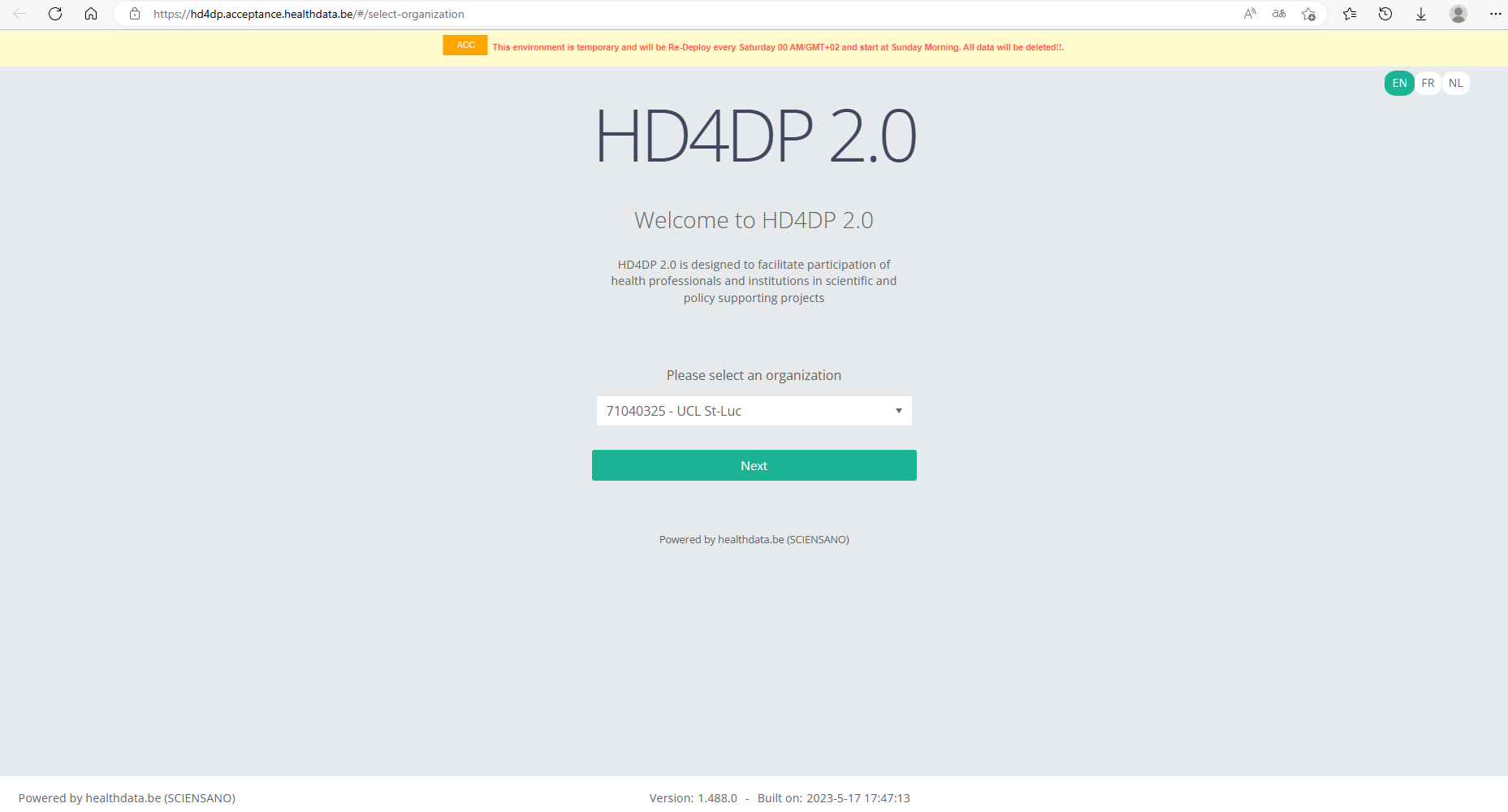
On the homepage you are requested to select your organization from the drop-down list in order to proceed.
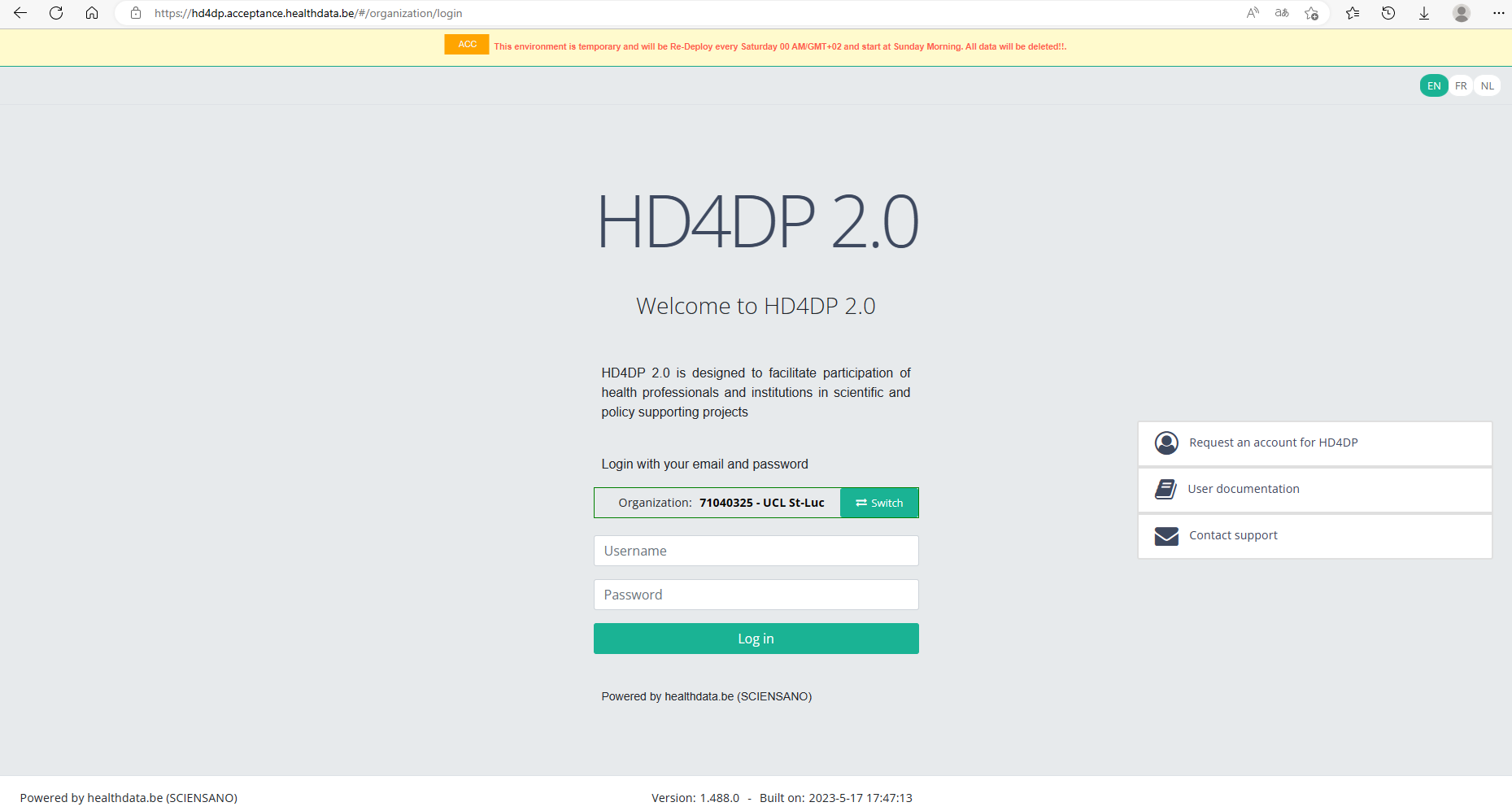
Log in with the credentials you have received upon request. The username is test@sciensano.be for all users.
Once logged in, the layout looks very familiar: to the left you will find the navigation panel with all running projects . Note that the list of projects featuring in our Online Acceptance Environment is not filtered out for the organization you have selected.

The data transfer methods
As mentioned above, the Online Acceptance Environment enables the testing of the uploads for the following three types of data transfer. They are described below according to the timeline of developement:
Manual input in the study form
This data transfer method is the form entry, carried out manually. For this you can use a common browser such as Google Chrome. This method can also be used to validate data sent via S2S API or CSV Upload.
Data transfer via an SFTP client
The csv upload is the second type of data transfer. The data are transferred to an SFTP server and subsequently picked up by the healthdata.be system. This transfer method requires the use of an SFTP client, such as WinSCP (freely available).
The Login window will look as follows:

Herein, you enter Host name (sftp.acceptance.healthdata.be) and Port number (2220).
Credentials for the SFTP folder are shared together with the Front-end and API credentials as described in the section “Navigate to and access the Online Acceptance Environment”.
When logging in to WinSCP, you will need to navigate to the correct csv folder : csv/<project>/<dcd>. Here you need to drag and drop the csv you want to upload from the left panel to the right panel. The CSV file will now be picked up by the polling system of the CSV Uploader, which checks for new CSV files every minute.
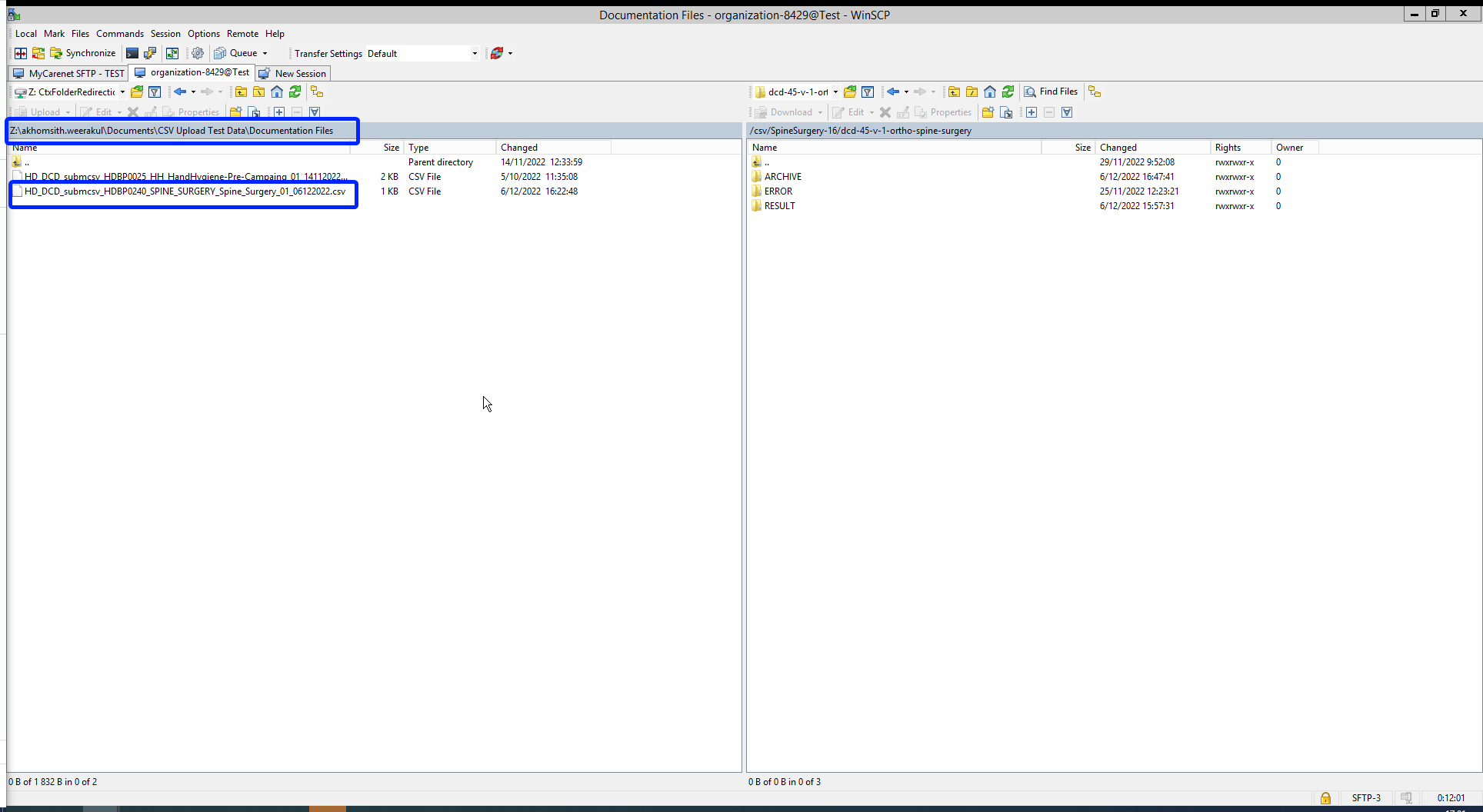
The folders Archive and Result will only be created after the first CSV file has been uploaded for testing.
The Result folder shows a log file containing CSV Upload reports. The status Error Count shows technical errors such as incorrect name, code …
CSV files that were uploaded in Architecure 1 can be reused in Architecture 2. Prerequisite for this is the addition of necessary fields that are typical for Architecture 2, e.g.:
- Author Group (TX_AUTHOR_GR) with the value "Test group"
- Author (TX_AUTHOR) with the value "test@sciensano.be"
- Coauthor (TX_COAUTHOR) with the value "test@sciensano.be"
To further facilitate the process of reusing CSV files a mapping table with old and new CSV names is provided.
Next to adding fields, you can also leave out fields, which is indicated in the log file reports as a warning.
Once again the download process can be checked in the study forms on the front-end interface. You want to refresh the window to update to the newest status.
Data transfer via an API platform
The data are extracted directly from the EPD systems and sent to HD4DP v2.0 local using S2S API before they are sent to healthdata.be. This third data transfer method requires the use of an API development platform, such as Postman (freely available).
The endpoint (URL) to send your payload to for testing is
https://hd4dp.acceptance.healthdata.be/proxy/api/dcd/payload/submit
This endpoint needs to be completed with some parameters, such as the ID of an organization, the ID of a dcd, the version number:
https://hd4dp.acceptance.healthdata.be/proxy/api/dcd/payload/submit?organization-id=6&dcd-id=18&Version=1
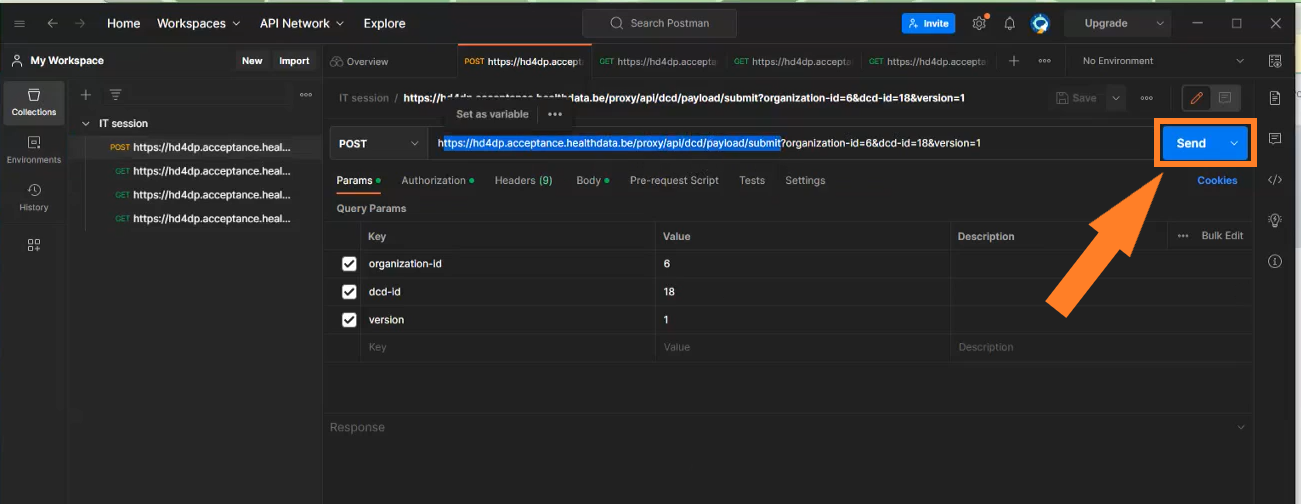
Click on the Send button to post the payload. A succesful submission is indicated with the status message “202 Accepted”. This can also be checked visually in the front end of the Online Acceptance Environment.
The field Data source in the top selection bar indicates whether the data were transferred via S2S API, CSV Upload or manually with HD4DP.

In the production environment, records that are sent via the API platform, go directly to the healthdata.be infrastructure. These records will receive the status “Submitted” in the Progress field.
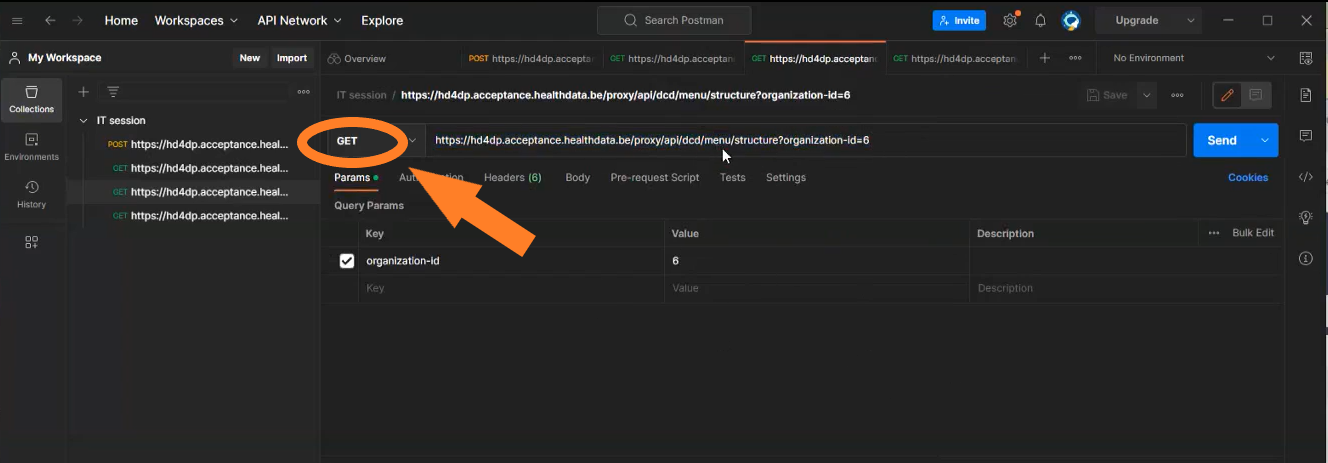
Next to posting payloads (POST) you can also retrieve information (GET). Examples of such "calls":
- The call https://hd4dp.acceptance.healthdata.be/proxy/api/organization (see below) will return an organization id:

- The call https://hd4dp.acceptance.healthdata.be/proxy/api/dcd/menu/structure?organization-id=6 (see below) will return the menu structure with all projects your organization is registered for.
Go here for a description of the API data transfer method. For additional detailed information about the codes and the formats used for the Author group, NISS code, status, Postal Code, "Date" - "Date:Time", repeatable fields and multiple choice fields please go here.