 docs.healthdata.be
Last updated: 2025-12-02 14:26
On this page we describe how the CSV files export functionality works in the Self-Service Portal application. This is currently only available for BCFR but in the future this will be available for other registrations.
The functionality to export data from HD4DP2 requires the assignment of a CSV Upload Manager. The assignment of a CSV Upload Manager is described here.
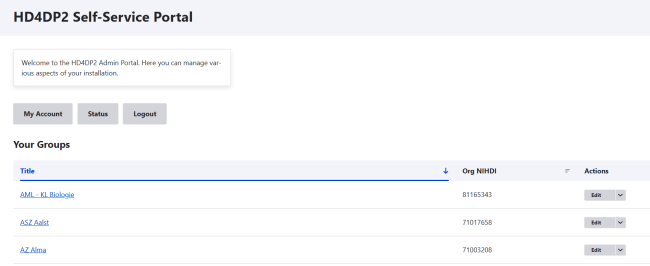
Select your organization
Subsequently, select the Registry (Project), the DCD and its Version of the data you want to export.
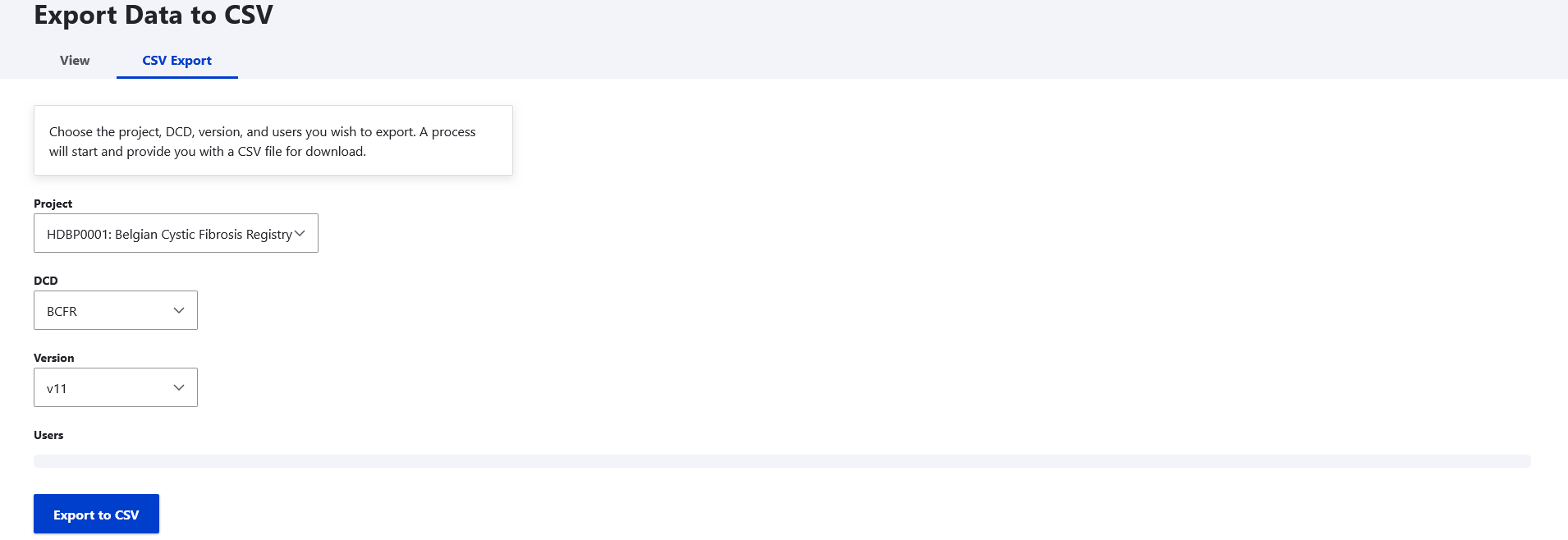
Click on 'Export to CSV'.