Een EAM account inschakelen
Een EAM account inschakelenEnabling an EAM account
Click on Manage on the top left of the screen in order to reveal the EAM menu. Select EAM Accounts.

Scroll down the displayed list of accounts and tick the selection box of the account(s) you want to enable. Go to the bottom of the page and click on the Action toggle button to select Enable Account.

To complete the action, you need to click on the Execute action button.
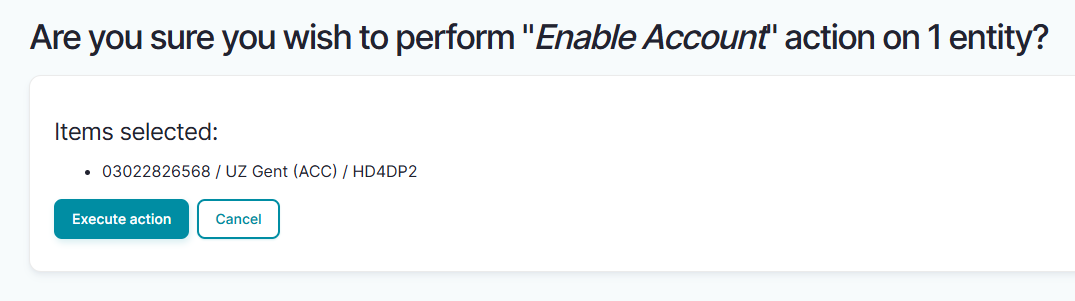
This action triggers an email being submitted to the Authenticated User with new credentials. All previously approved accesses will be restored.