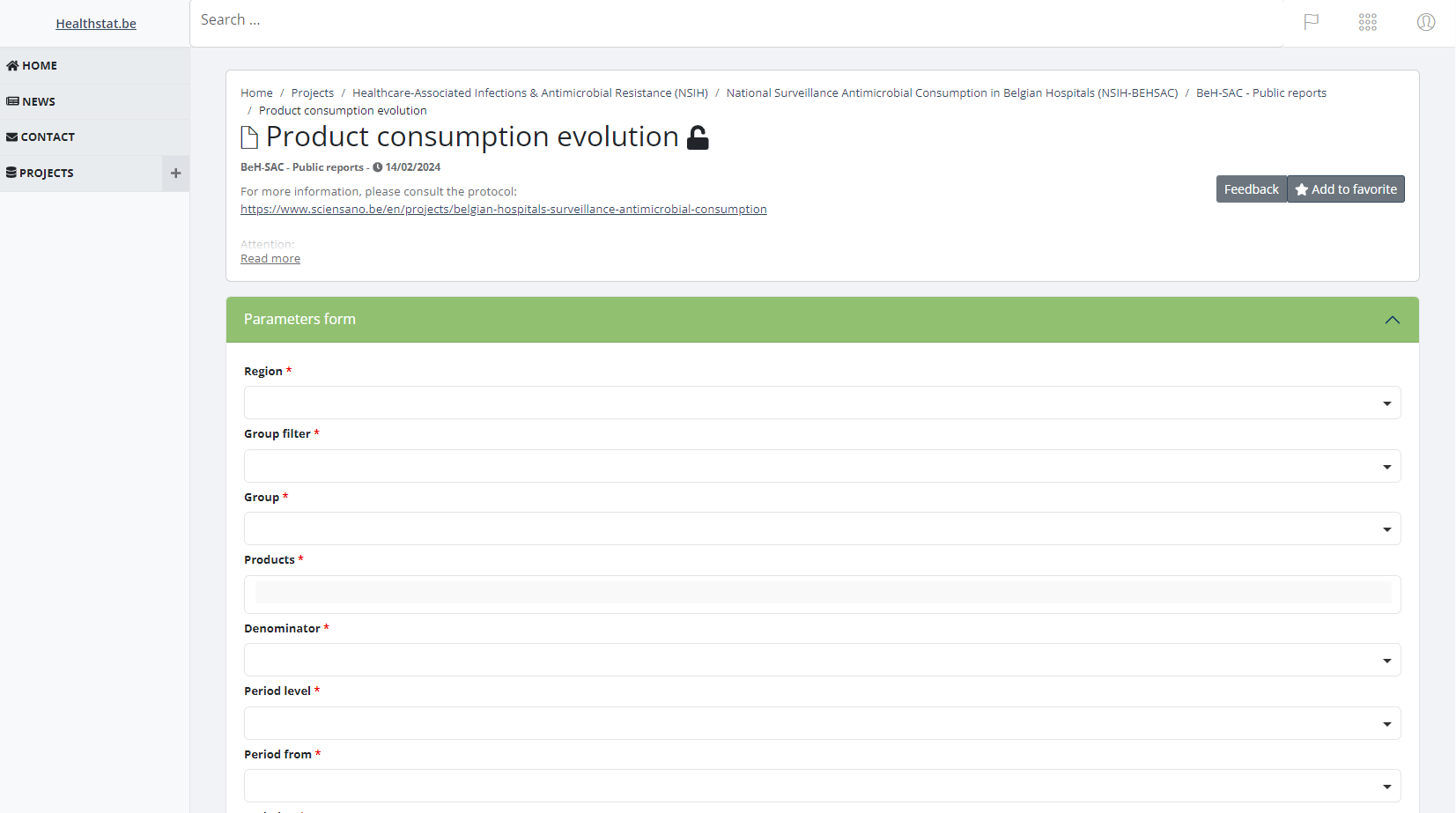
Access to Healthstat
Access to HealthstatGeneral login condition
The below described procedure to log in with eID or Itsme is reserved for Belgian nationals and foreigners with a residence title for Belgium. Latter users need to ensure that they have a NISS number available, because it is essential to set-up the Itsme application succesfully.
Login procedure
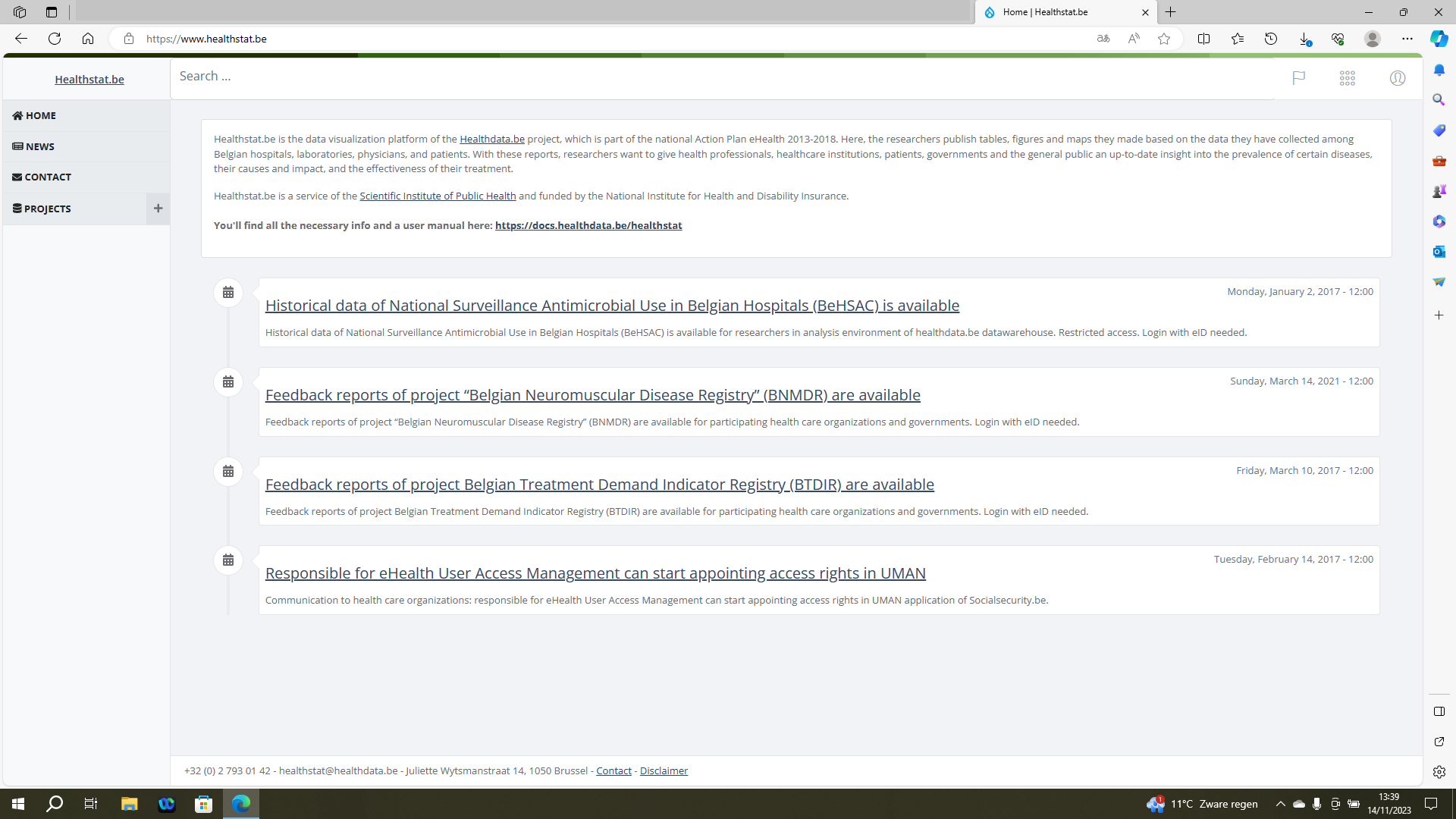
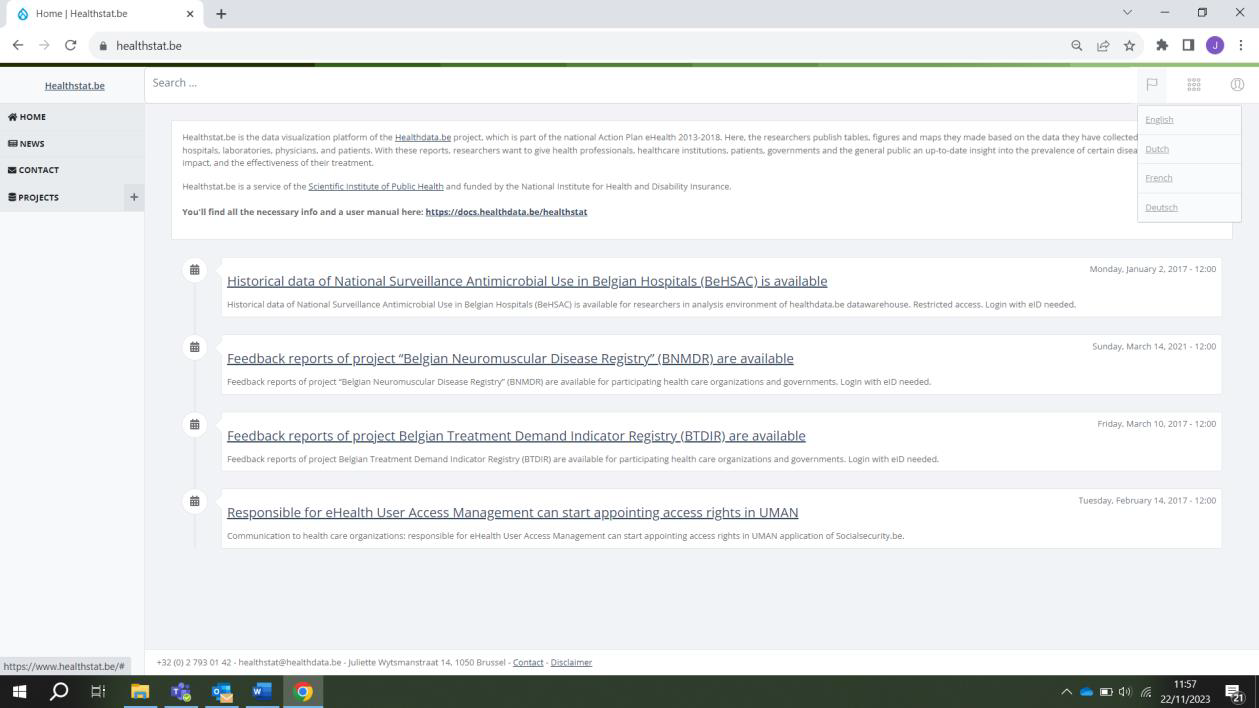
To access the healthstat.be portal, you need to navigate to https://www.healthstat.be. The landing page of the application is displayed.
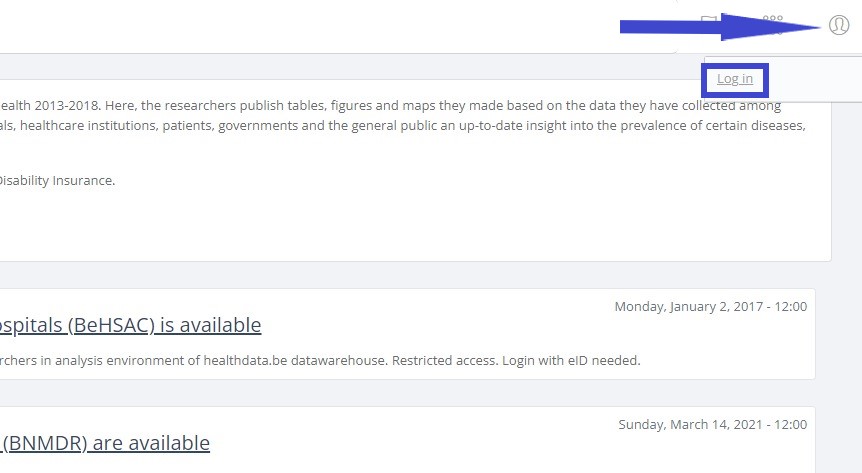
Click on the user symbol at the top right of the screen, next to the flag symbol (Language selection) and the dots symbol (Support functions). Then click on Log in the pop-up text field.
The Sign in to your account screen appears.
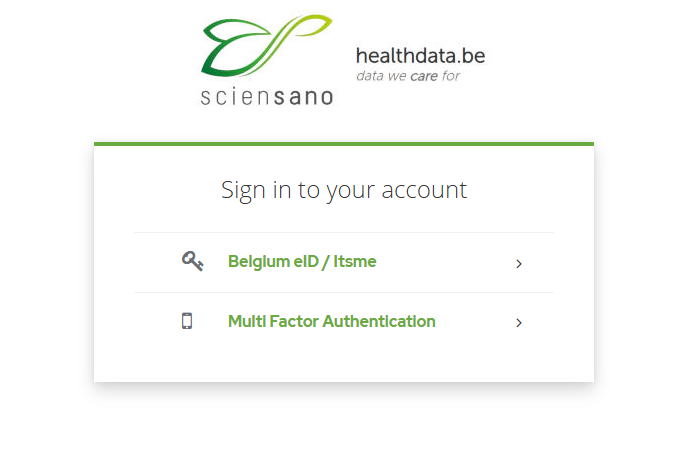
Select the Belgium eID / Itsme option to continue the login procedure for healthstat.be.
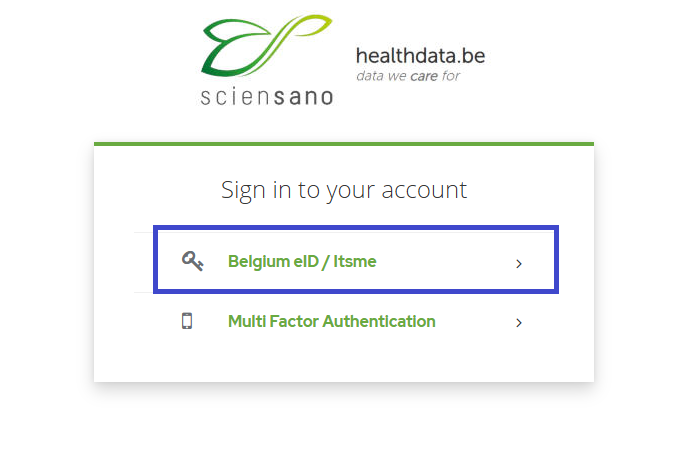
You will be redirected to the government's Federal Authentication Service (FAS), where you can log in with multiple digital keys with eID or digital identity.

If you choose to connect via itsme, you will need to enter your cell phone number.
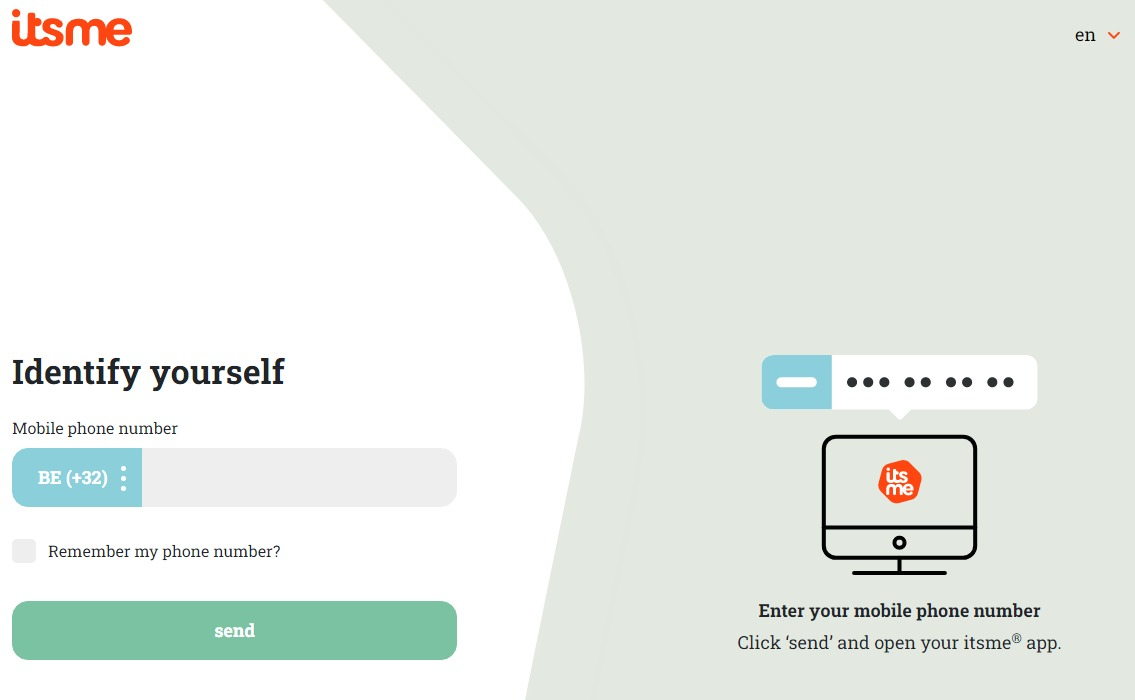
Follow the instructions on your mobile device via the itsme application.

Once you have completed the login procedure you will be redirected to the landing page of healthstat.be.
Select PROJECTS in the left navigation menu in order to display the data collections which you have access to. Select the data collection of your choice (blue arrow).
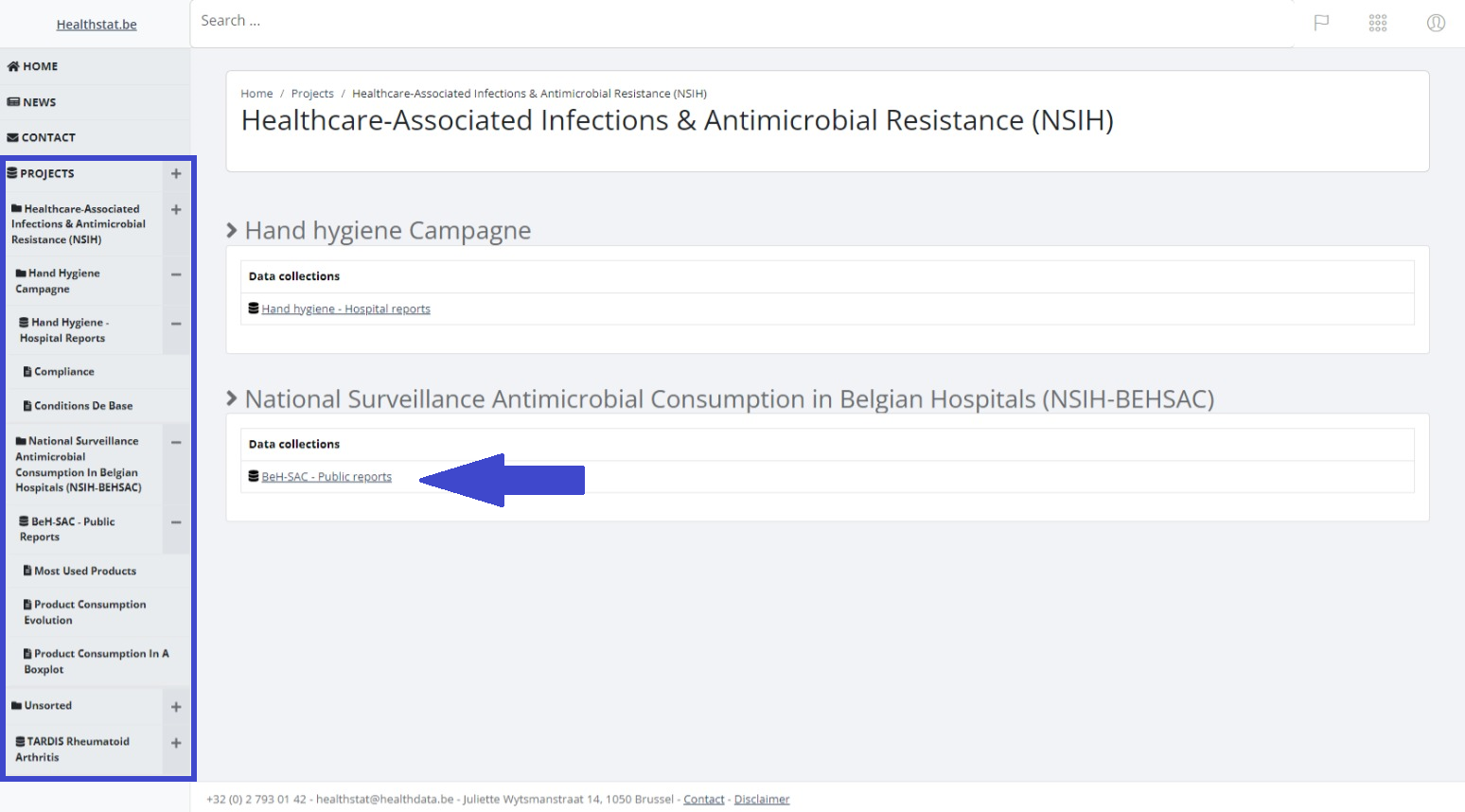
The relevant data collection is displayed. Select a report under Report title.
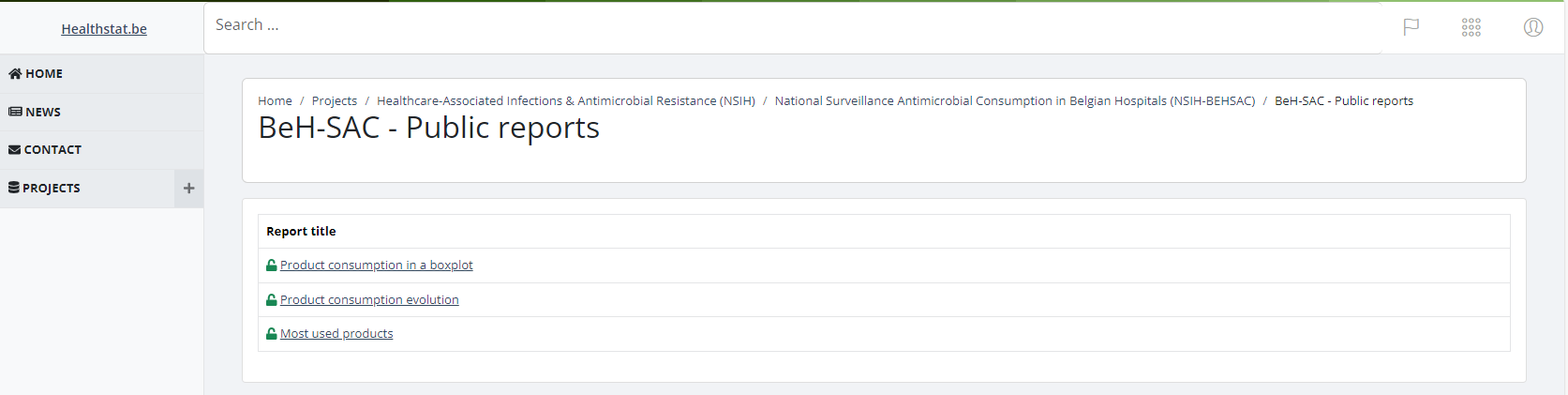
In order to consult the report and to select report criteria, you need to repeat the authentication procedure.