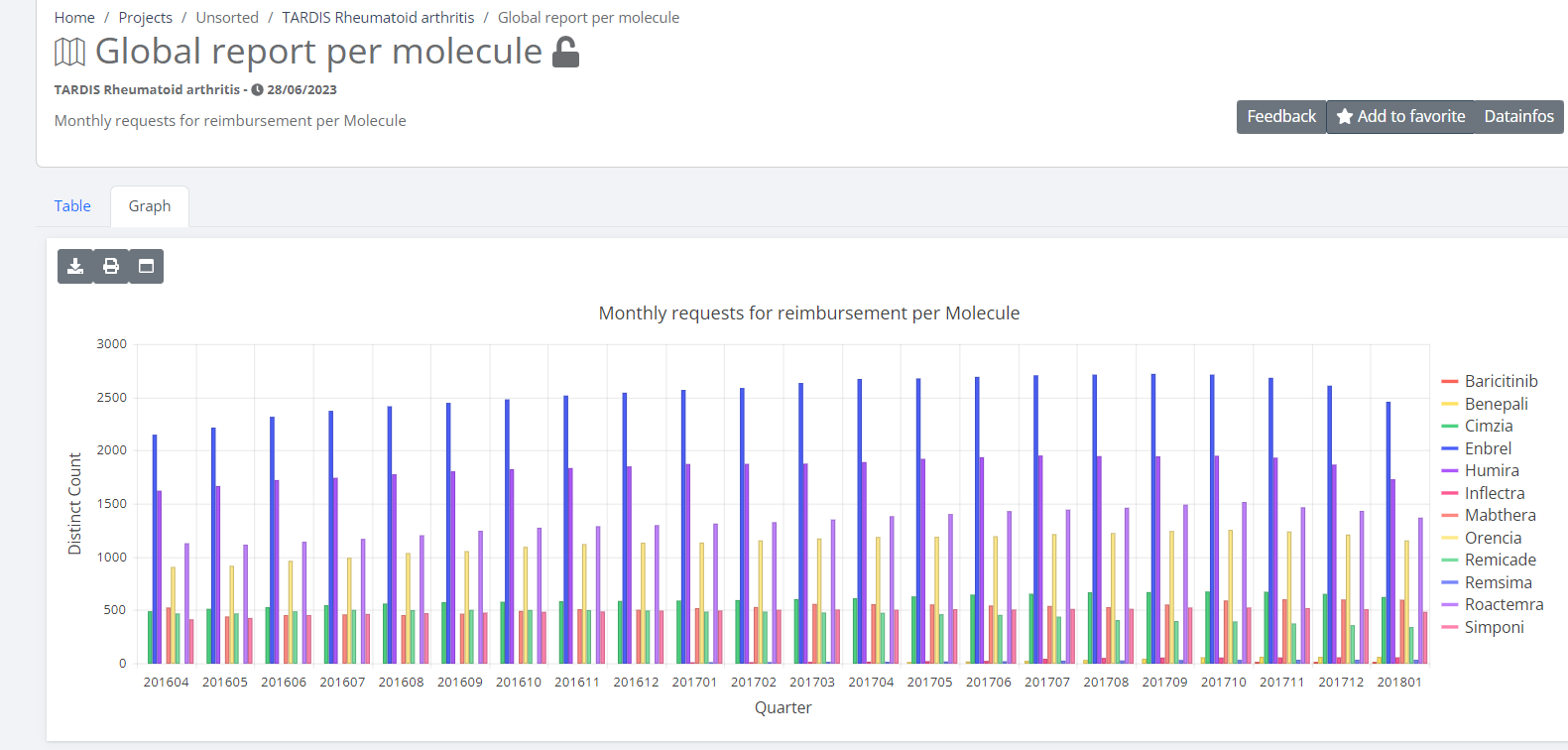
Healthstat
HealthstatThe healthstat.be application of healthdata.be is a data reporting platform based on SAS Visual Analytics and integrated in the Drupal CMS (Content Management System). With the healthstat.be application , researchers of data driven projects facilitated by healthdata.be, can publish tables, figures and maps they made based on the data they have collected among Belgian hospitals, laboratories, physicians, and patients. With these reports, researchers want to give health professionals, healthcare institutions, patients, governments and the general public an up-to-date insight into the prevalence of certain diseases, their causes and impact, and the effectiveness of their treatment
Request access to Healthstat for a specific register
Request access to Healthstat for a specific registerHealthdata.be applications such as HD4DP v2 and healthstat.be process sensitive personal information. Therefore, strictly controlled processes are used to grant access to these applications. The Entity Access Management (EAM) portal of healthdata.be facilitates these processes.
Make sure to use the current version of the EAM system. The relevant user documentation can be found here.
User roles within Healthstat
User roles within HealthstatEach healthcare organization has at least one Access Manager who is managing the access rights to the applications of the own organization and is doing so in the HD Entity Access Management (EAM) system. In this process, access requests by healthcare organization employees are analyzed and validated if legitimized. The scope of the accesses granted to healtstat.be may differ, which is reflected in various combinations of user roles and data levels.
Two user roles can be distinguished: Data Provider, which is a user linked to an existing organization, and Sponsor, being the sponsor/coordinator of the data collection. Both are allowed to view reports based on data level. There are two data levels that determine the scope of visibility of the reports: Hospital, i.e. consulted reports contain all data registered by hospital staff, Individual, i.e. consulted reports contain only data that have been registered by that very user.
Data Provider / Hospital:
The Data Provider / Hospital profile can:
- consult reports of a specific data collection that contain data from the concerned hospital
Data Provider / Individual:
The Data Provider / Individual profile can:
- consult reports of a specific data collection that only contain data that have been personally registered
Sponsor / Sponsor:
The Sponsor / Sponsor profile can:
- consult all reports that contain data collected at hospital level
Sponsor / Individual:
The Sponsor / Individual profile can:
- consult all reports that only contain data that have been personally registered
Remarks:
- It is up to the Access manager to change roles from or to Data Provider / Hospital, Data Provider / Individual, Sponsor / Sponsor and Sponsor / Individual. These actions are to be performed in the EAM system.
Access to Healthstat
Access to HealthstatGeneral login condition
The below described procedure to log in with eID or Itsme is reserved for Belgian nationals and foreigners with a residence title for Belgium. Latter users need to ensure that they have a NISS number available, because it is essential to set-up the Itsme application succesfully.
Login procedure
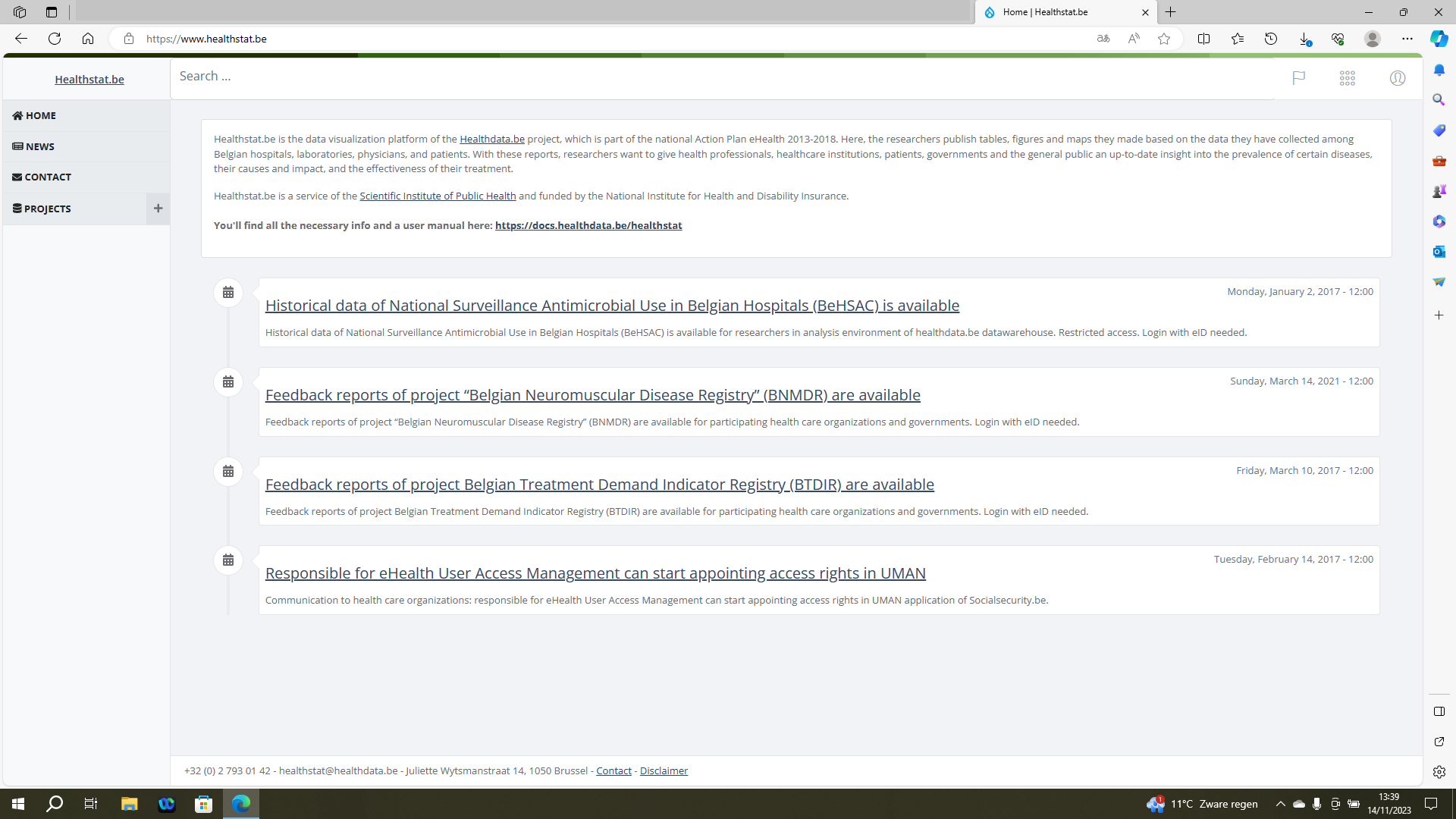
To access the healthstat.be portal, you need to navigate to https://www.healthstat.be. The landing page of the application is displayed.
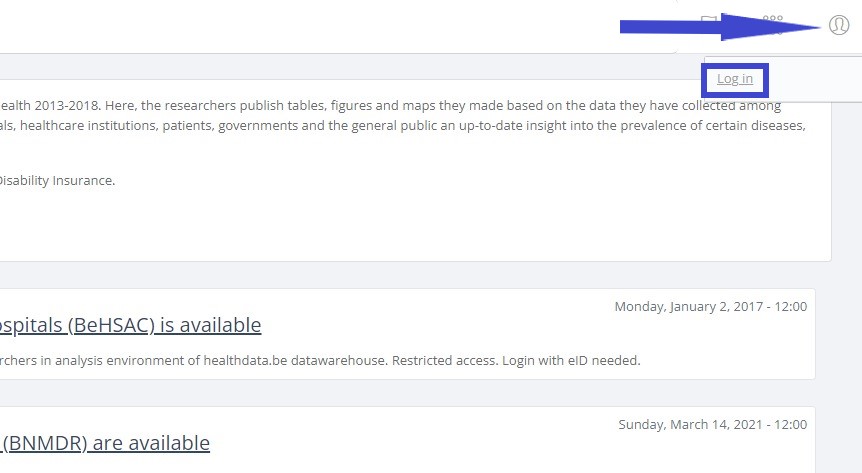
Click on the user symbol at the top right of the screen, next to the flag symbol (Language selection) and the dots symbol (Support functions). Then click on Log in the pop-up text field.
The Sign in to your account screen appears.
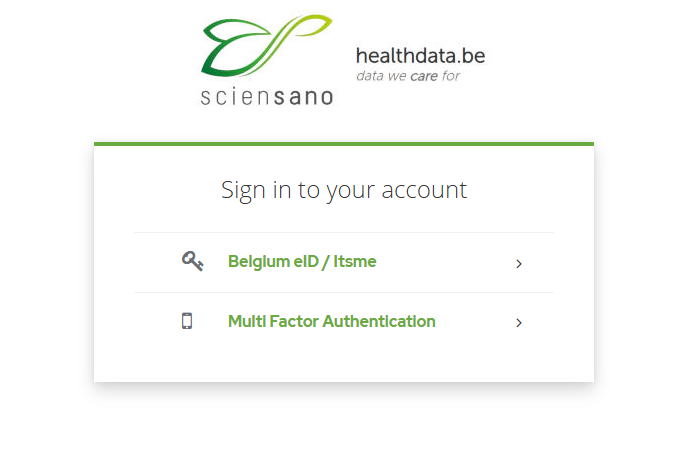
Select the Belgium eID / Itsme option to continue the login procedure for healthstat.be.
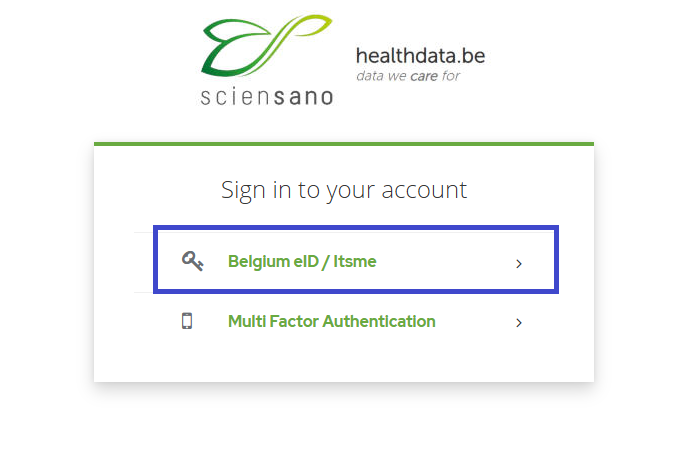
You will be redirected to the government's Federal Authentication Service (FAS), where you can log in with multiple digital keys with eID or digital identity.

If you choose to connect via itsme, you will need to enter your cell phone number.
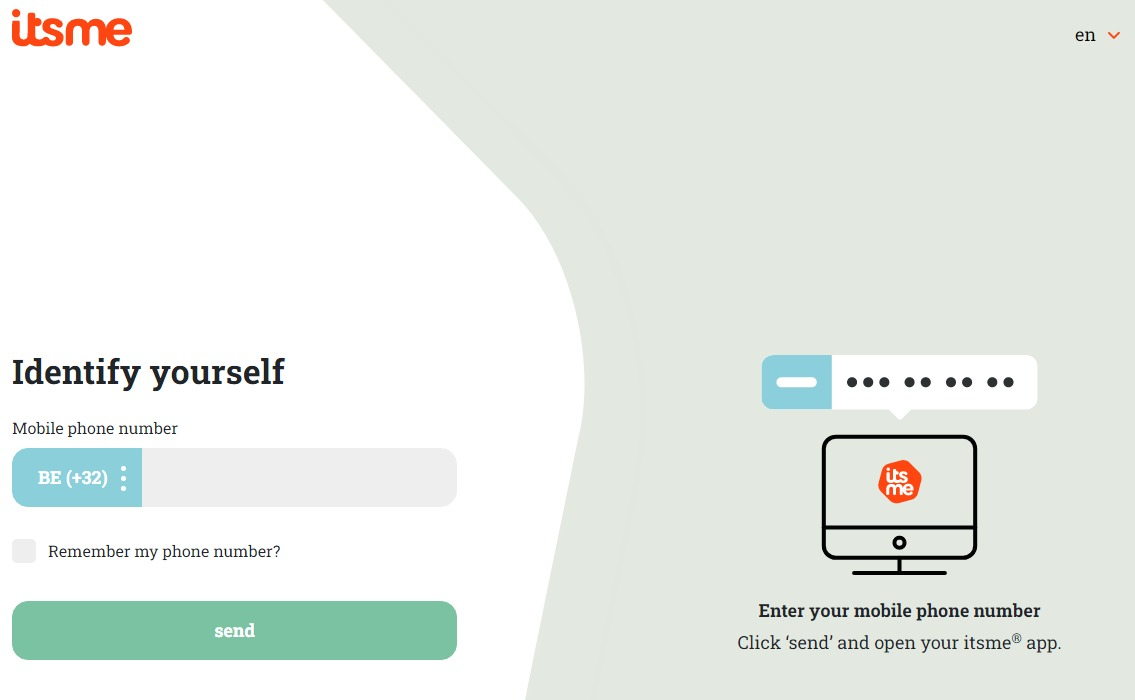
Follow the instructions on your mobile device via the itsme application.

Once you have completed the login procedure you will be redirected to the landing page of healthstat.be.
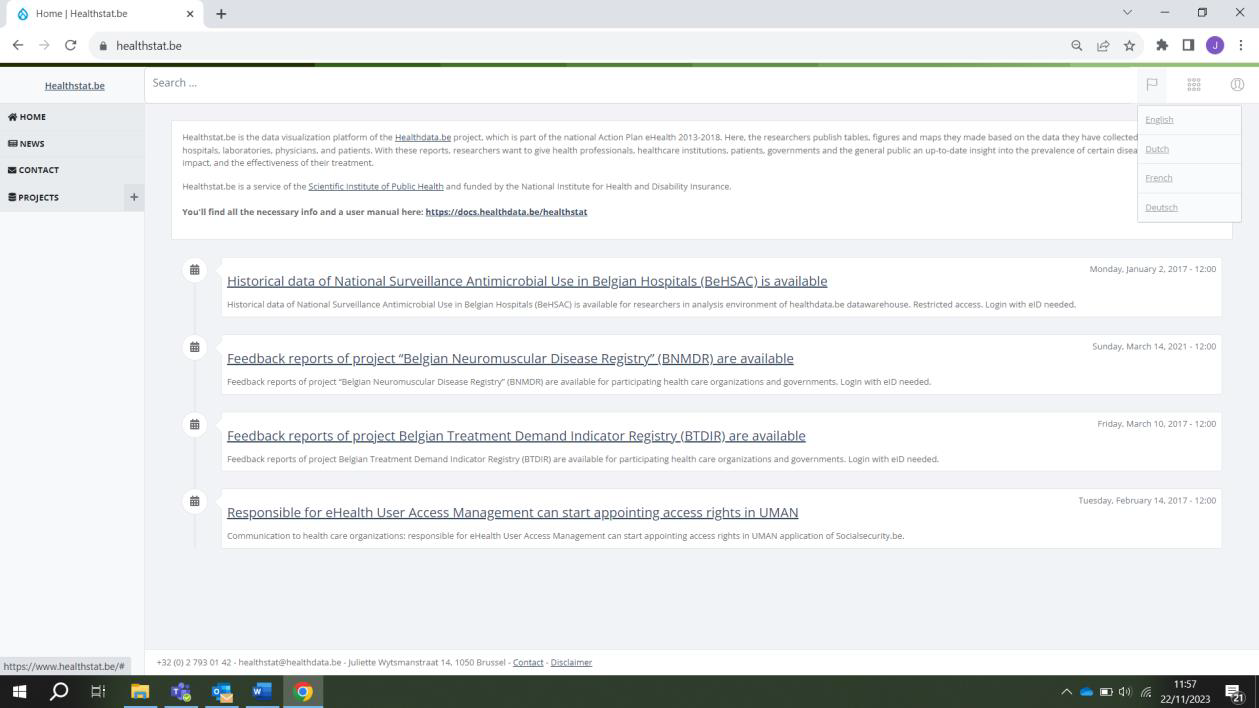
Select PROJECTS in the left navigation menu in order to display the data collections which you have access to. Select the data collection of your choice (blue arrow).
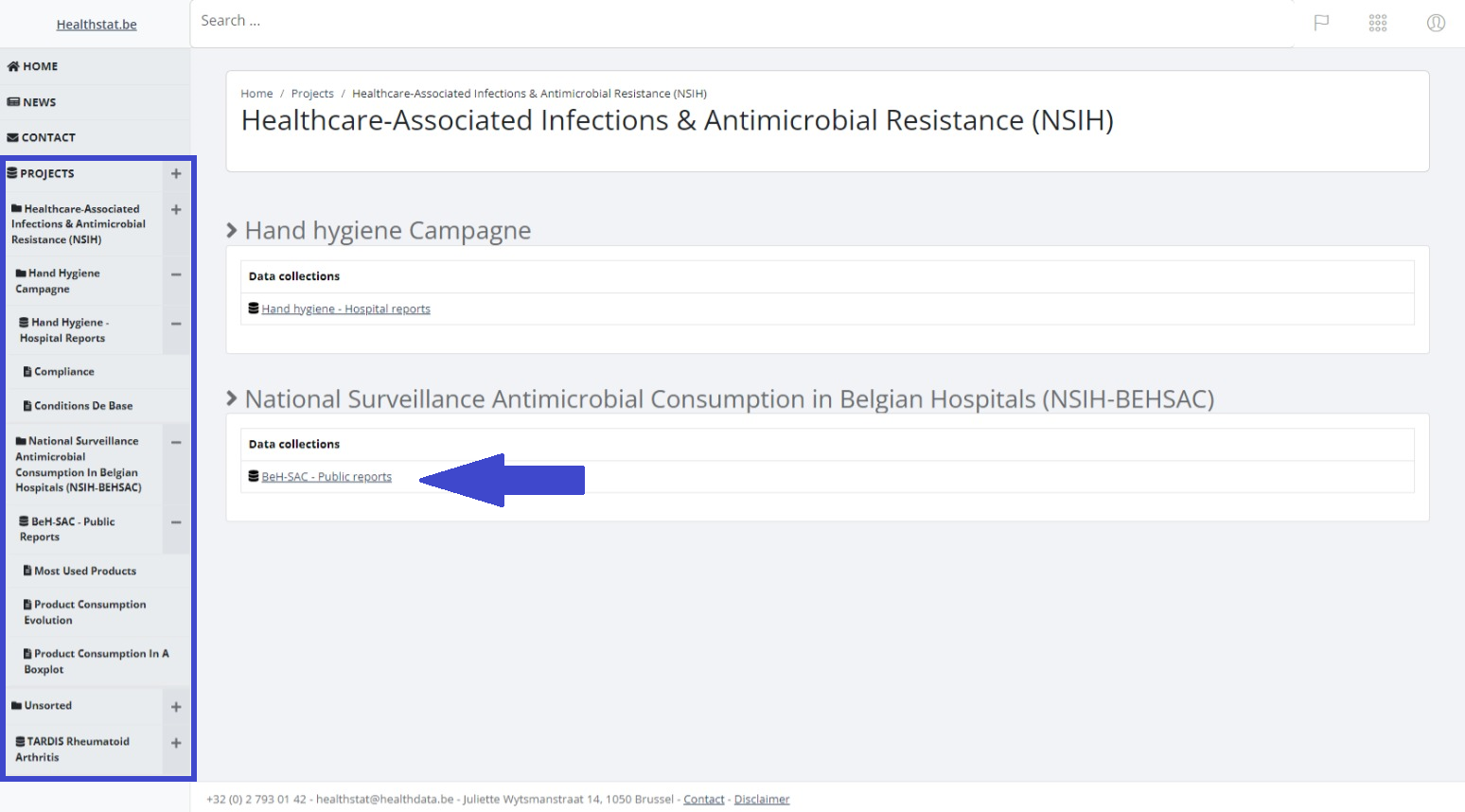
The relevant data collection is displayed. Select a report under Report title.
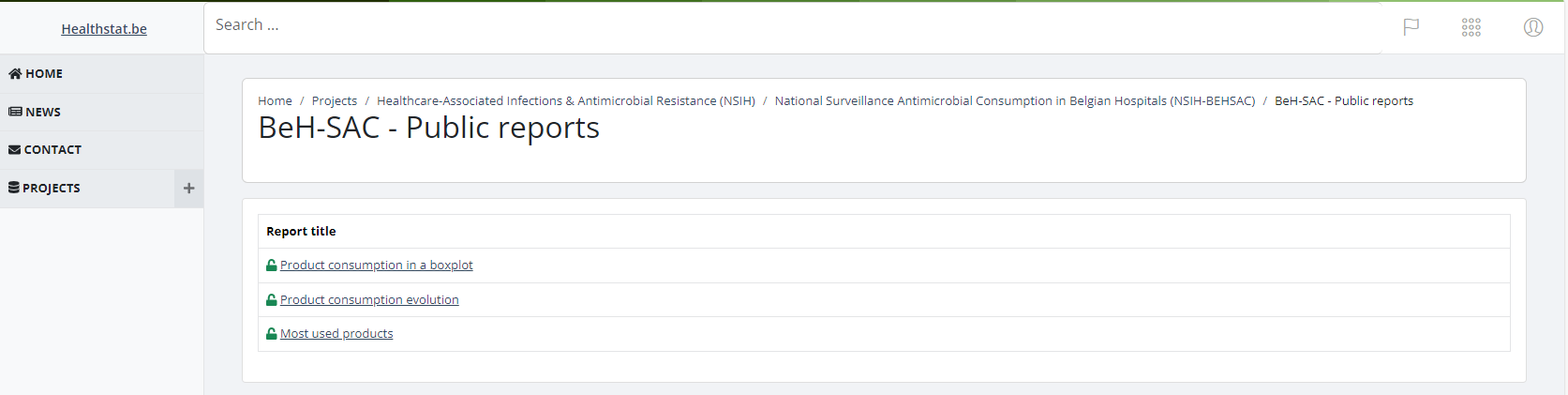
In order to consult the report and to select report criteria, you need to repeat the authentication procedure.
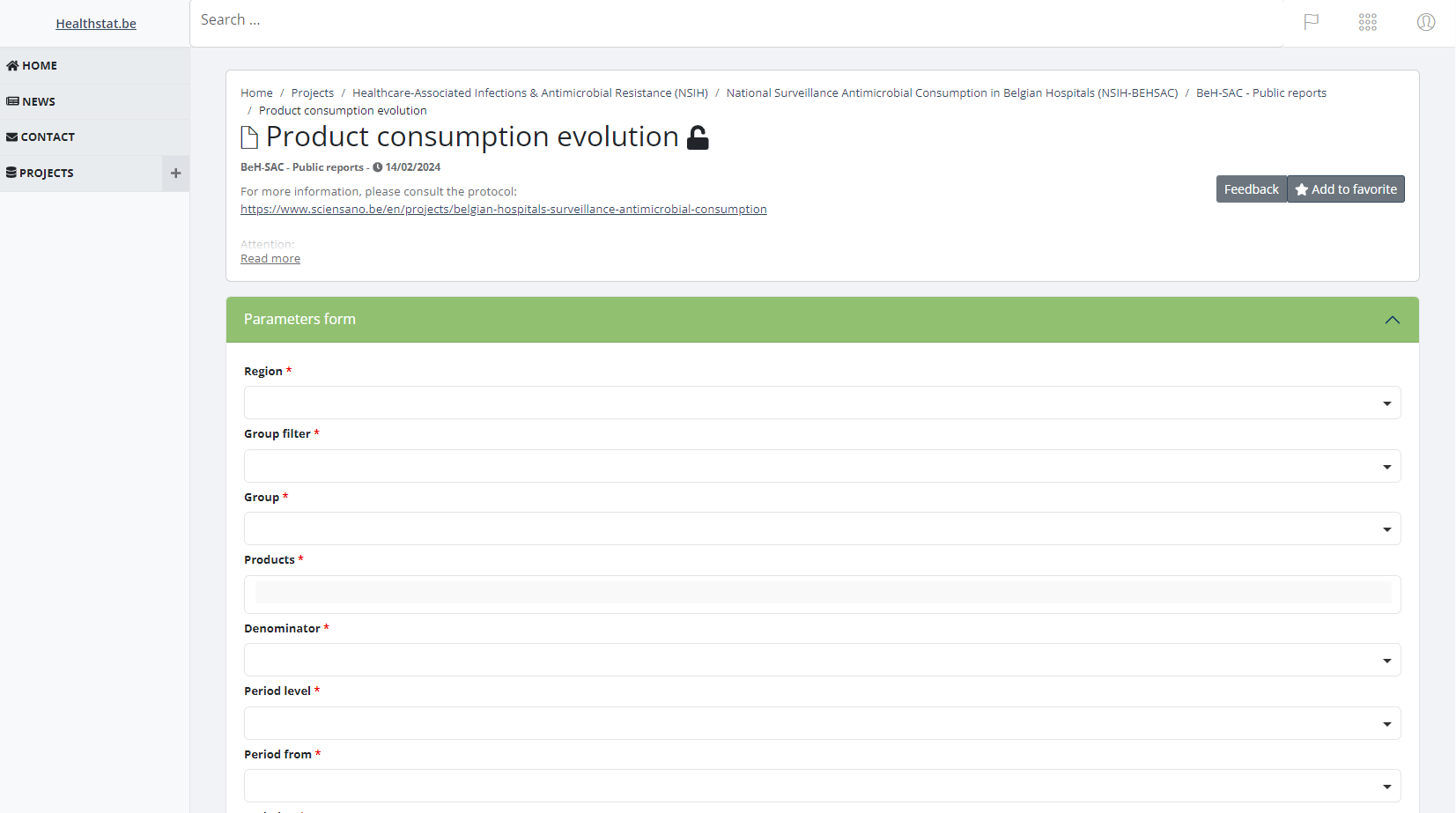
Consulting reports
Consulting reportsOn the left side of the screen you will notice different reports. All different reports (or folders containing reports) are available to be consulted.

The small lock icon indicates that this is a private reports to which only a limited number of people have access to these. After selecting one of the reports, it could be possible that you are presented with a parameters page. This page will allow the report to be generated with the parameters you request.

Please select a value for all the required parameters.
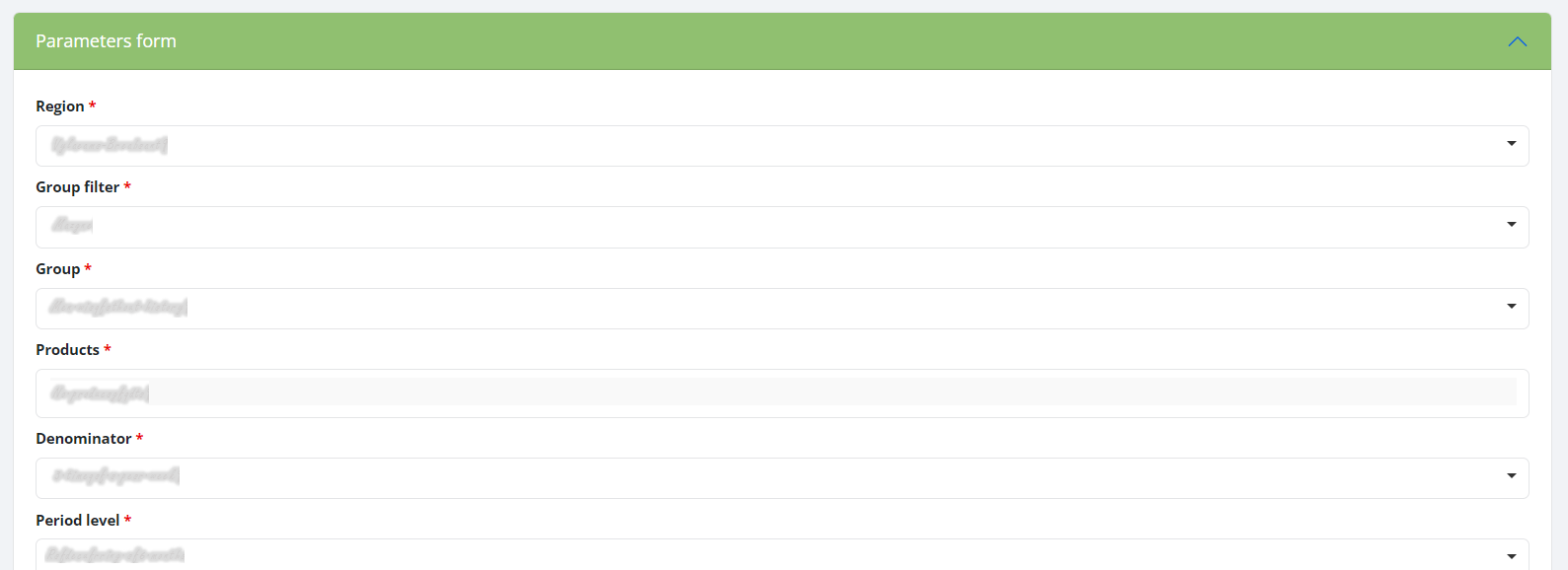
If all the parameters are correctly entered a report will be generated and it's directed to a page containing the output. Depending on the type of report, it could be a graph or a table.